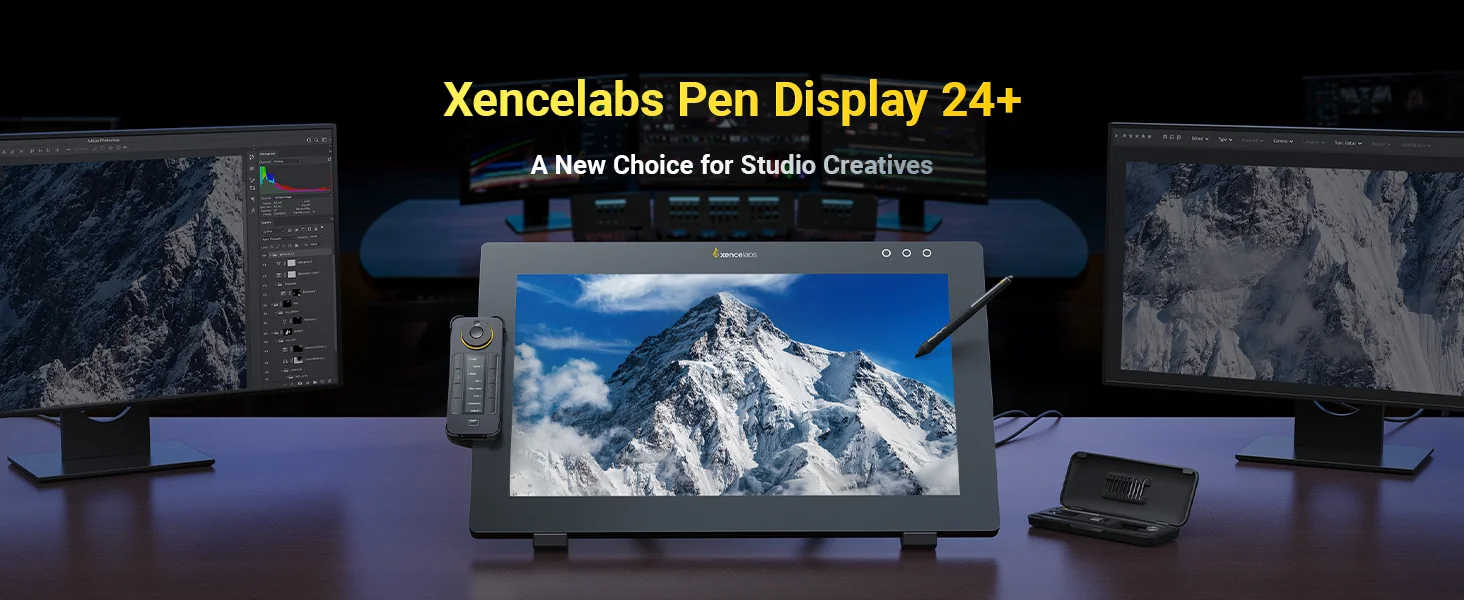


Xencelabs Pen Display 24+

4.9
|Q&A

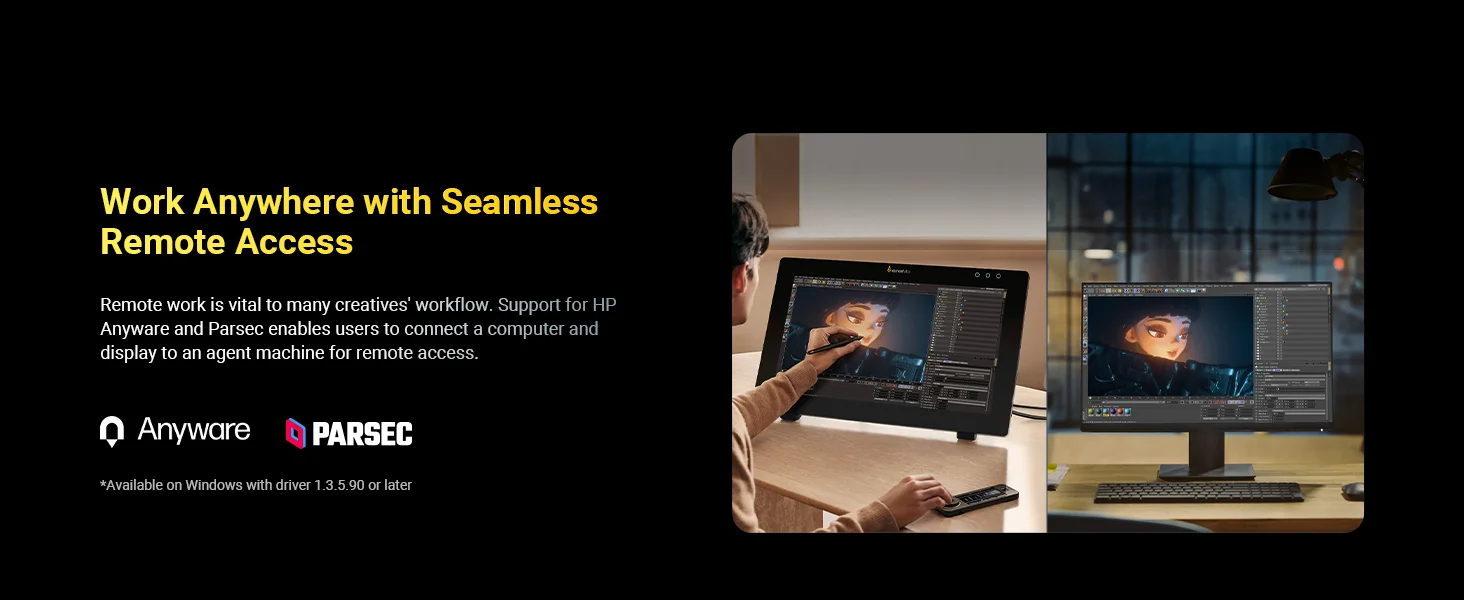
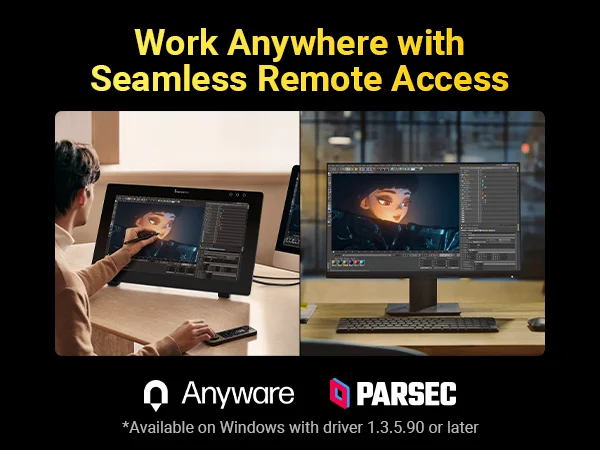
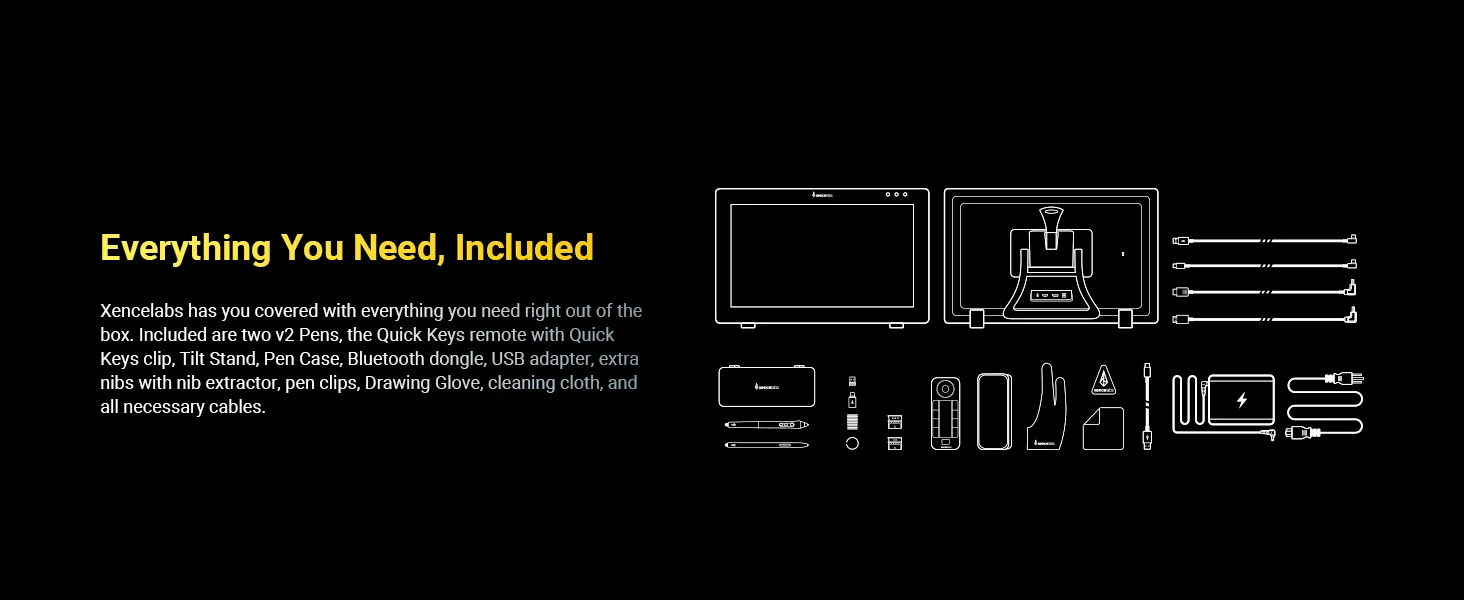
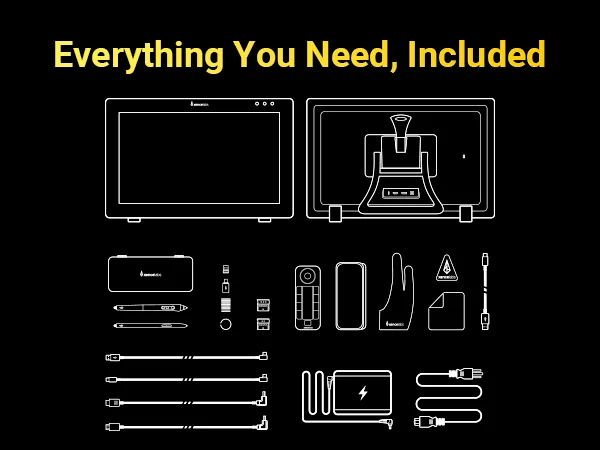
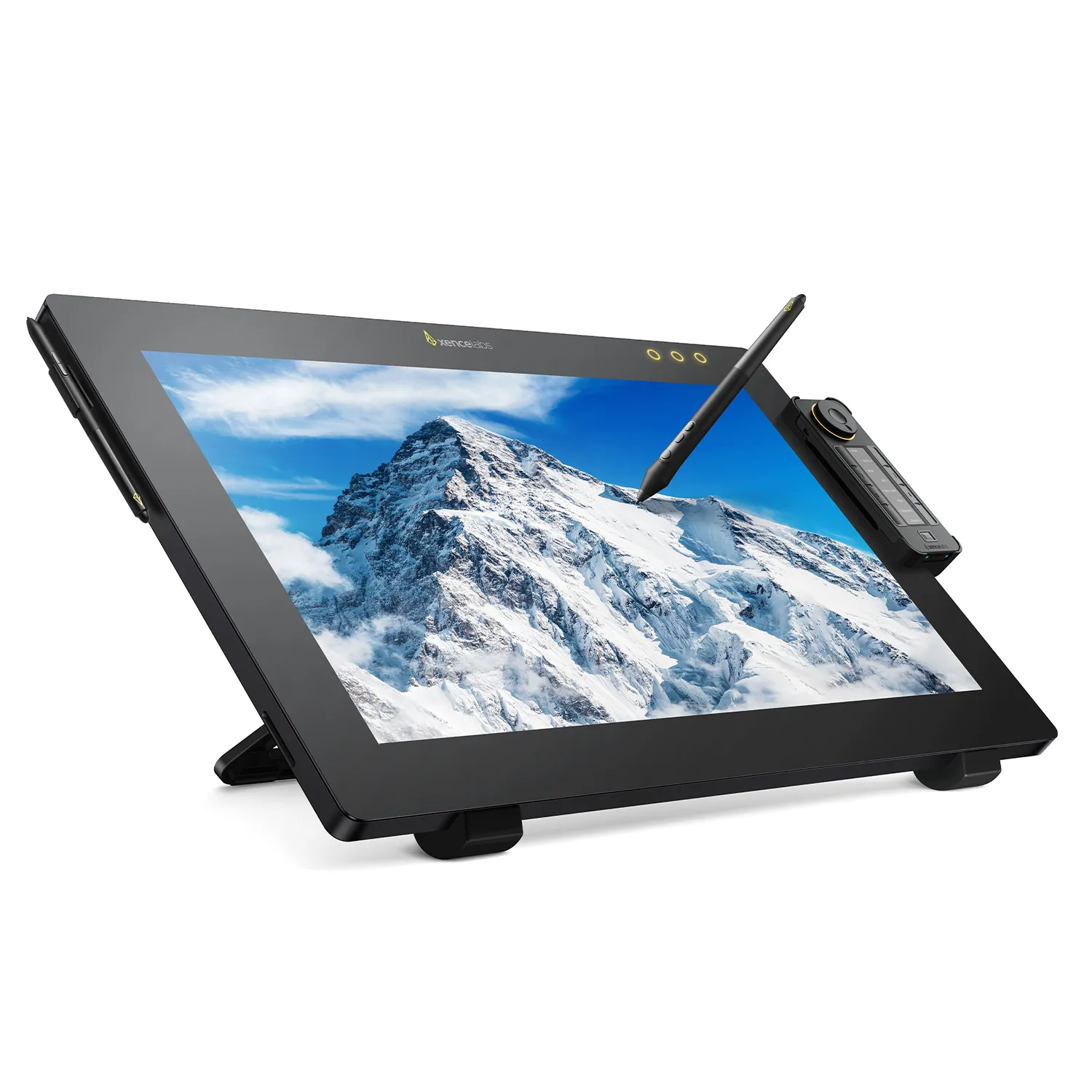
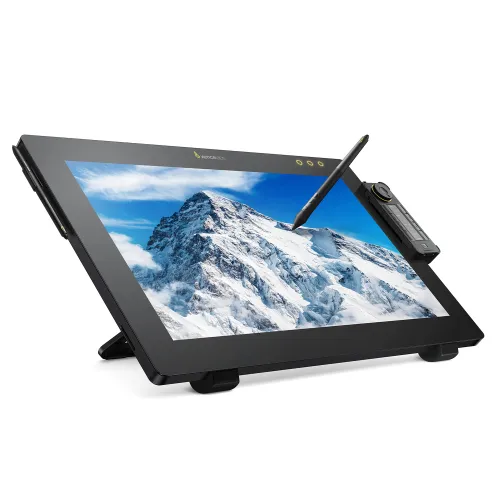
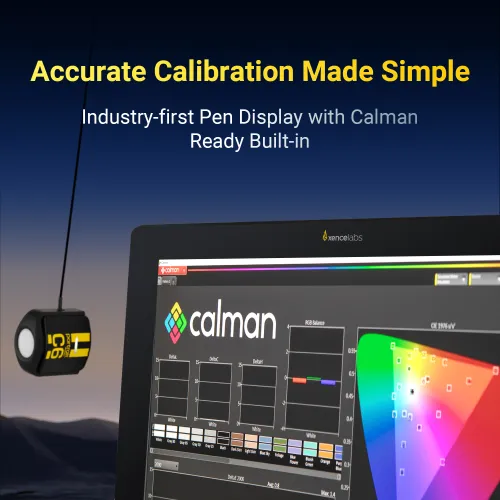
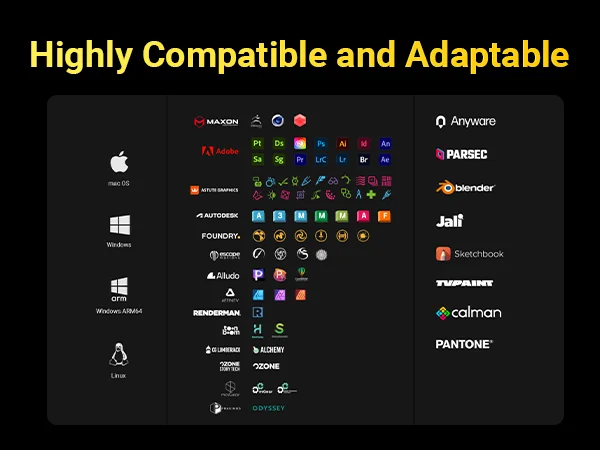
The Xencelabs Pen Display 24+ is the industry’s first pen display with Calman Ready built-in, delivering precise and reliable color accuracy. This professional drawing tablet has a 4K screen, finely tuned pressure curve, and includes all accessories needed for your creative workflow. It also supports HP Anyware® and Parsec, enabling seamless remote access to your workstation, turning any space into your creative studio.

Rp 35,900,000

PENGIRIMAN AMAN

PEMBAYARAN YANG AMAN

DUKUNGAN TEKNOLOGI

GARANSI 18 BULAN

Quantity

Rp 35,900,000
X-CoinsLog in and purchase to receive an estimated 3,590 X-Coins
Payment icon 0Payment icon 1Payment icon 2Payment icon 3Payment icon 4Payment icon 5
Estimate:
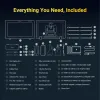
Xencelabs Pen Display 24Xencelabs Pen Display 24
Two Battery-free PensTwo Battery-free Pens
Quick KeysQuick Keys
Tilt Stand IncludedTilt Stand Included
Multi-Axis StandMulti-Axis Stand
lefts
rightx


Two Battery-free PensTwo Battery-free Pens
Quick KeysQuick Keys
Tilt Stand IncludedTilt Stand Included
Multi-Axis StandMulti-Axis Stand
lefts
rightx


Two Battery-free PensTwo Battery-free Pens
Quick KeysQuick Keys
Tilt Stand IncludedTilt Stand Included
Multi-Axis StandMulti-Axis Stand
lefts
rightx


Two Battery-free PensTwo Battery-free Pens
Quick KeysQuick Keys
Tilt Stand IncludedTilt Stand Included
Multi-Axis StandMulti-Axis Stand
lefts
rightx


Xencelabs Pen Display 24Xencelabs Pen Display 24

The Xencelabs Pen Display 24+ is a 24-inch 4K drawing screen built for professional creatives, featuring built-in Calman Ready calibration for precise color and HP Anyware® & Parsec support for seamless remote workflows.

Key Benefits:

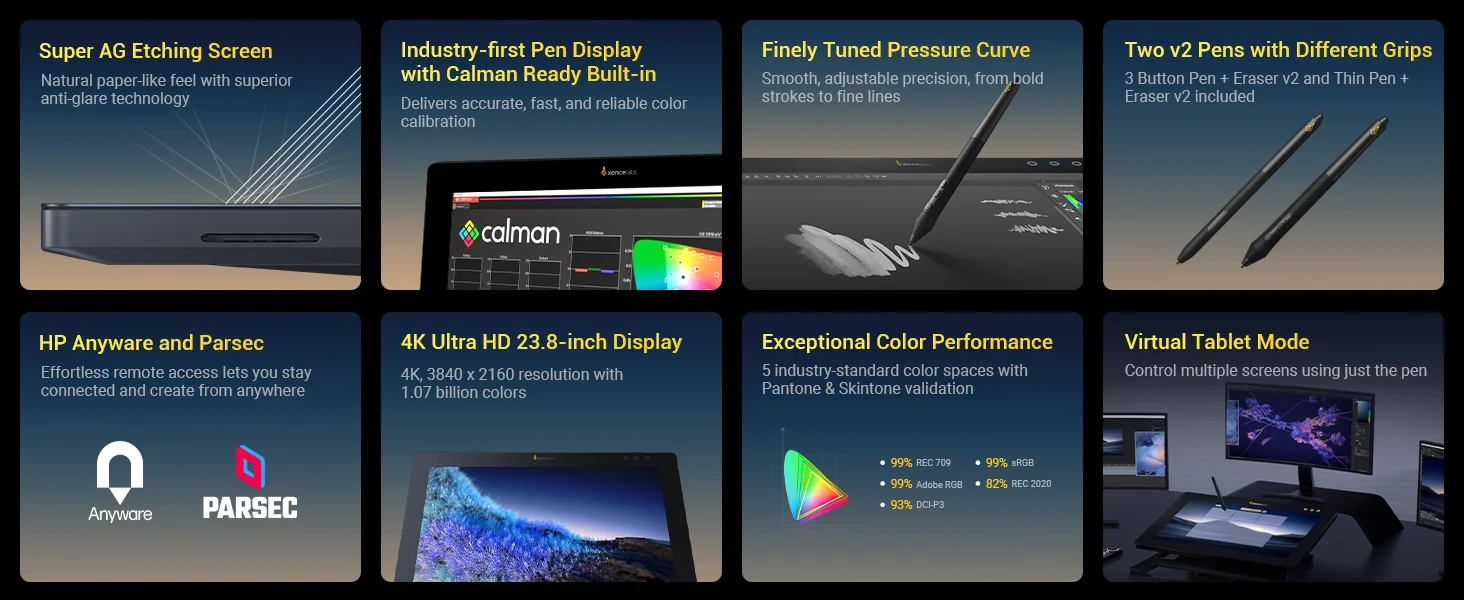
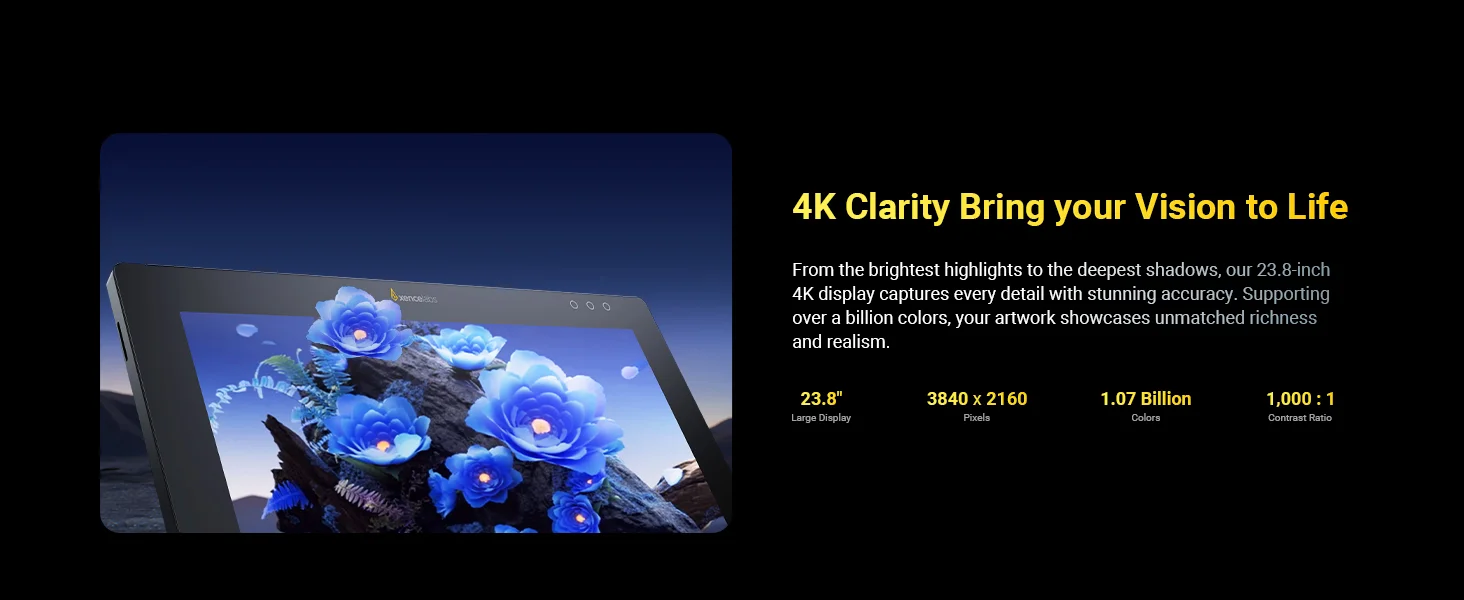
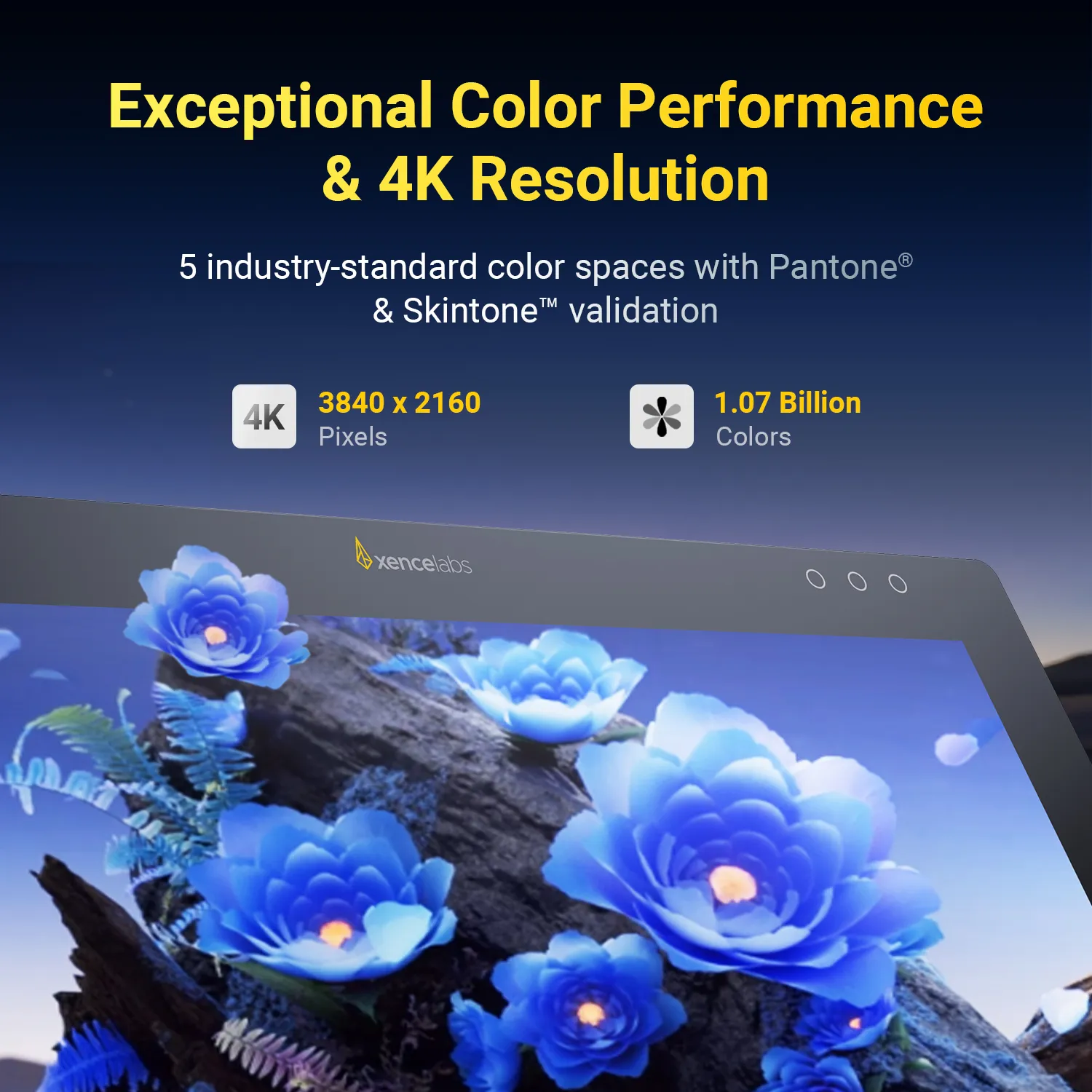
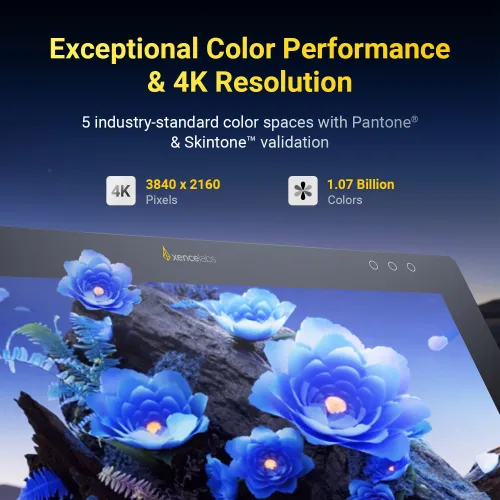
  1. 4K Ultra HD Display: From the brightest highlights to the deepest shadows, the 24-inch 4K screen captures every detail with stunning accuracy. Supporting over a billion colors, your artwork showcases rich and realistic visuals.

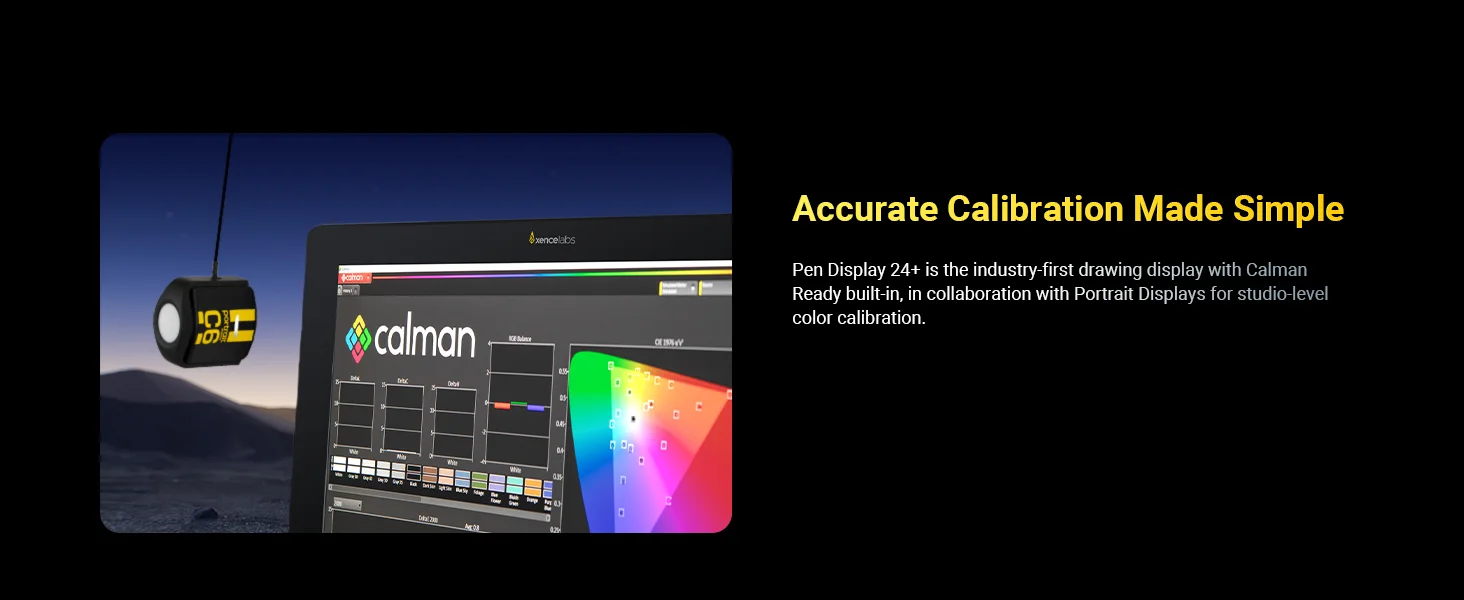
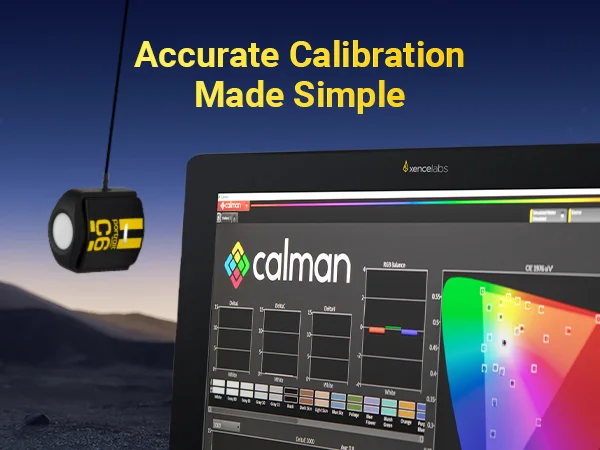
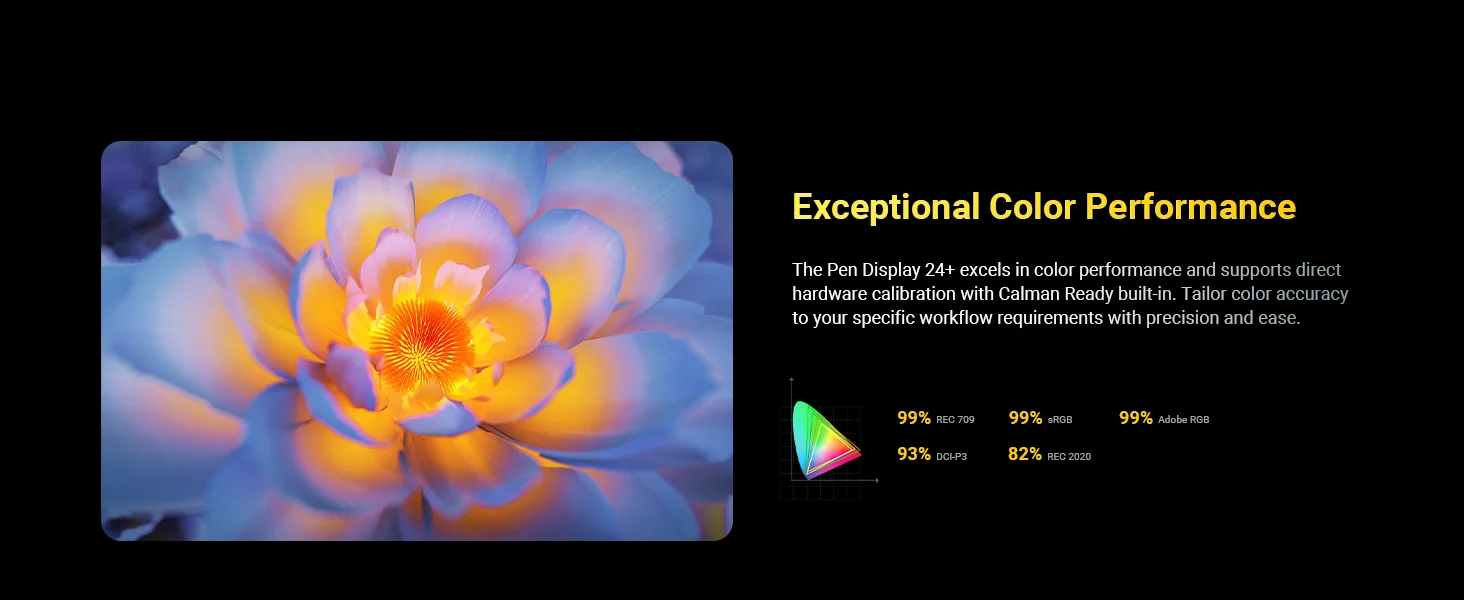
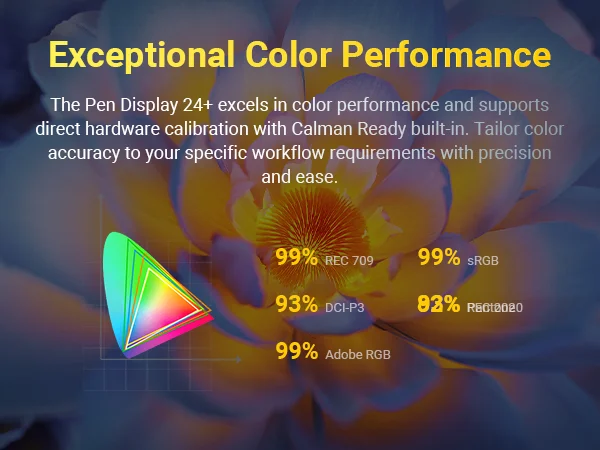
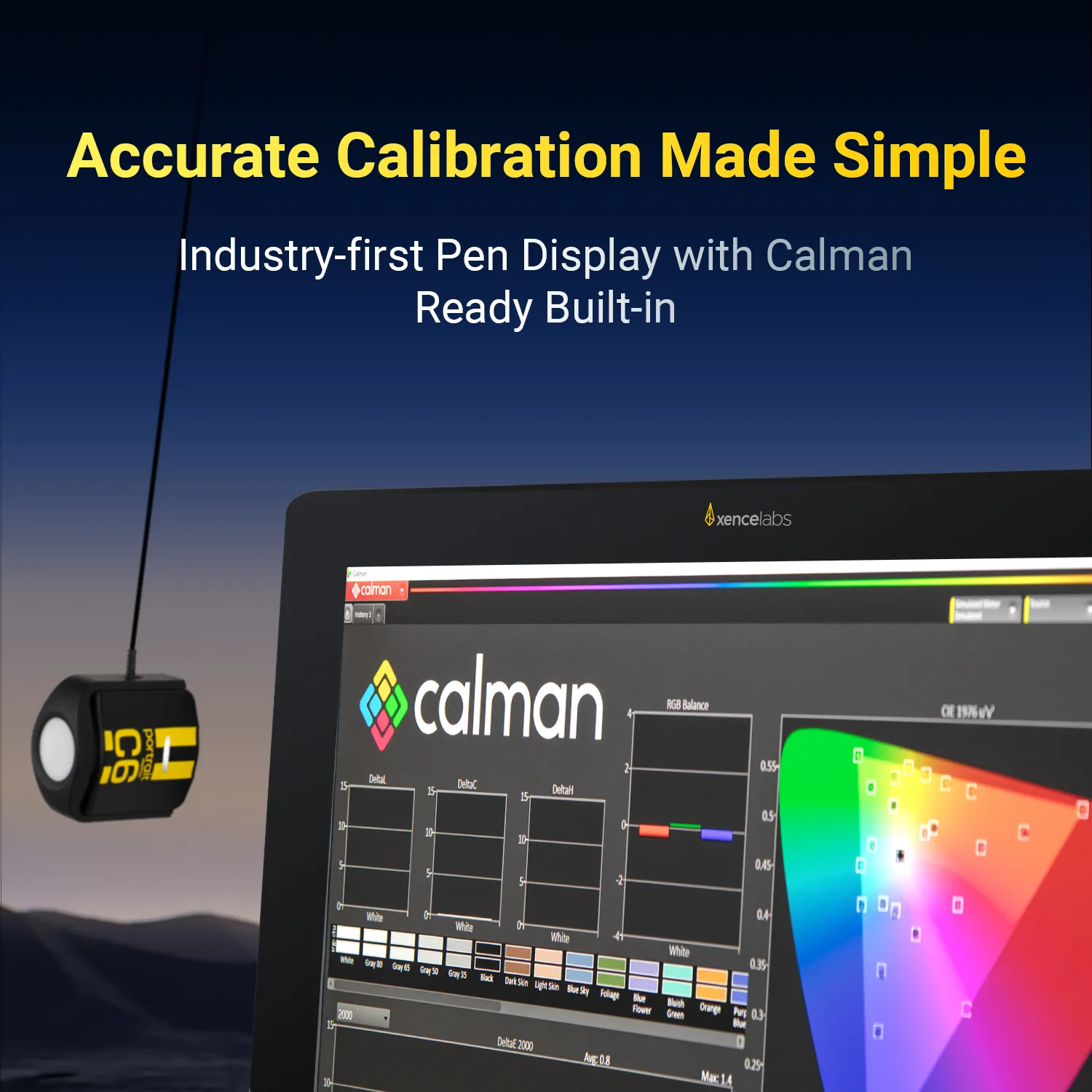
  2. Calman Ready Built-in: Enjoy precise, studio-level color with built-in Calman Ready hardware calibration. Achieve accurate, consistent reproduction across your chosen color space—no complex setup required, just click to start and follow the guided steps.
    *Calibration requires a compatible colorimeter and Calman software (Calman Ultimate or Studio). Currently unavailable for macOS users.

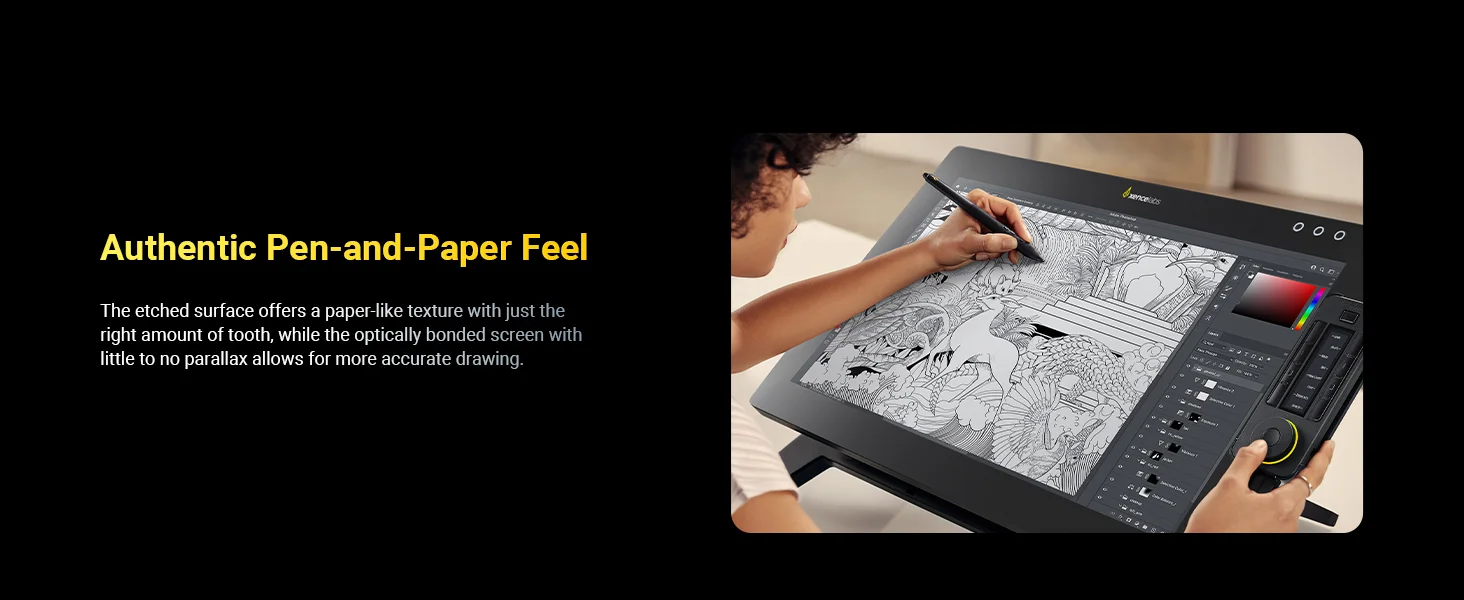
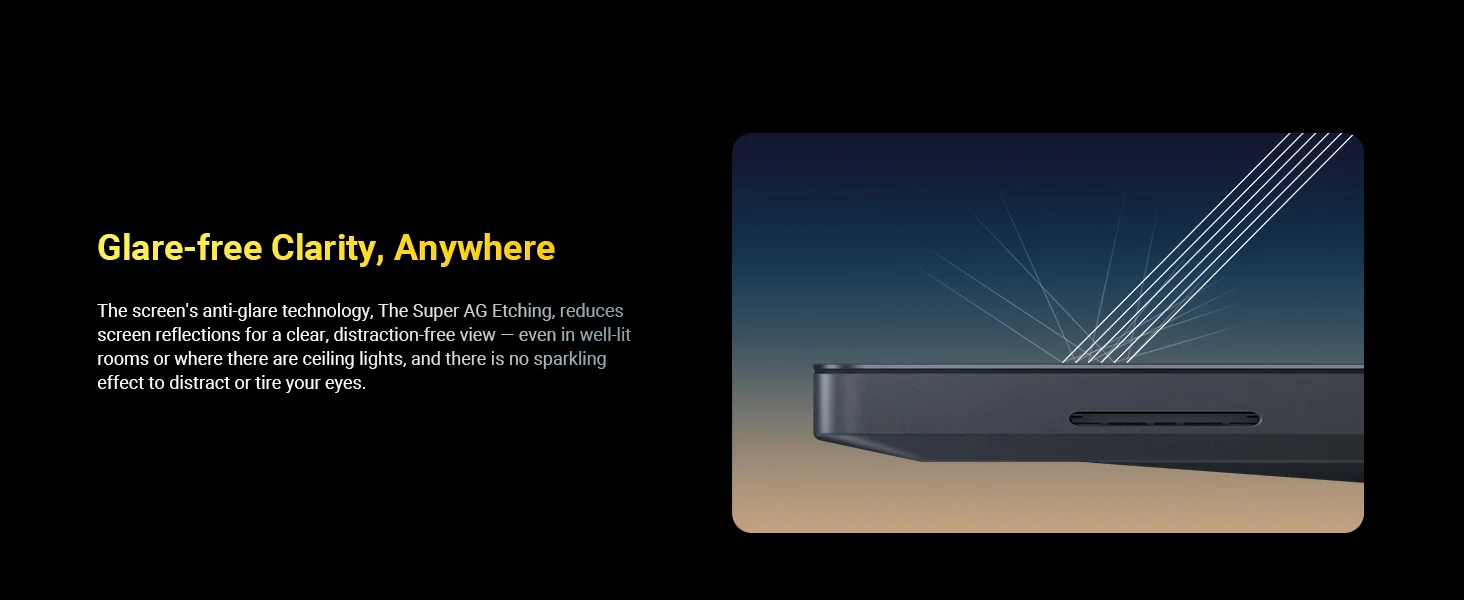
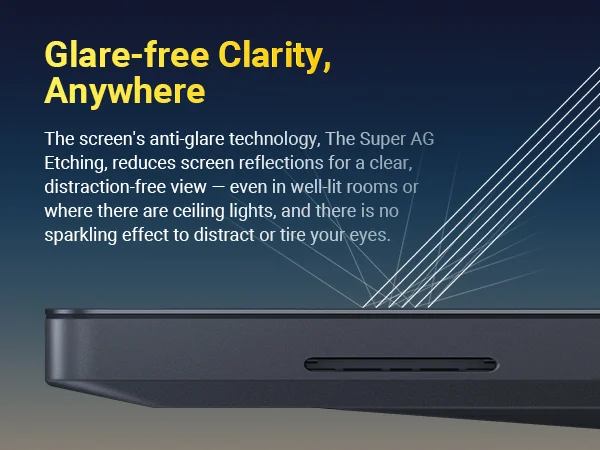
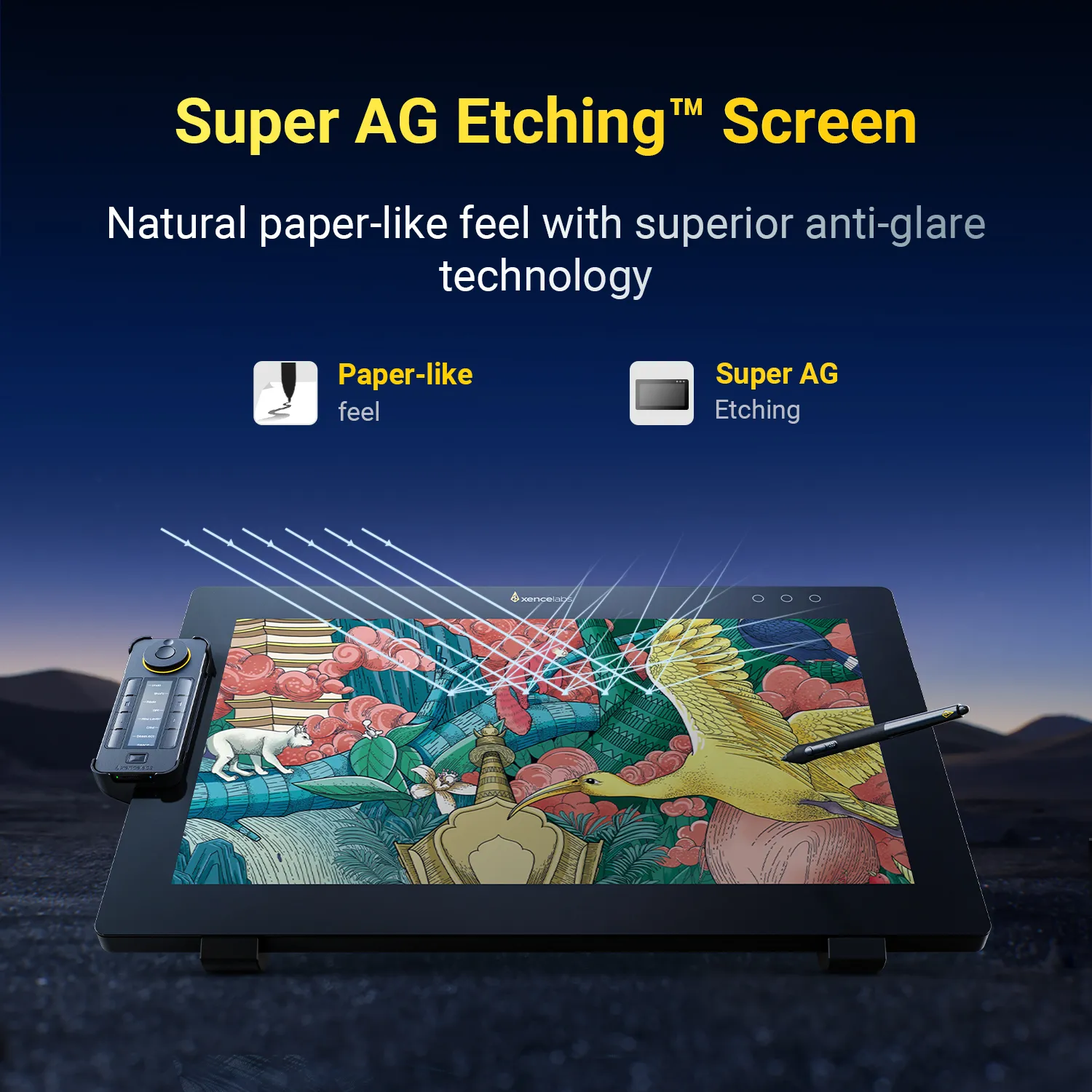
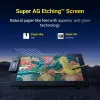
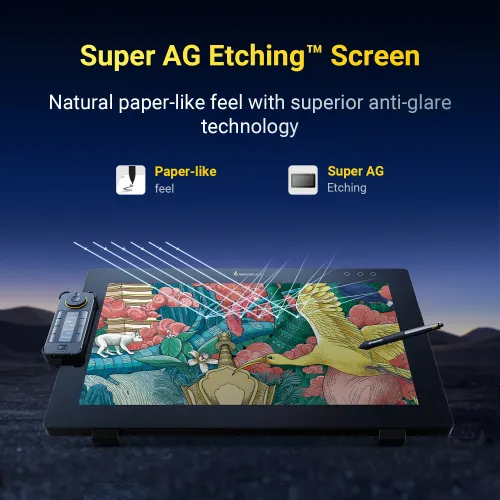
  3. Super AG Etching™ Surface: Etched glass reduces glare and reflections while providing a natural pen-on-paper feel, even in bright environments.

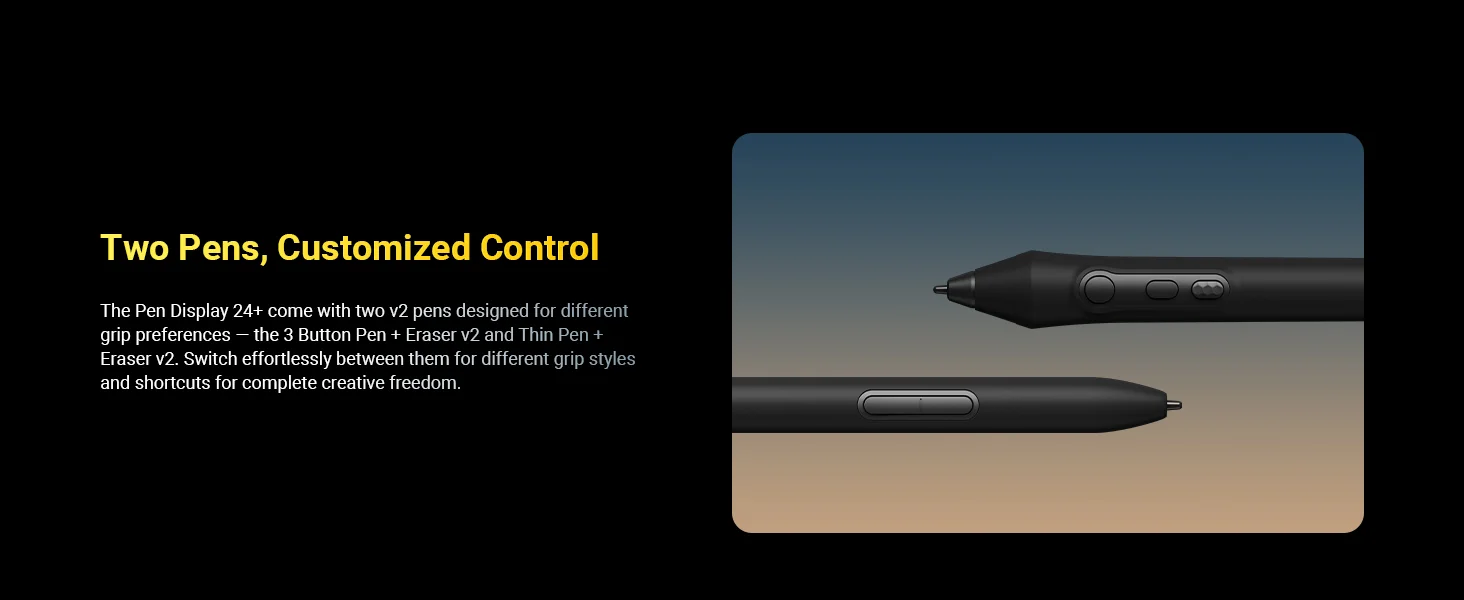
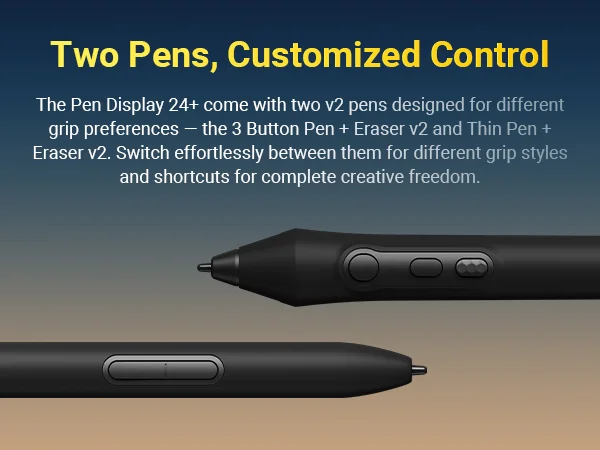
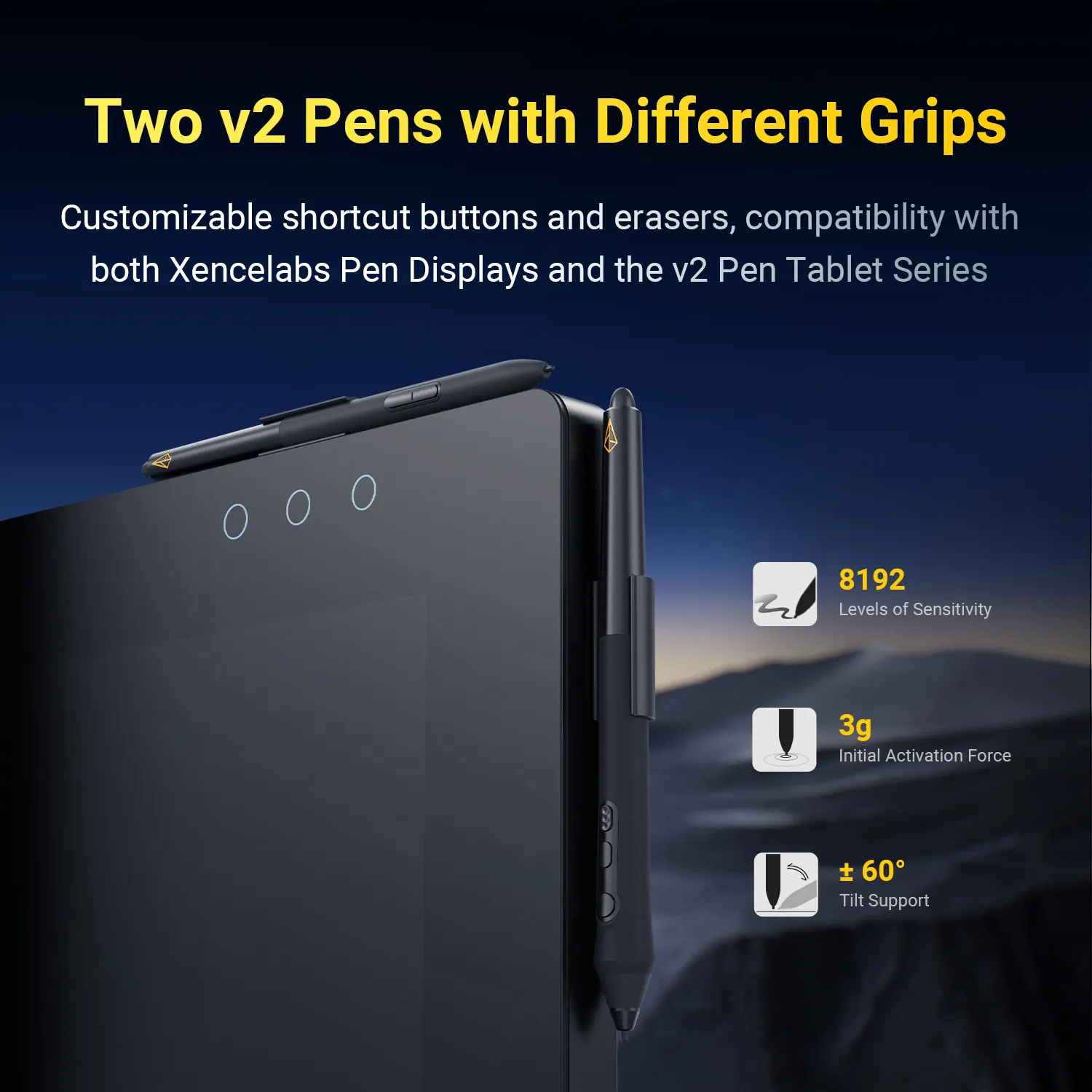
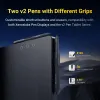
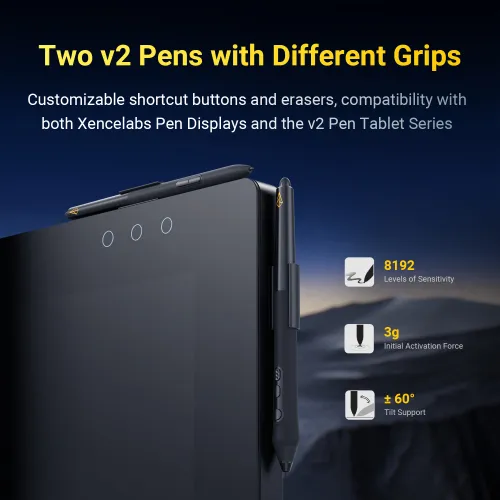
  4. Dual Stylus Pens: Includes both the 3 Button Pen v2 and Thin Pen v2, each with an eraser and customizable settings per application. Perfect for different grip preferences and workflows.

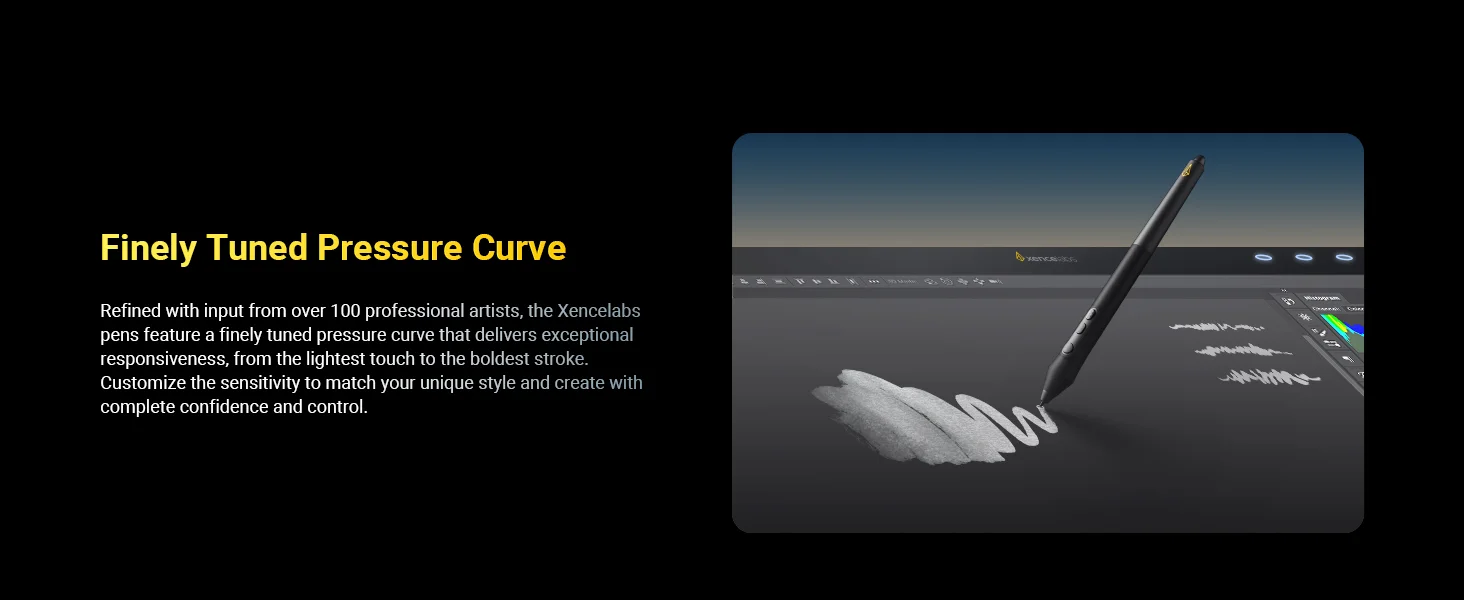
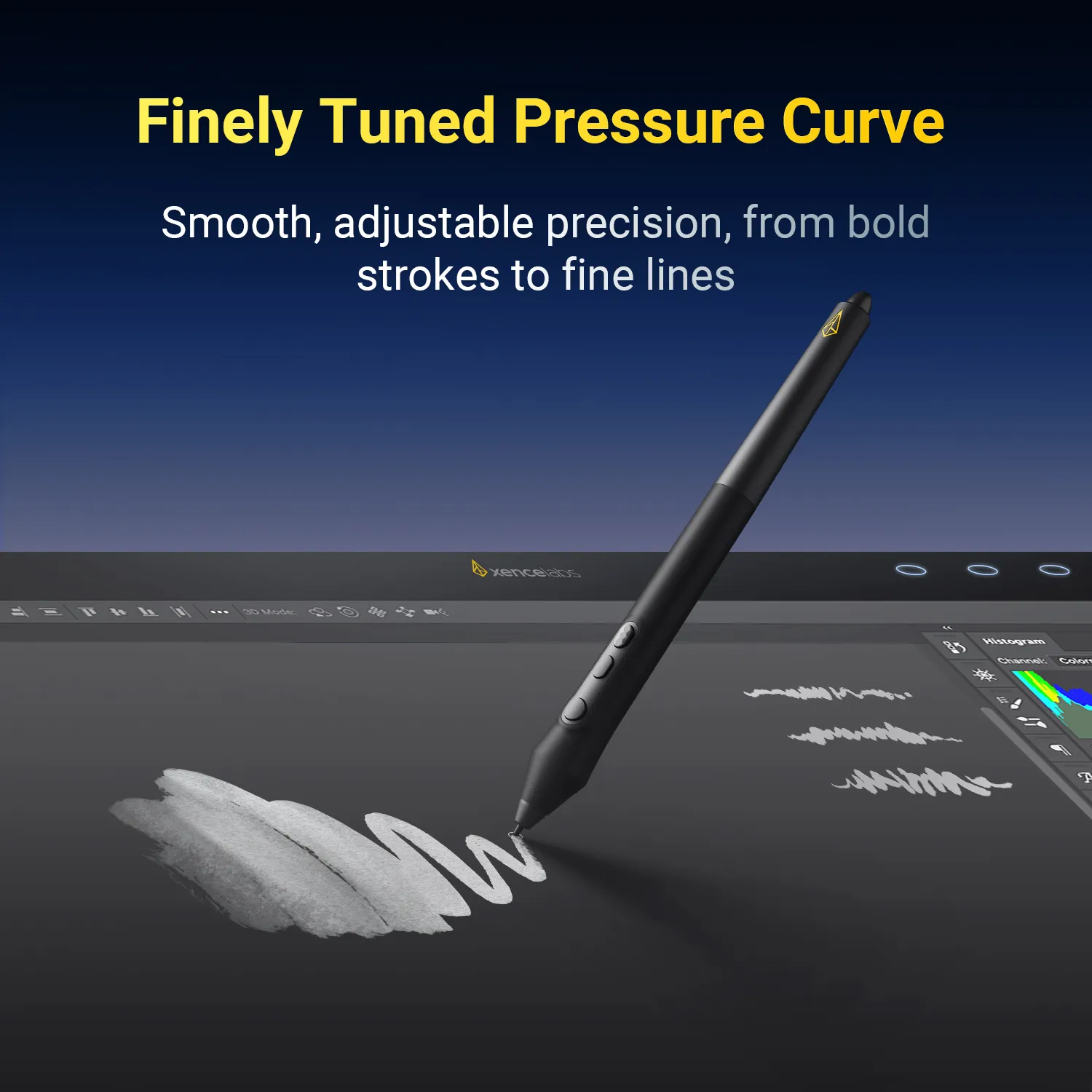
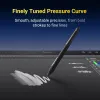
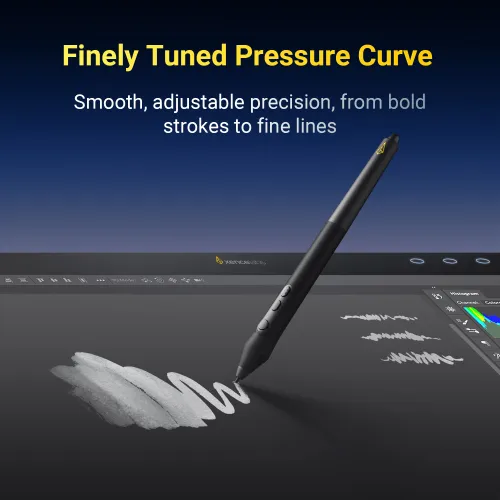
  5. Finely Tuned Pressure Curve: 8192 levels of sensitivity, 3g initial activation force, and ±60° tilt support capture every stroke—from delicate lines to bold shading—with precision.

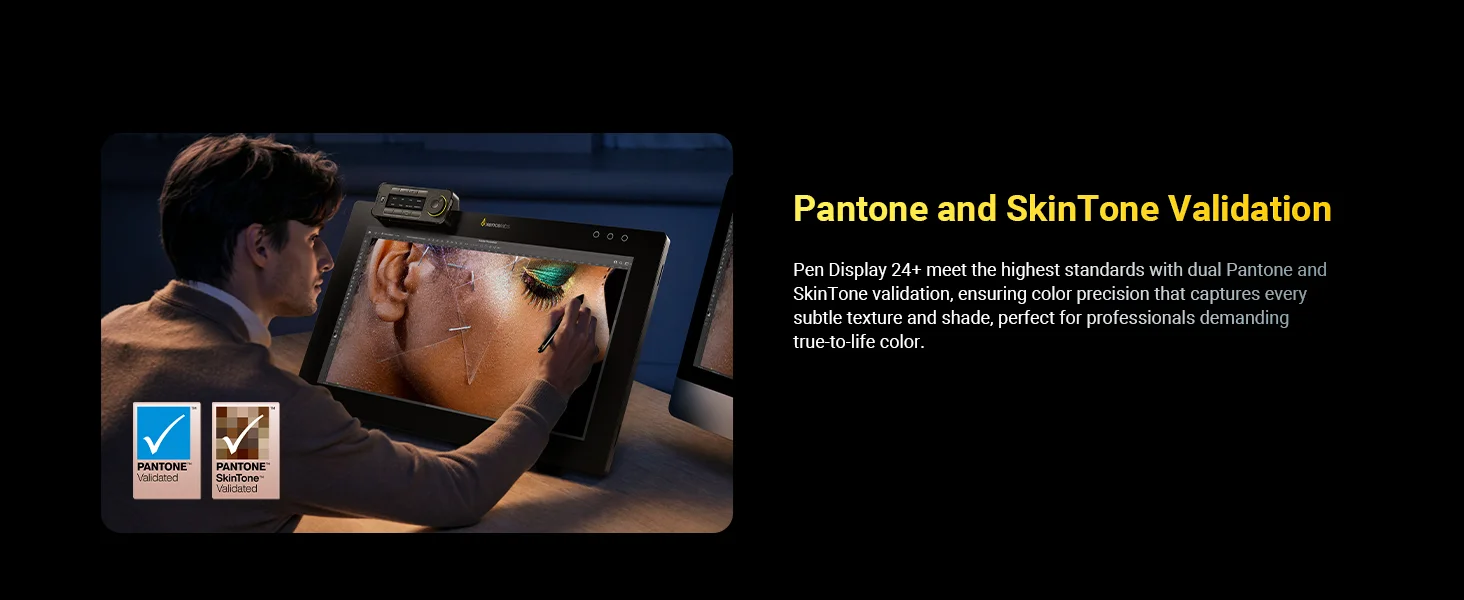
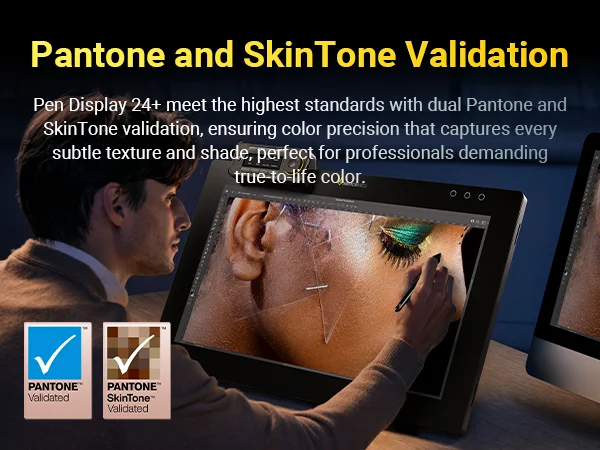
  6. Pantone® & SkinTone™ Validation: Delivers true-to-life color accuracy, reproducing subtle textures and shades that creative professionals rely on.

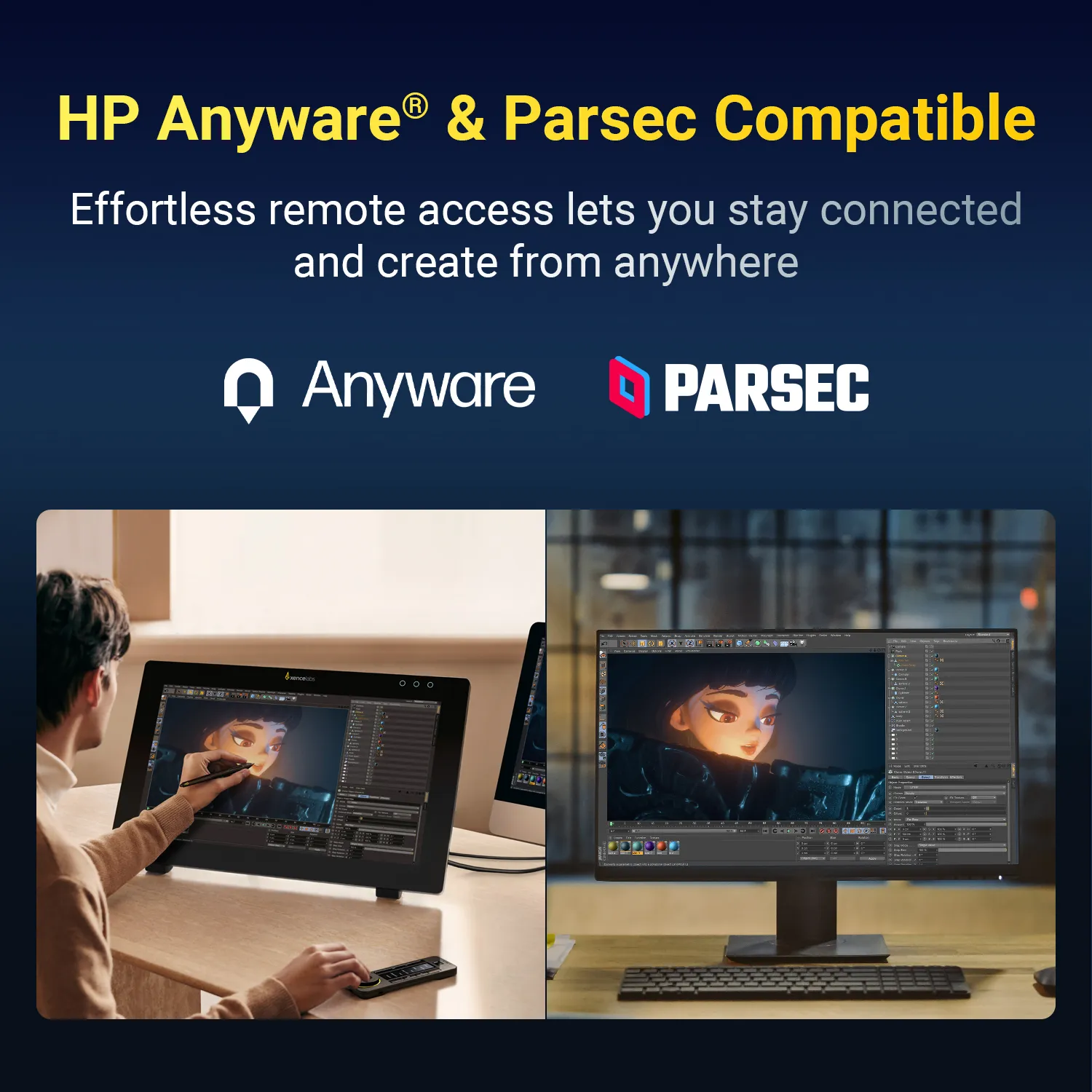
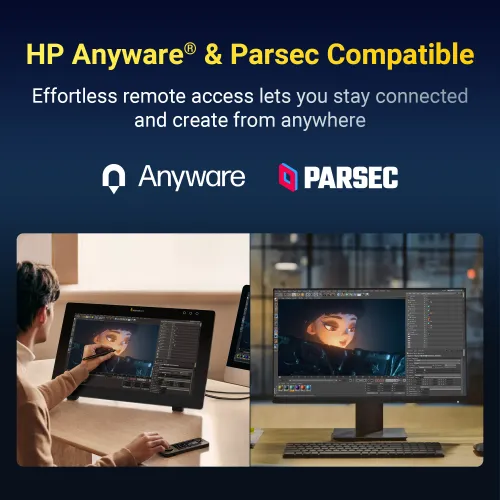
  7. HP Anyware® & Parsec Support: Work seamlessly from anywhere with professional remote access. Connect your Pen Display 24+ and computer to an agent machine, enabling smooth, real-time collaboration and creative flexibility.

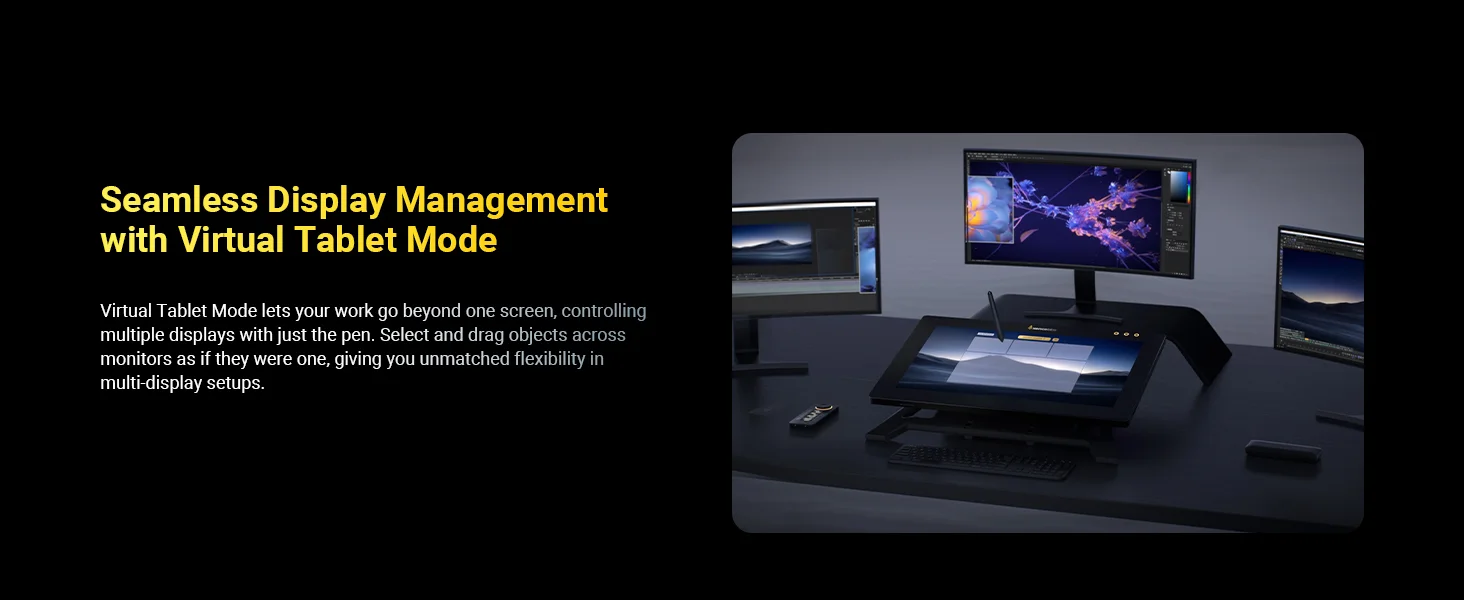
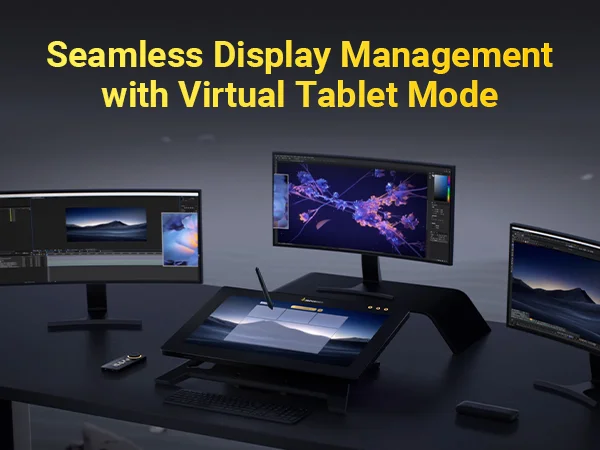
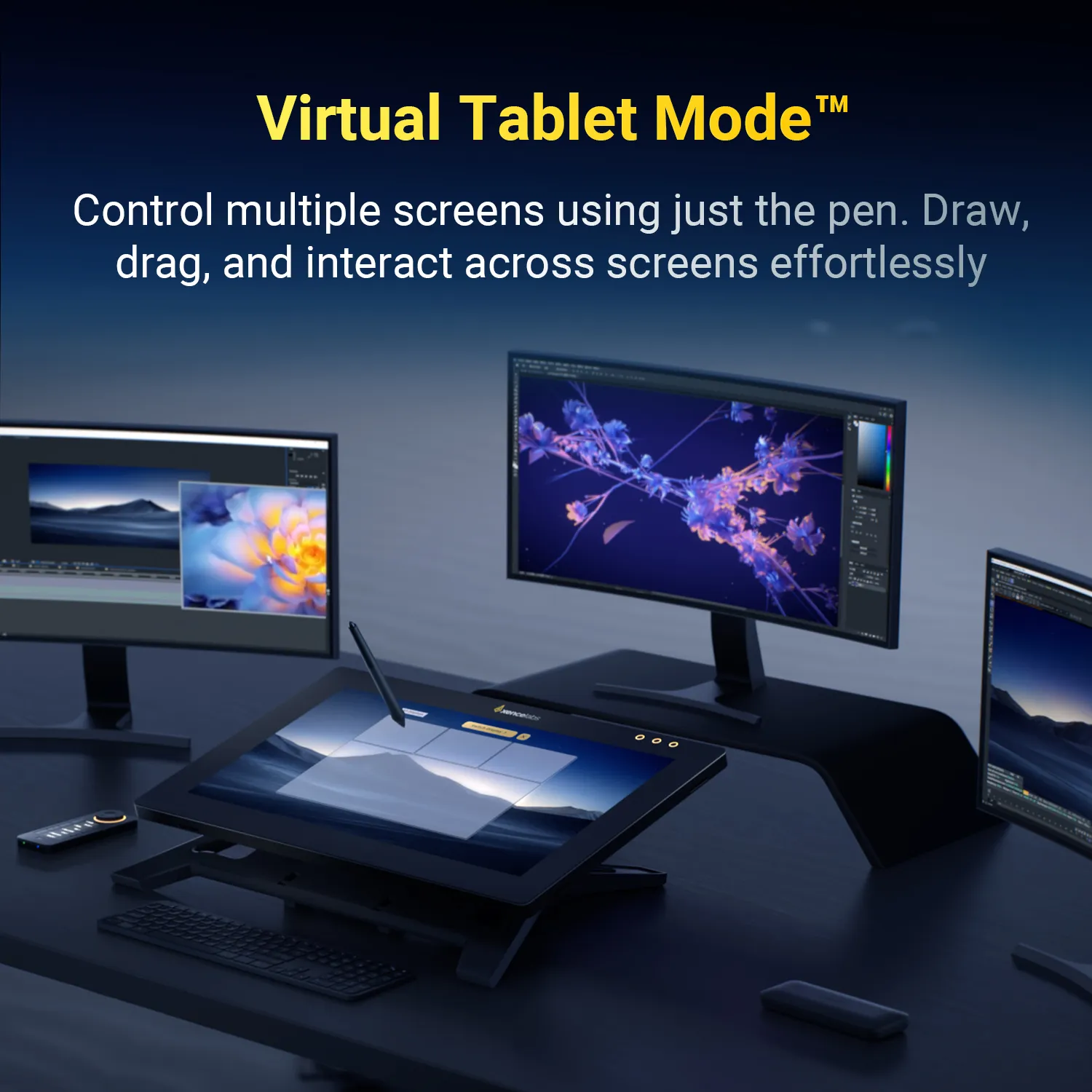
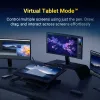
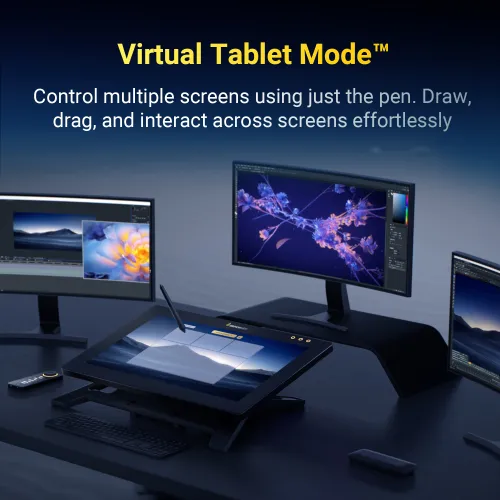
  8. Virtual Tablet Mode™: Control multiple monitors as one seamless canvas with the Xencelabs v2 Pen. Customize overlay color, transparency, size, and position to fit your workspace.

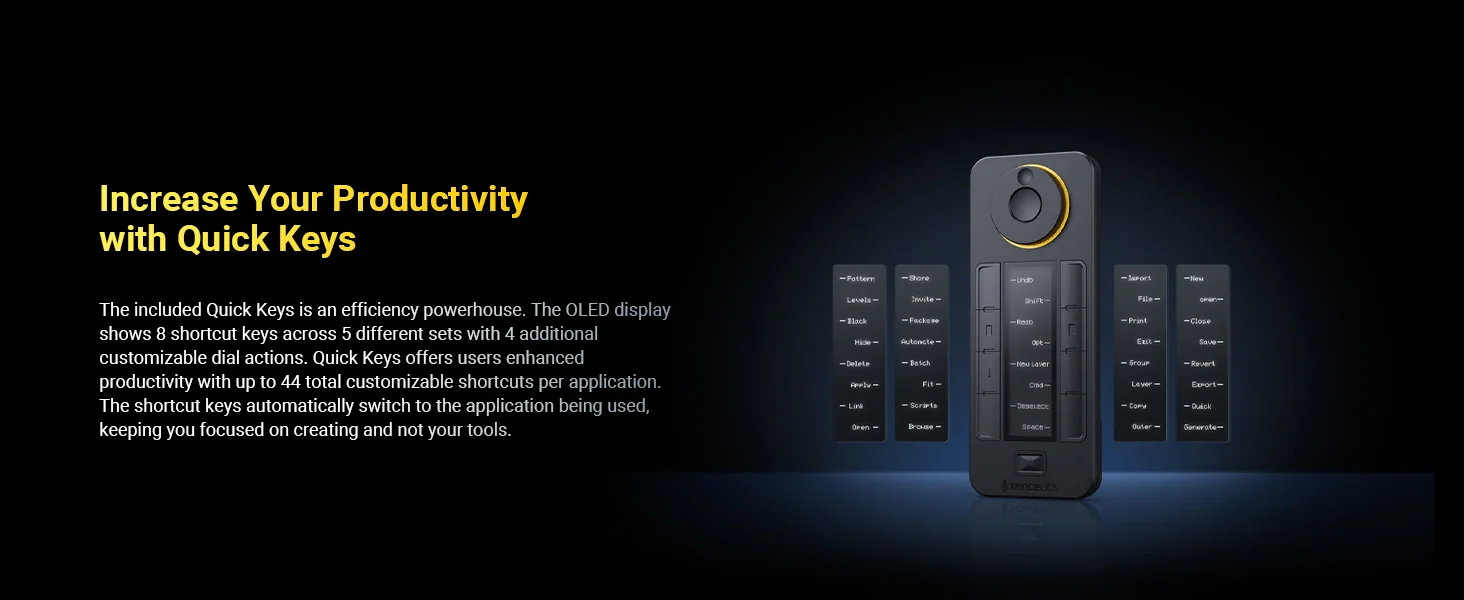
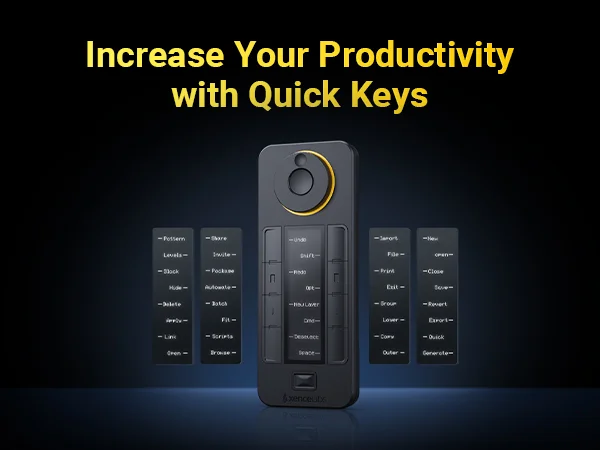
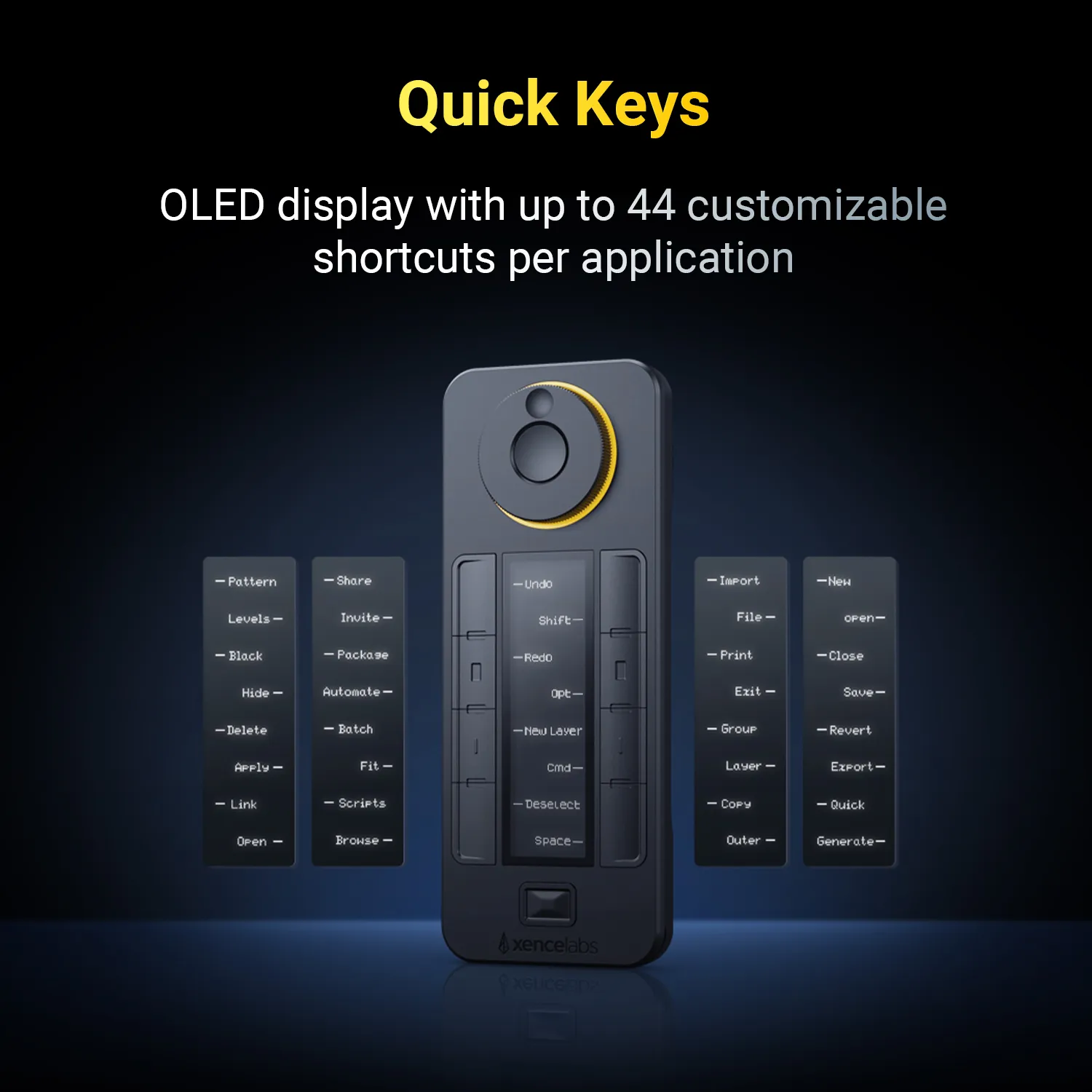
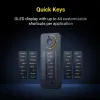
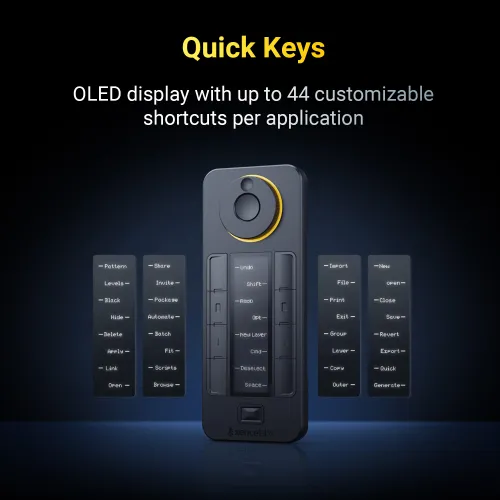
  9. Productivity Quick Keys: Work faster with the Xencelabs Quick Keys remote featuring an OLED display and physical dial with 4 modes. Program up to 44 shortcuts per application.

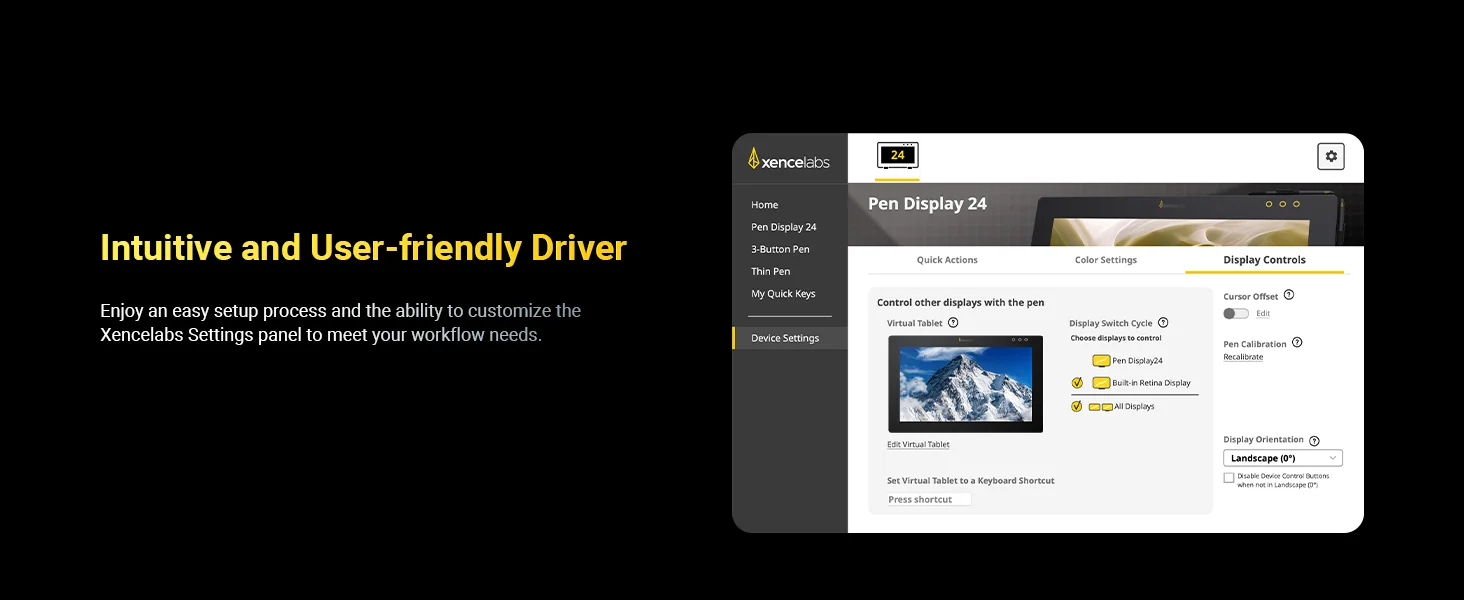
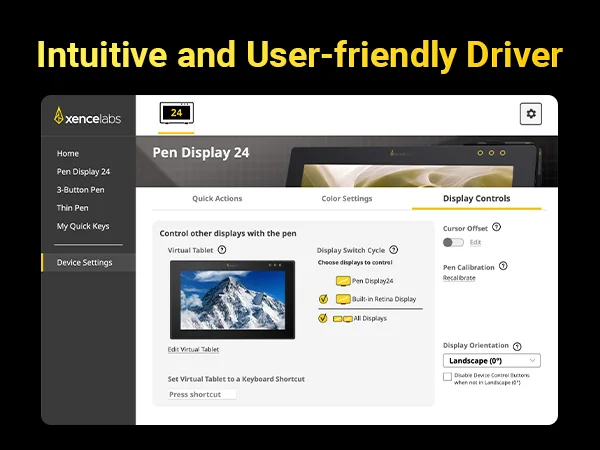
  10. Intuitive Driver: Manage your Pen Display 24+, Quick Keys, and both v2 Pens in one streamlined driver. Personalize settings for your workflow with ease.

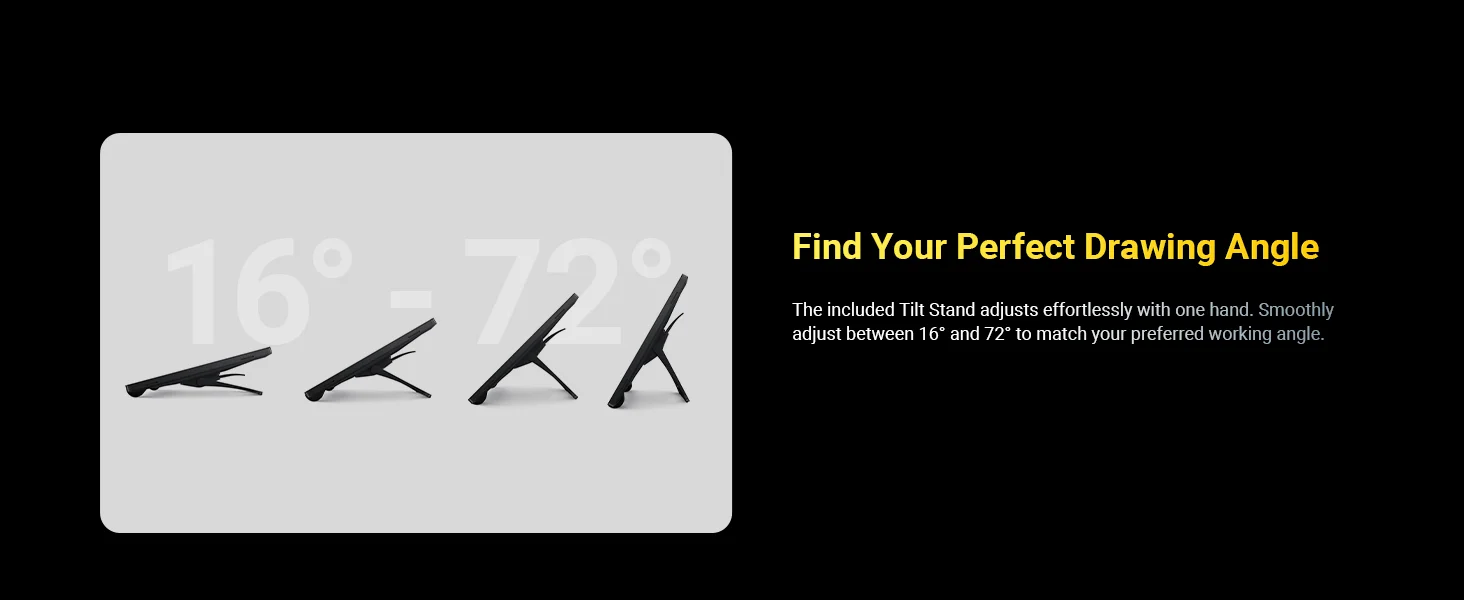
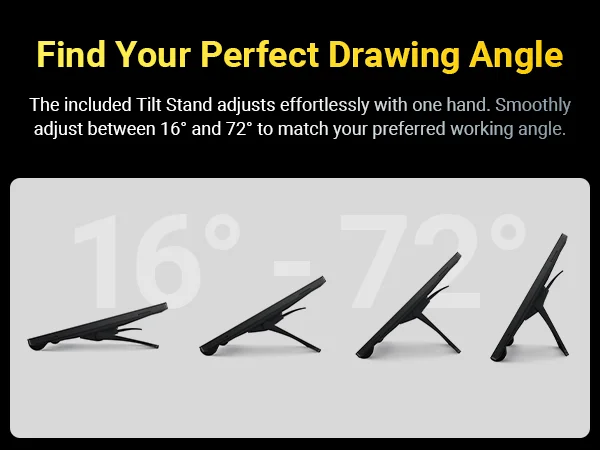
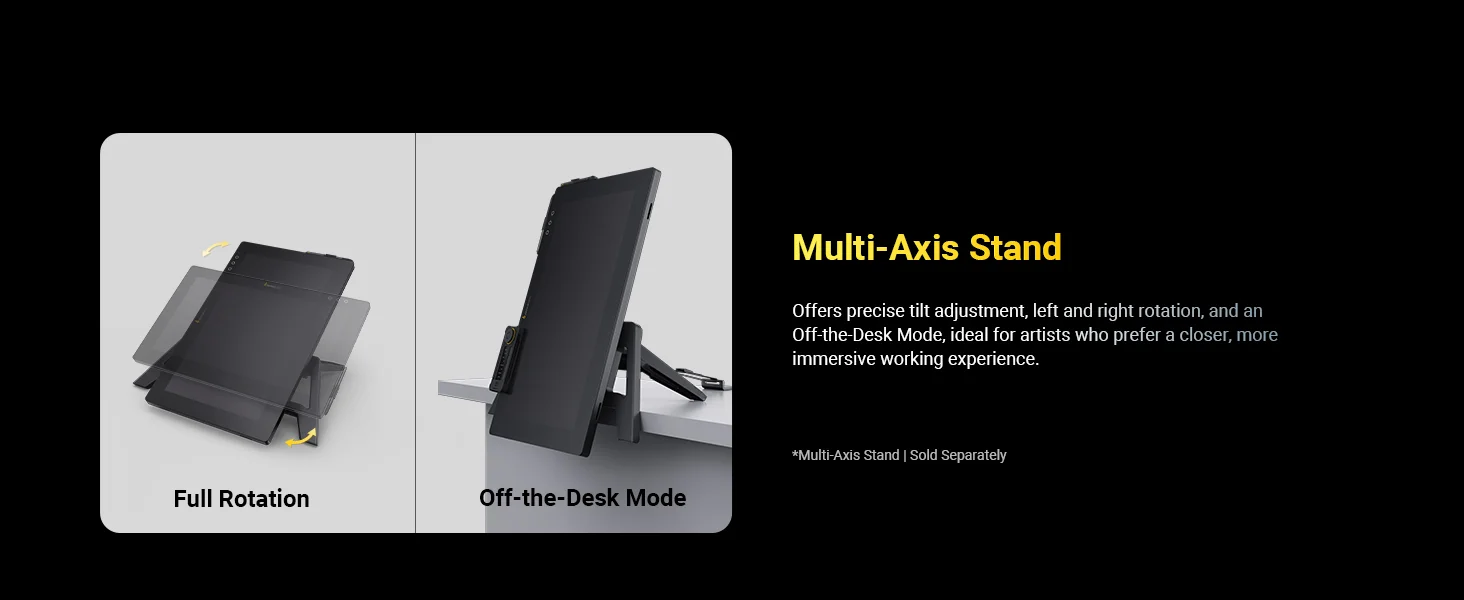
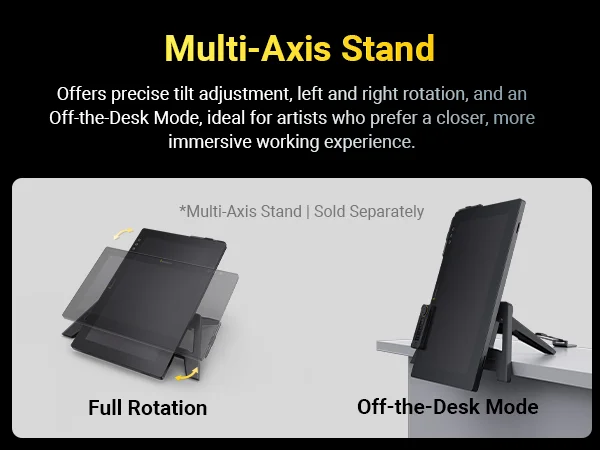
  11. Adjustable Tilt Stand: The included Tilt Stand adjusts smoothly from 16° to 72° with one hand. For added flexibility, the optional Multi-Axis Stand supports more viewing angles.


System Requirements:

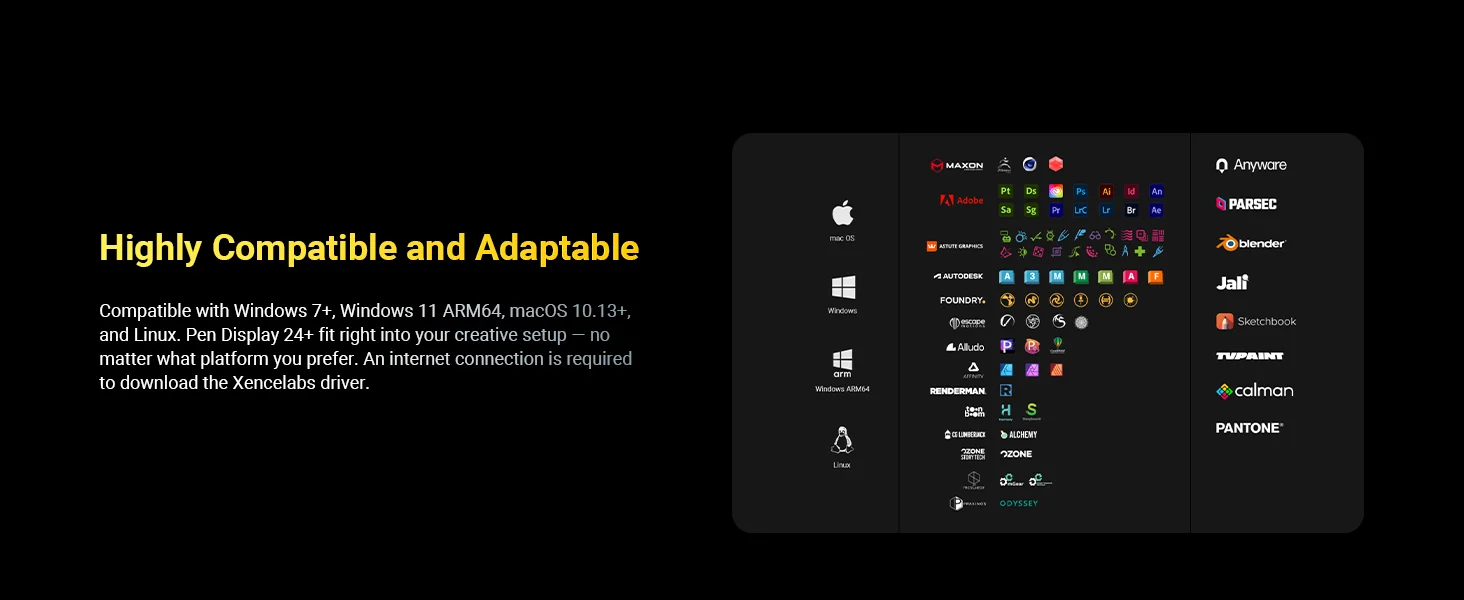
  • • Windows® 7 or later

  • • Windows® 11 ARM64

  • • macOS 10.13 or later

  • •  Linux

  • *Wireless or cable connection requires USB Type A port (includes Type C adapter) and internet access to download driver.


Linux OSVersionPackage FormatSupported Software
ArchArch Linux2019.12.01(64-bit).deb, .shGIMP, Krita
CentosCentos7.0(64-bit).rpm, .shGIMP
Centos8(64-bit).rpm, .shGIMP, Krita
Debiandebian-9.5.0-amd64-netinst(64-bit).deb, .shGIMP, Krita
elementary OSelementary OS 5.0(64-bit).deb, .shGIMP, Krita
ezgo Linuxezgo14(64-bit).deb, .shGIMP, Krita
FedoraFedora32(64-bit).rpm, .shGIMP, Krita
MageiaMageia-7.1(64-bit).rpm, .shGIMP, Krita
Manjaromanjaro-xfce-20.1.2-201019(64-bit).deb, .shGIMP
Mintlinuxmint-18.2-cinnamon-64bit.deb, .shGIMP, Krita
OpenSUSEopenSUSE-Tumbleweed(64-bit).rpm, .shGIMP, Krita
Pop!_OSpop-os_19.10(64-bit).deb, .shGIMP, Krita
Red HatRed Hat7(64-bit).rpm, .shGIMP
UbuntuUbuntu14.04(64-bit).deb, .shGIMP, Krita
Ubuntu16.04(64-bit).deb, .shGIMP, Krita
Ubuntu17.04(64-bit).deb, .shGIMP, Krita
Ubuntu18.04(64-bit).deb, .shGIMP, Krita
Ubuntu19.04(64-bit).deb, .shGIMP, Krita
Ubuntu20.04(64-bit).deb, .shGIMP, Krita
FunctionKrita 4.3.0Gimp 2.10.20Inkscape 0.92
Pen Pressure Sensitivity
Tilt
Mouse Function
Eraser Button
(Stylus:PH01, P06)
Switch between Pen
and Eraser Modes
*If you have any further queries, please do not hesitate to contact us at service@xp-pen.com.

Linux OS

Arch
Version
Arch Linux2019.12.01(64-bit)
Package Format
.deb, .sh
Supported Software
GIMP, Krita
Centos
Version
Centos7.0(64-bit)
Centos8(64-bit)
Package Format
.rpm, .sh
.rpm, .sh
Supported Software
GIMP
GIMP, Krita
Debian
Version
debian-9.5.0-amd64-netinst(64-bit)
Package Format
.deb, .sh
Supported Software
GIMP, Krita
elementary OS
Version
elementary OS 5.0(64-bit)
Package Format
.deb, .sh
Supported Software
GIMP, Krita
ezgo Linux
Version
ezgo14(64-bit)
Package Format
.deb, .sh
Supported Software
GIMP, Krita
Fedora
Version
Fedora32(64-bit)
Package Format
.rpm, .sh
Supported Software
GIMP, Krita
Mageia
Version
Mageia-7.1(64-bit)
Package Format
.rpm, .sh
Supported Software
GIMP, Krita
Manjaro
Version
manjaro-xfce-20.1.2-201019(64-bit)
Package Format
.deb, .sh
Supported Software
GIMP
Mint
Version
linuxmint-18.2-cinnamon-64bit
Package Format
.deb, .sh
Supported Software
GIMP, Krita
OpenSUSE
Version
openSUSE-Tumbleweed(64-bit)
Package Format
.rpm, .sh
Supported Software
GIMP, Krita
Pop!_OS
Version
pop-os_19.10(64-bit)
Package Format
.deb, .sh
Supported Software
GIMP, Krita
Red Hat
Version
Red Hat7(64-bit)
Package Format
.rpm, .sh
Supported Software
GIMP
Ubuntu
Version
Ubuntu14.04(64-bit)
Ubuntu16.04(64-bit)
Ubuntu17.04(64-bit)
Ubuntu18.04(64-bit)
Ubuntu19.04(64-bit)
Ubuntu20.04(64-bit)
Package Format
.deb, .sh
.deb, .sh
.deb, .sh
.deb, .sh
.deb, .sh
.deb, .sh
Supported Software
GIMP, Krita
GIMP, Krita
GIMP, Krita
GIMP, Krita
GIMP, Krita
GIMP, Krita

Function

Pen Pressure Sensitivity
Krita 4.3.0
Gimp 2.10.20
Inkscape 0.92
Tilt
Krita 4.3.0
Gimp 2.10.20
Inkscape 0.92
Mouse Function
Krita 4.3.0
Gimp 2.10.20
Inkscape 0.92
Eraser Button(Stylus:PH01, P06)
Krita 4.3.0
Gimp 2.10.20
Inkscape 0.92
Switch between Penand Eraser Modes
Krita 4.3.0
Gimp 2.10.20
Inkscape 0.92

*If you have any further queries, please do not hesitate to contact us at service@xp-pen.com.

List of compatible Android devices
HUAWEI Mate 10Samsung Galaxy A90 5G
HUAWEI Mate 10 ProSamsung Galaxy Note8
HUAWEI Mate 20Samsung Galaxy Note9
HUAWEI Mate 20 ProSamsung Galaxy Note10
HUAWEI Mate 20 XSamsung Galaxy Note10+ 5G
HUAWEI Mate 30 ProSamsung Galaxy S8
HUAWEI Mate 40Samsung Galaxy S8+
HUAWEI Mate 40 proSamsung Galaxy S9
HUAWEI Mate 30E Pro 5GSamsung Galaxy S9+
HUAWEI P30Samsung Galaxy S10
HUAWEI P30 ProSamsung Galaxy S20
HUAWEI P40Samsung Galaxy S20+
HUAWEI P40 ProSamsung Galaxy S10 e
HUAWEI P40 Pro+Samsung Galaxy S20 Ultra 5G
Honor V20Samsung Galaxy S20 FE 5G
Honor 30 Pro+Samsung Galaxy S10+
Reviews
4.9
Based on 18
XFANSk4ucy055
Jul 25 ,2022 AM 11:18Xencelabs Pen Display 24+
Xp pen display Artist 10 2nd
Perfectoooooooo.....
+1
Official mall
Jul 25 ,2022 PM 15:31
Thank you for your recognition of our XP-PEN products. We will continue to improve and provide the best quality products and services to our consumers. Have a nice day : )
XFANSvj4ibq1e
Sep 10 ,2022 PM 20:40Xencelabs Pen Display 24+
Puas banget
Untuk starter pen display ini mantep banget sih. Mudah setupnya, murah harga bukan berarti murahan. Ini kualitasnya OK. Pokoknya puas.
+1
Official mall
Mar 16 ,2023 AM 11:48
Terima kasih atas pengakuan dan Anda terhadap produk XP-PEN kami. Kami akan terus meningkatkan dan memberikan kualitas produk dan layanan terbaik kepada konsumen kami. Semoga harimu menyenangkan : )
Sixtus
Sep 12 ,2022 PM 12:37Xencelabs Pen Display 24+
Sangat puas
Kondisi barang yang diterima bagus tanpa ada kerusakan apapun. Kualitas dan kelengkapan barang sesuai dengan yang dijual/diiklankan.
+1
Official mall
Mar 16 ,2023 AM 11:51
Terima kasih atas pengakuan Anda terhadap produk XPPen kami. Kami akan terus meningkatkan dan memberikan kualitas produk dan layanan terbaik kepada konsumen kami. Semoga harimu menyenangkan : )
Learn More
Q&A
XFANSi7e4271x
Dec 17 ,2024 PM 19:16Xencelabs Pen Display 24+
Kak, apakah support connection dengan android infinix note 30 ya?, mohon dijawab kak, mau beli.
XFANSi7e4271x
Dec 17 ,2024 PM 19:16Xencelabs Pen Display 24+
Kak, apakah support connection dengan android infinix note 30 ya?, mohon dijawab kak, mau beli.
Momoemo
Nov 20 ,2023 PM 16:13Xencelabs Pen Display 24+
Halo, saya sudah memesan. Bagaimana saya tau paket saya sudah dalam pengiriman??
Reply(1)
Official mall
Dec 05 ,2023 AM 10:26
halo kak, Untuk pesanan yang dilakukan pada hari Senin sampai Jumat (paket dipesan sebelum jam 3 di hari yang sama), kami akan mengirimkan barang pada hari yang sama, dan Anda akan menerima nomor pelacakan di kotak surat Anda keesokan harinya. Produk dipesan pada akhir pekan akan dikirim pada hari Senin.
XFANS3swkb3w5
Nov 20 ,2023 AM 11:25Xencelabs Pen Display 24+
Hai apakah produk ini compatible untuk software Clip Studio EX?
Reply(1)
Official mall
Dec 05 ,2023 AM 10:27
halo kak,ya,ini kompatibel dengan Clip Studio EX.
Nova17
Oct 25 ,2023 AM 10:36Xencelabs Pen Display 24+
Apakah Stok masih tersedia?
Reply(1)
Official mall
Dec 05 ,2023 AM 10:32
ya, ada stok, dikirim dari gudang Tangerang.
XFANSu5zvggvn
Oct 25 ,2023 AM 08:59Xencelabs Pen Display 24+
apakah barang yang tertera masih tersedia?
Reply(1)
Official mall
Dec 05 ,2023 AM 10:32
ya, ada stok, dikirim dari gudang Tangerang.
liujonain
Aug 25 ,2023 AM 05:46Xencelabs Pen Display 24+
Apakah produk ini sudah ter install screen protector / film protector? perlukah membeli film protector?
Reply(3)
Official mall
Aug 25 ,2023 AM 10:42
halo kak,itu dilengkapi dengan pelindung layar di layar.
XFANSets97fuq
Mar 27 ,2023 PM 14:19Xencelabs Pen Display 24+
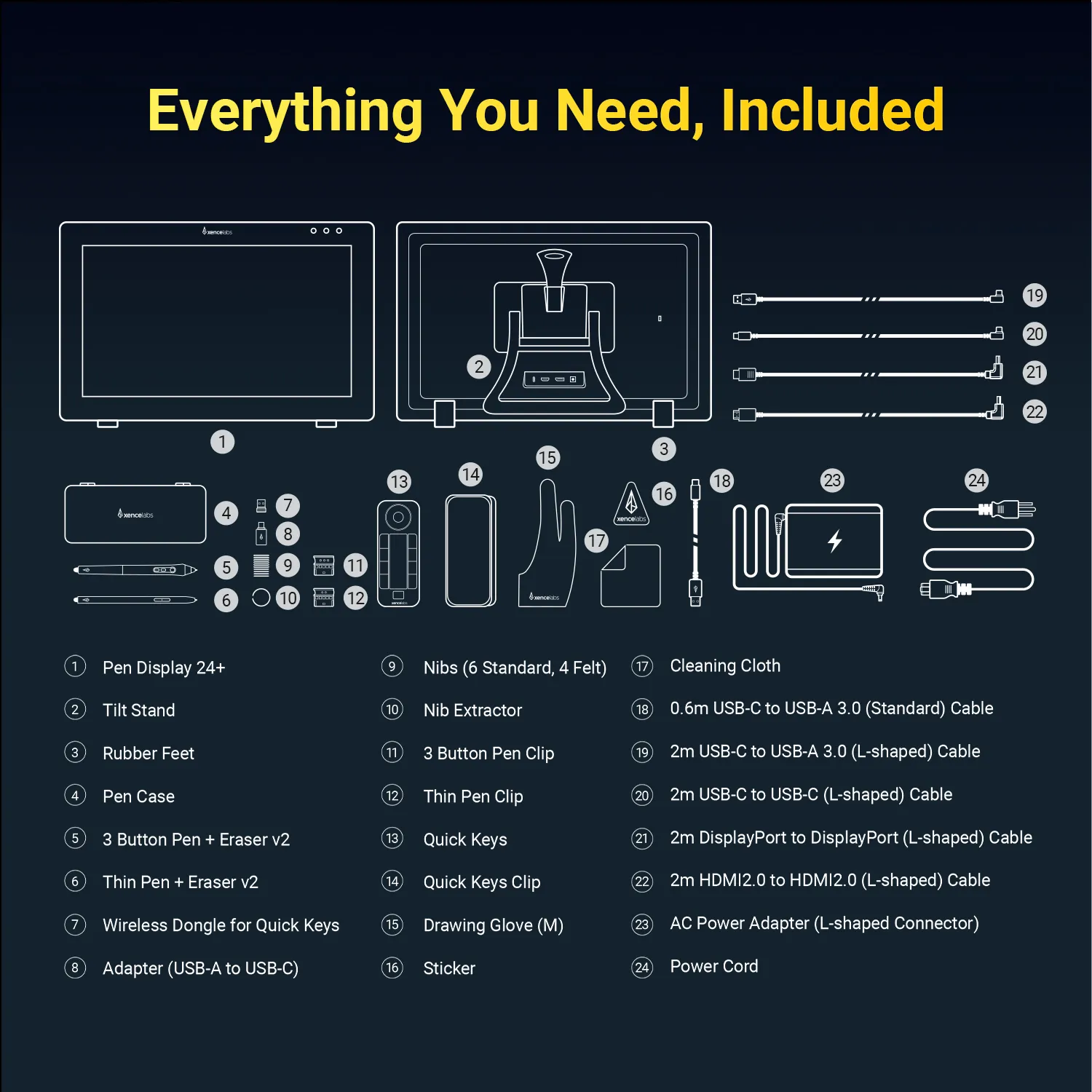
Selain tablet dan pen, apa saja yang di include di produk ini?
Reply(2)
Official mall
Mar 27 ,2023 PM 14:53
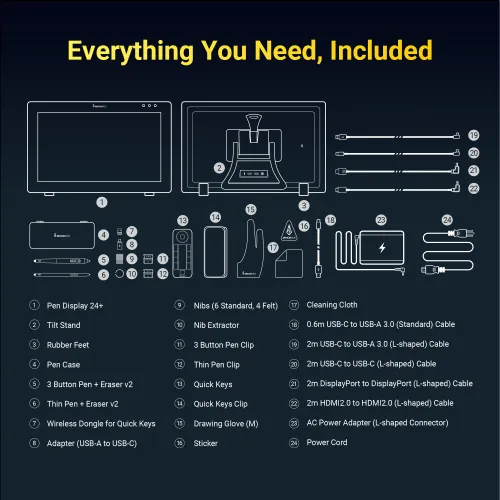
1 x Pen Display, 1 x X3 Elite Stylus,1 x 3-in-1 USB Cable,1 x USB Extension Cable,10 x Nibs,1 x Nib Extractor,1 x Cleaning Cloth,1 x Black Drawing Gloves,1 x Quick Guide,1 x Warranty Card
XFANS6vud6dc8
Sep 03 ,2022 AM 09:11Xencelabs Pen Display 24+
Apakah ada Distributor resmi di Indonesia ? Apakah terbuka peluang kerja sama pemasaran di Indonesia ? Pls WA 0818261112 Tq Willy
Reply(1)
Official mall
Sep 05 ,2022 PM 20:44
hallo kak,tolong kirim email ke nierna@xp-pen.com
XFANSg2io1x2g
Aug 31 ,2022 PM 19:45Xencelabs Pen Display 24+
Tablet ini bisa untuk program office juga ga gan, selain untuk drawing? Kapasitas memori nya kok ga ada info nya ya gan? Berapa memori ram & rom nya?
Reply(1)
Official mall
Sep 01 ,2022 PM 16:55
halo kak,Produk kami tidak dapat bekerja secara independen dan perlu terhubung ke ponsel atau laptop