


Xencelabs Pen Display 24
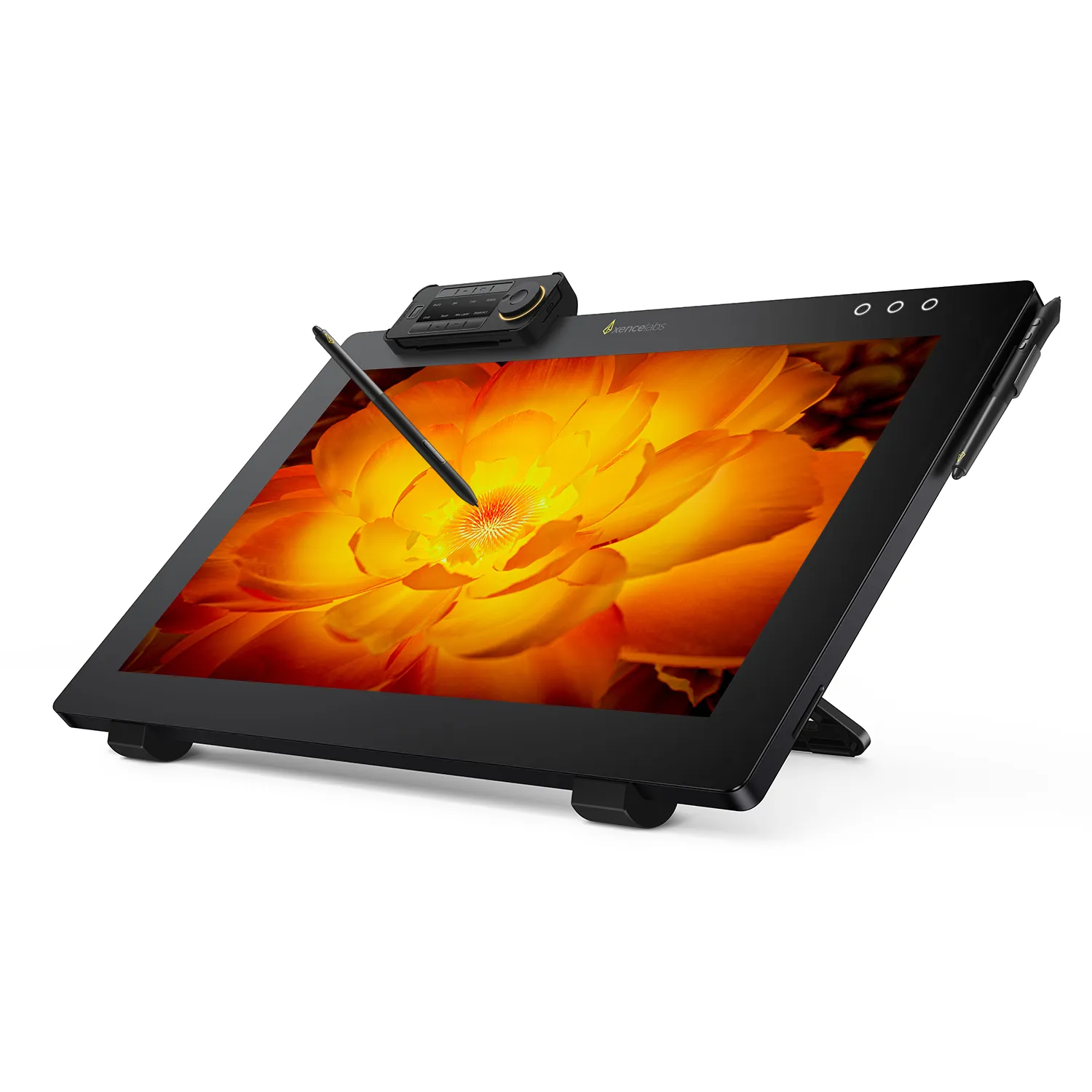
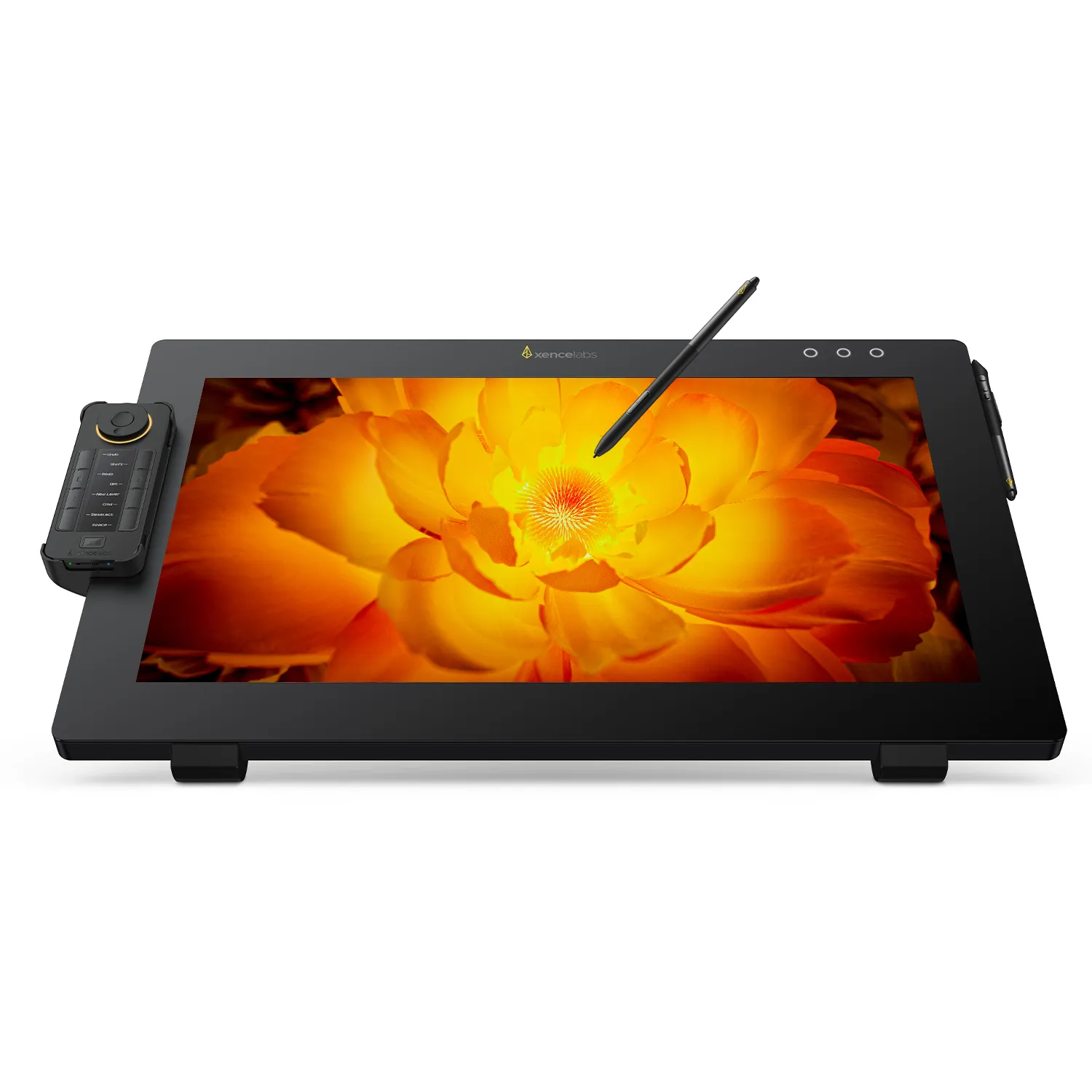
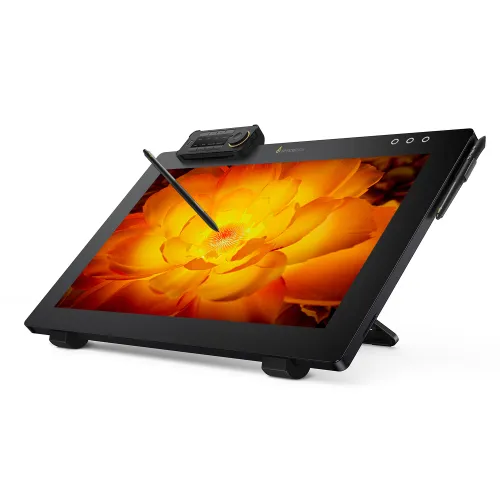
The Xencelabs Pen Display 24 is a studio-grade 24-inch 4K pen display built for professional artists, designers, and illustrators. With input from leading creatives, it delivers a seamless drawing experience that mirrors traditional media. The etched glass surface, ultra-responsive pens, and Pantone®-validated color ensure both precision and comfort. Paired with Xencelabs Quick Keys and a customizable workflow, this pen display helps turn ideas into stunning visual work, faster and more intuitively.
PENGIRIMAN AMAN
PEMBAYARAN YANG AMAN
DUKUNGAN TEKNOLOGI
GARANSI 18 BULAN
Quantity
 Log in and purchase to receive an estimated 3,590 X-Coins


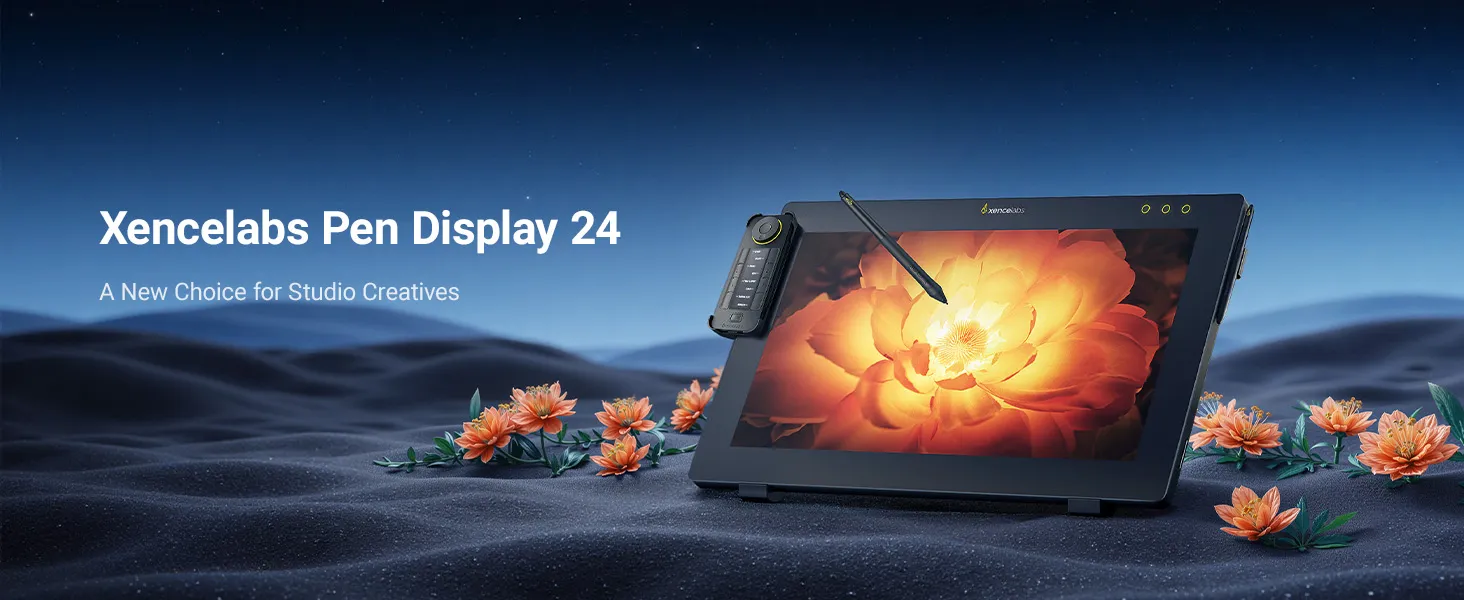
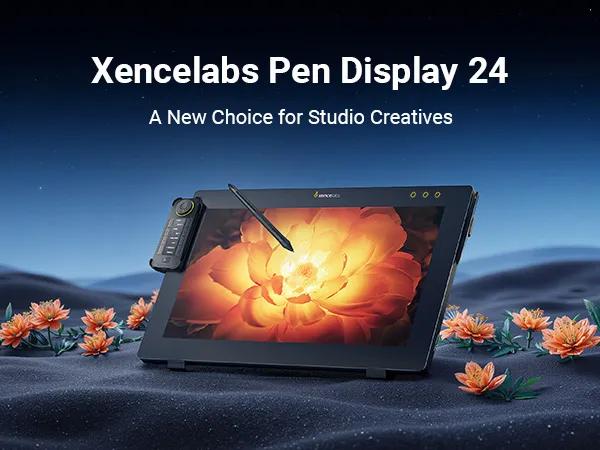
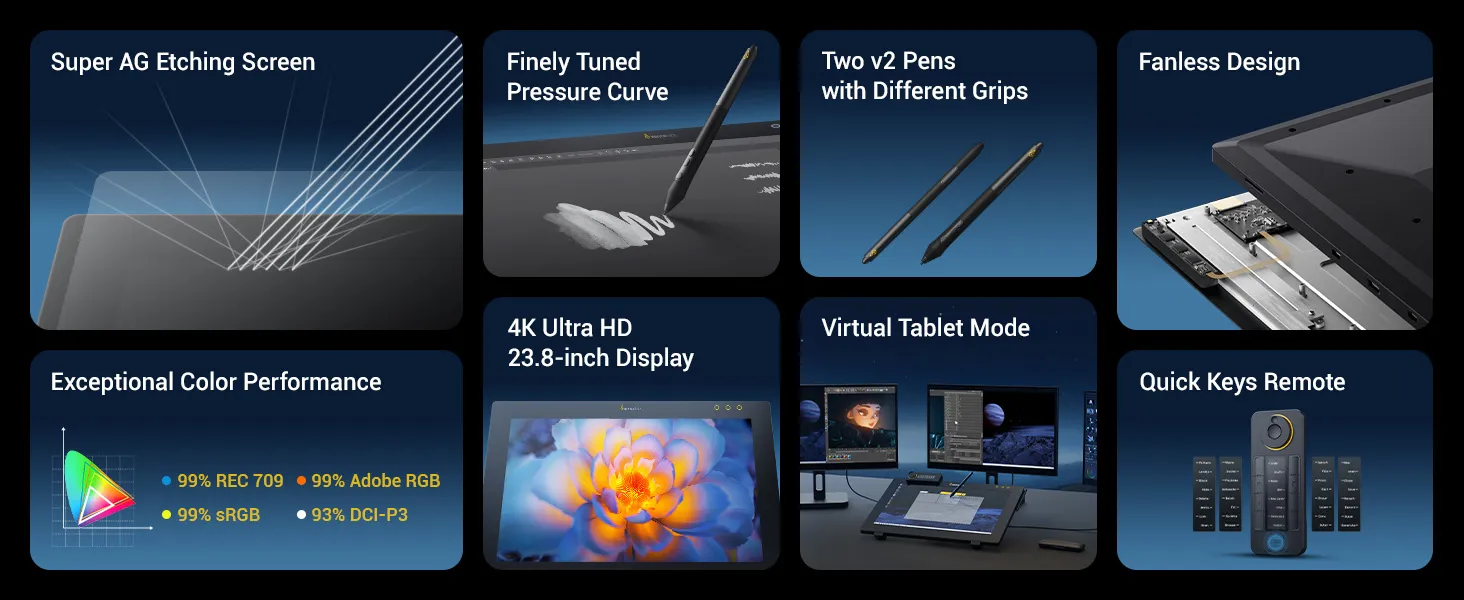
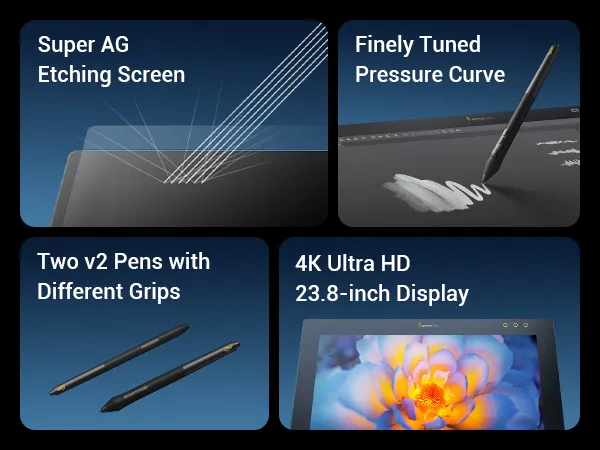
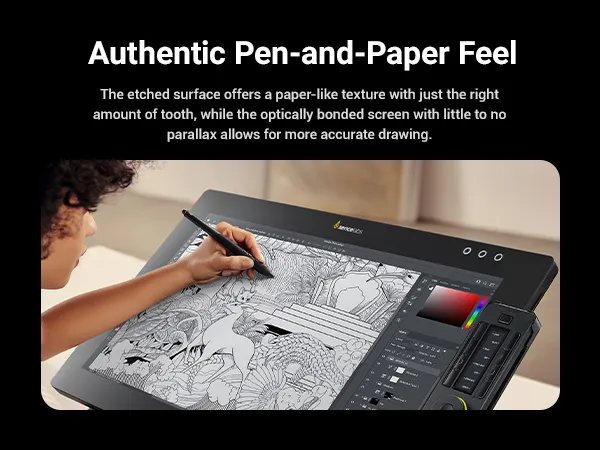


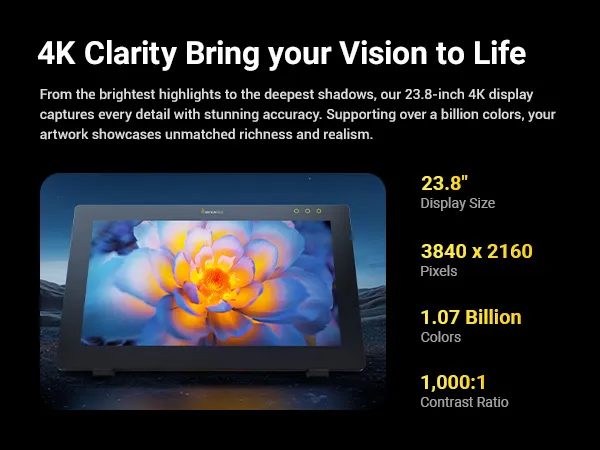
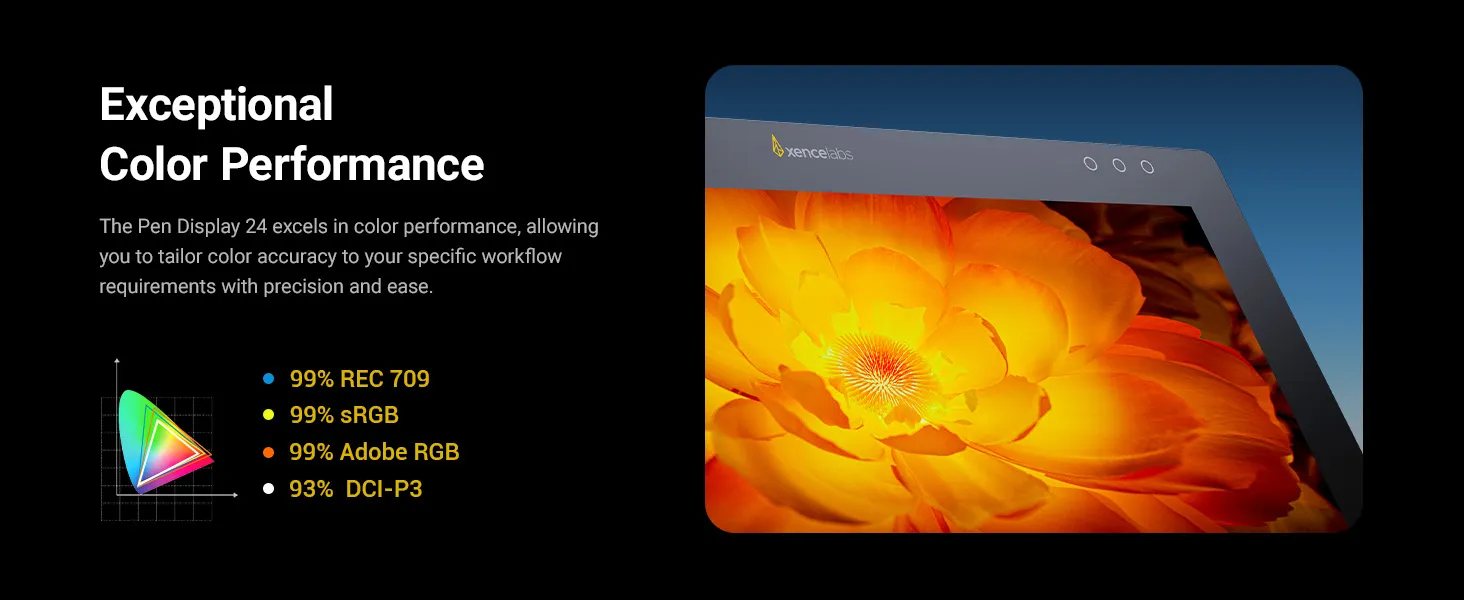
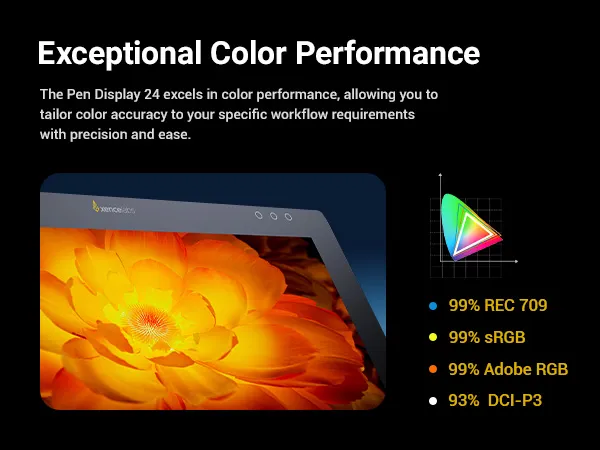
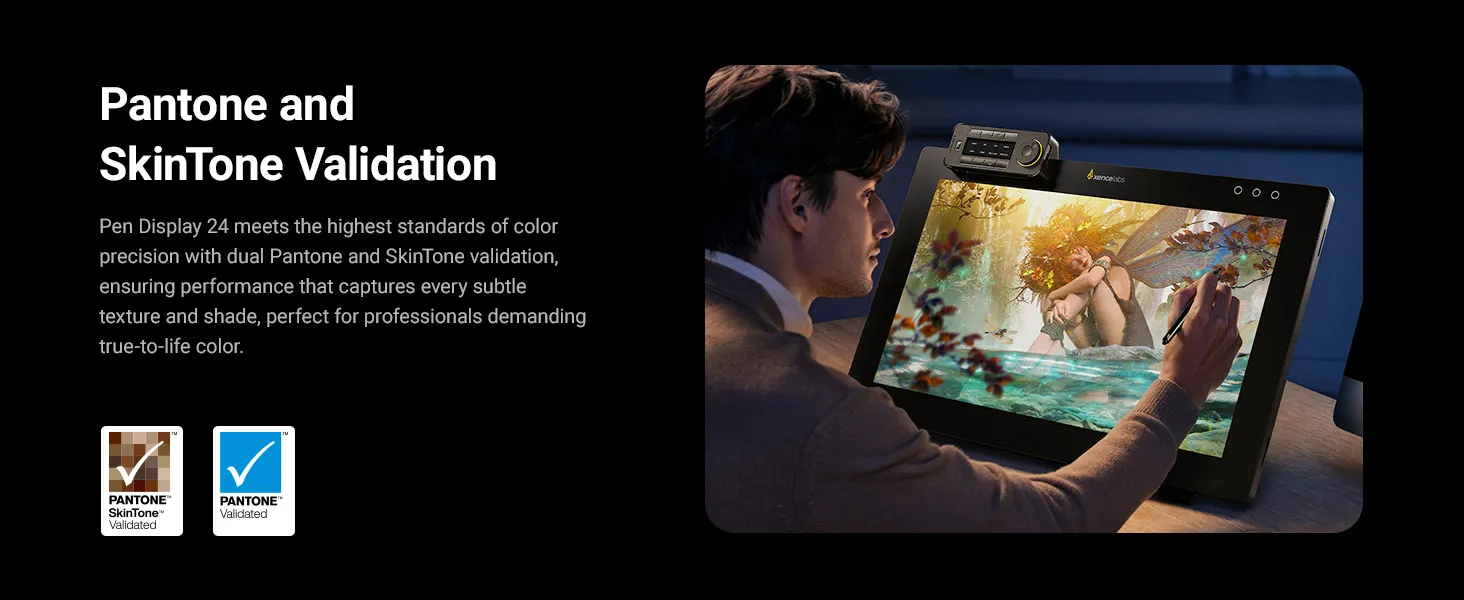
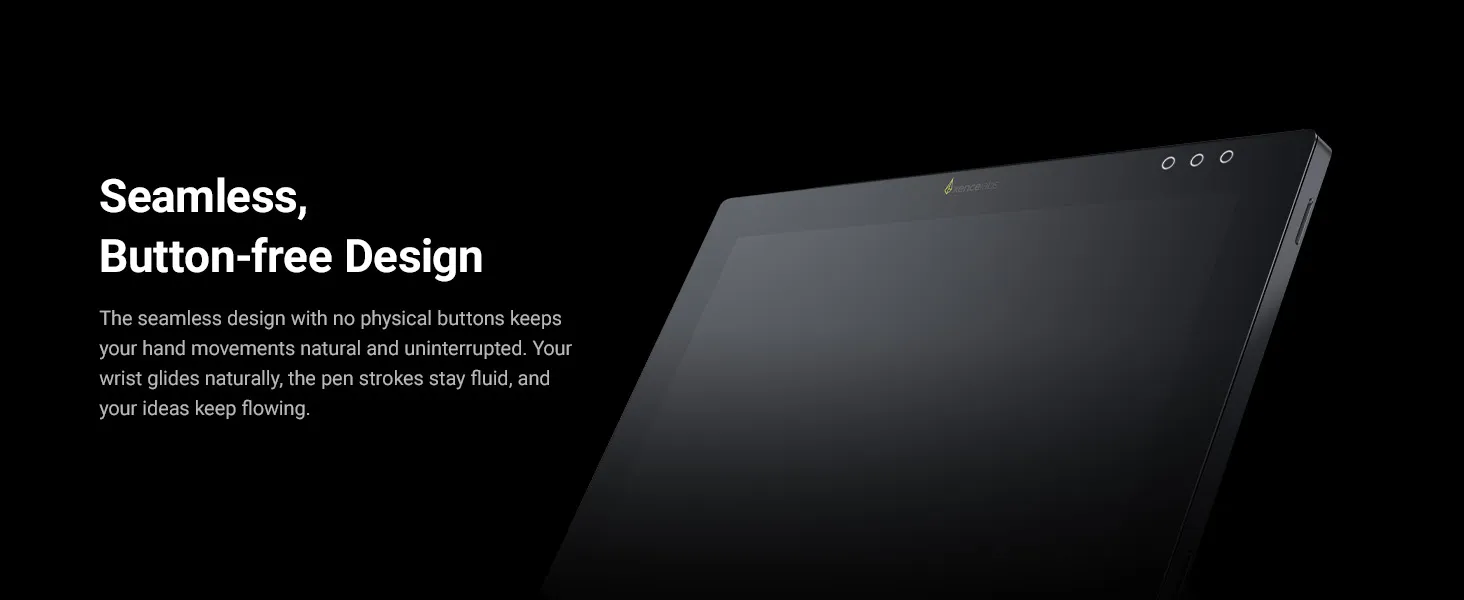
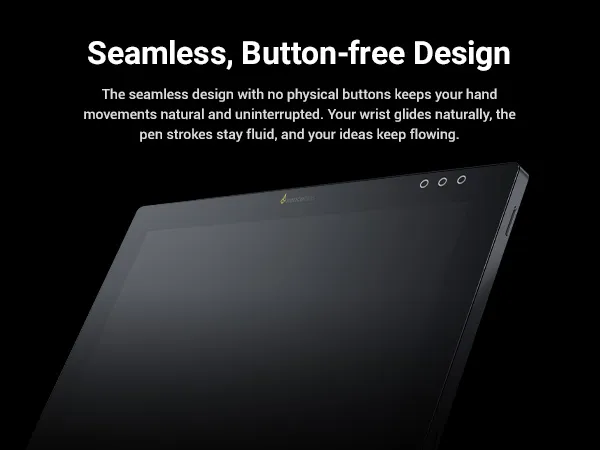
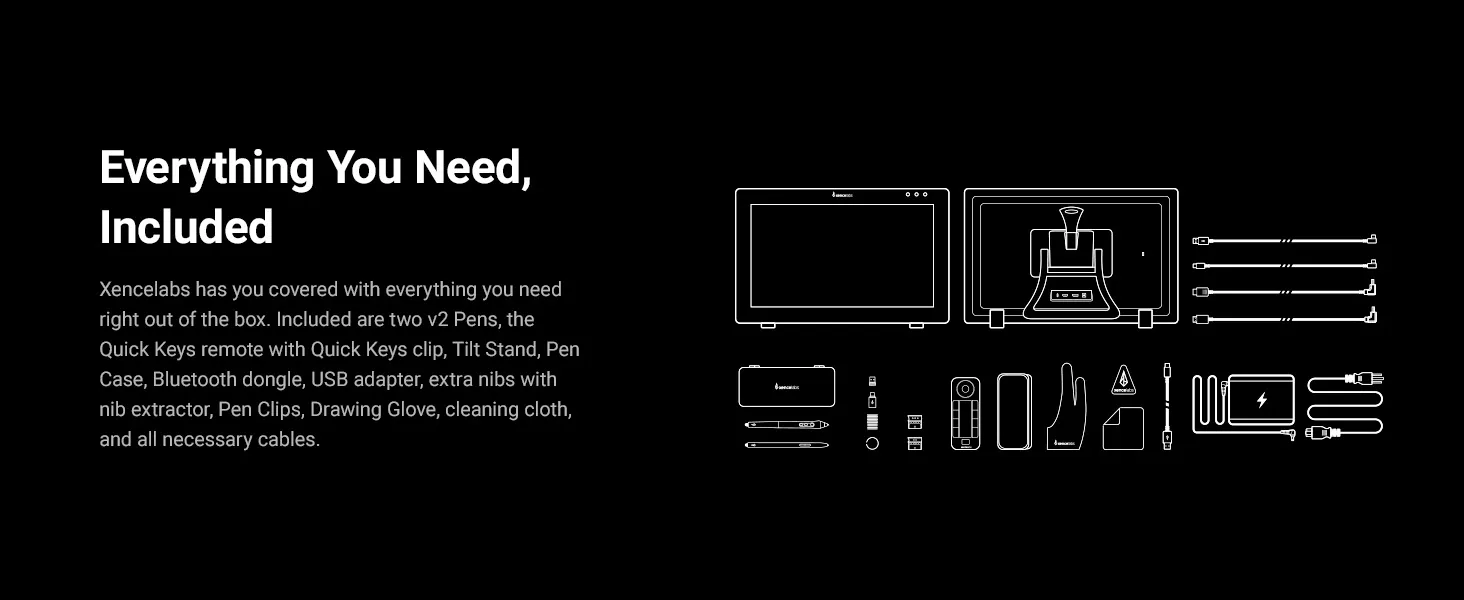
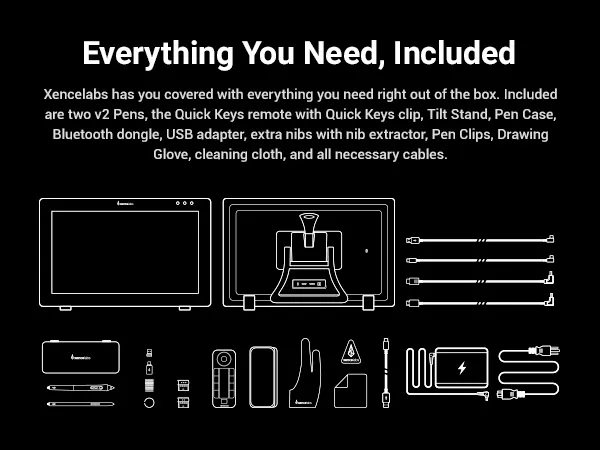
The Xencelabs Pen Display 24 is a 24-inch 4K drawing tablet with screen, built for professional creatives. Designed with feedback from leading artists, it delivers a natural drawing experience, true-to-life color, and streamlined workflow support.
Key Benefits:
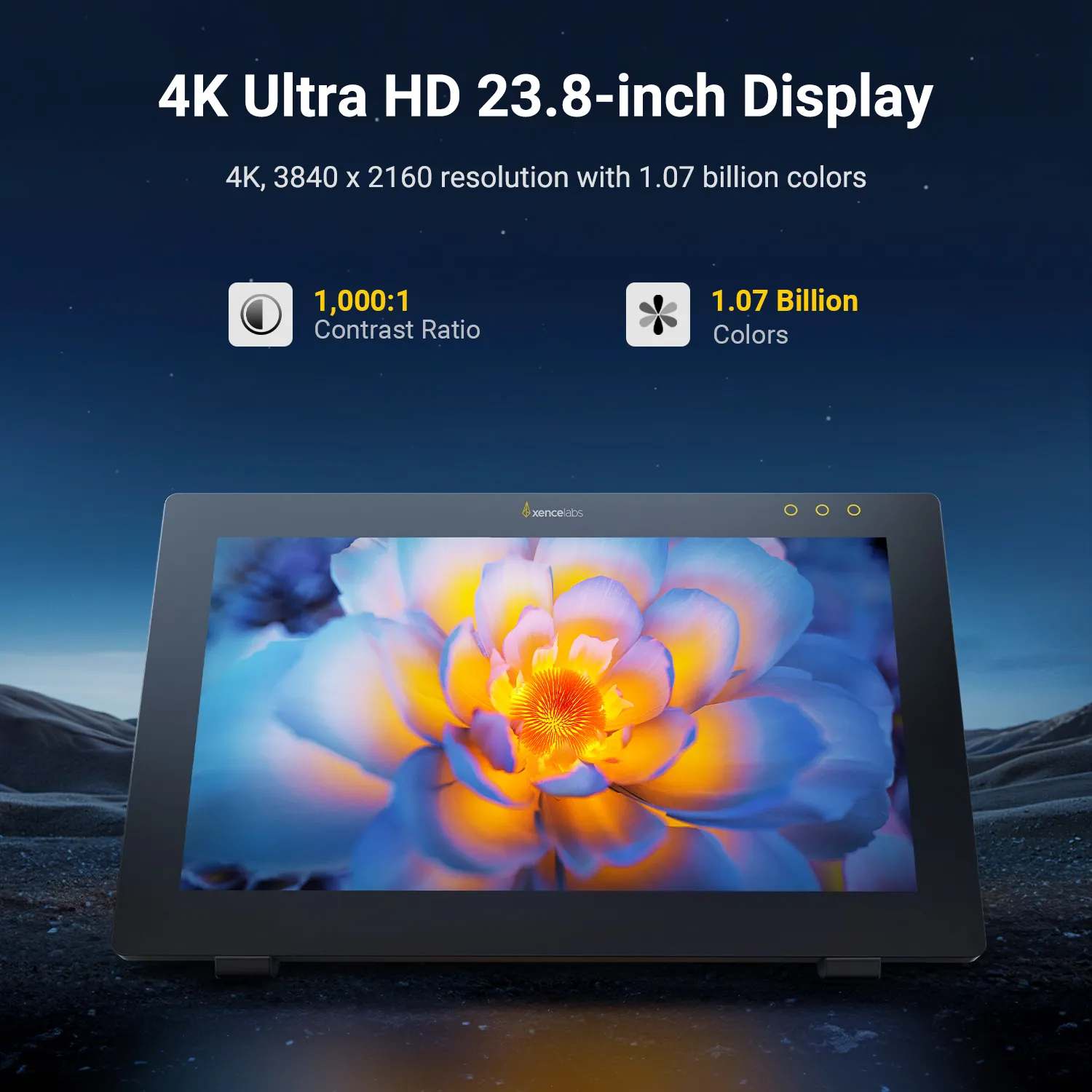
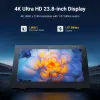
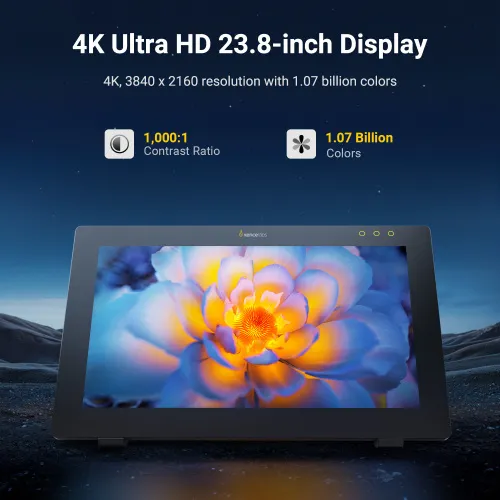
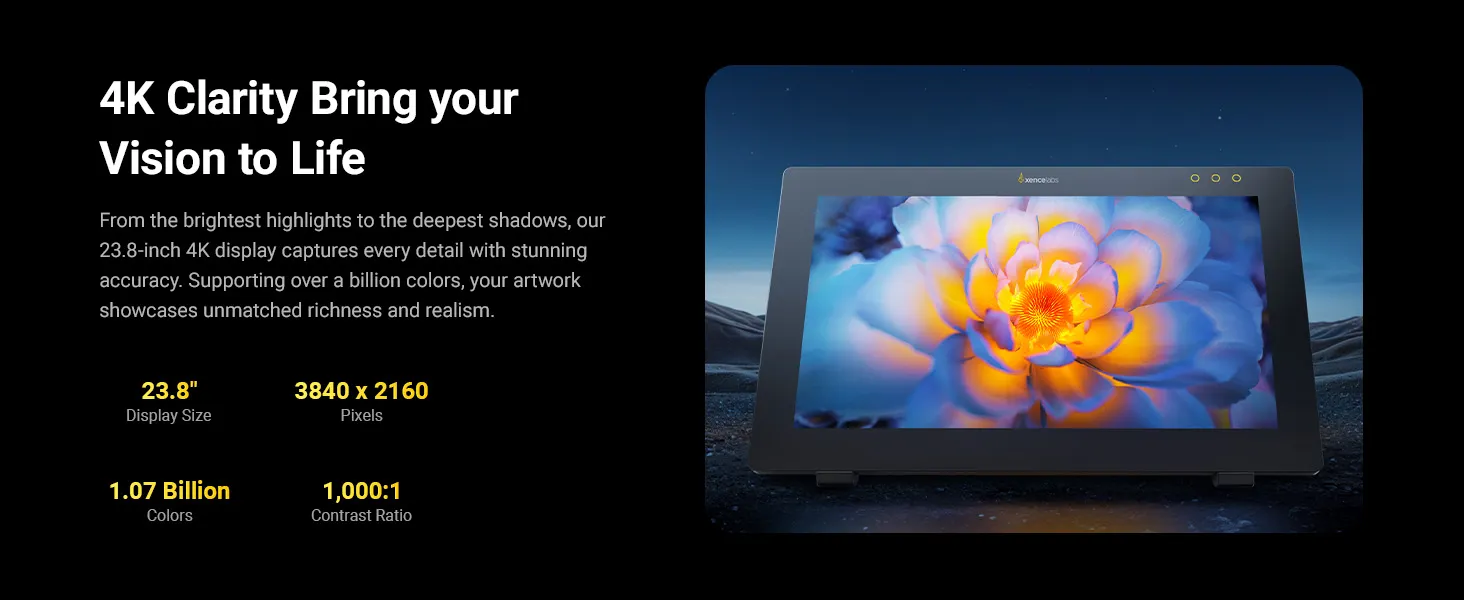
4K Ultra HD Display: From the brightest highlights to the deepest shadows, the 24-inch 4K screen captures every detail with stunning accuracy. Supporting over a billion colors, your artwork showcases rich and realistic visuals.
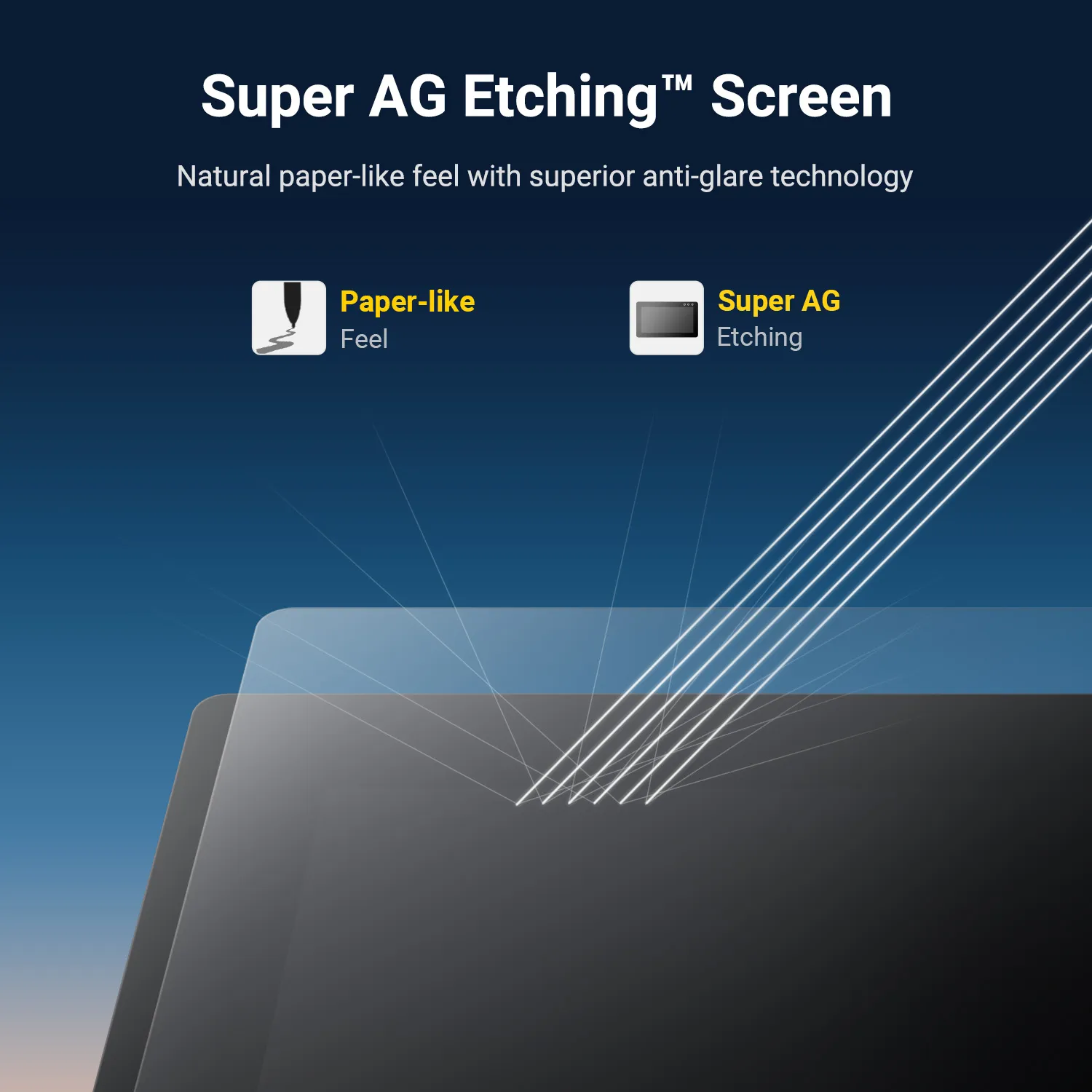
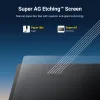
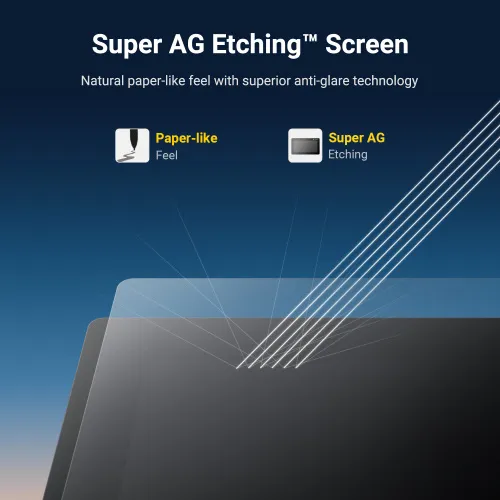
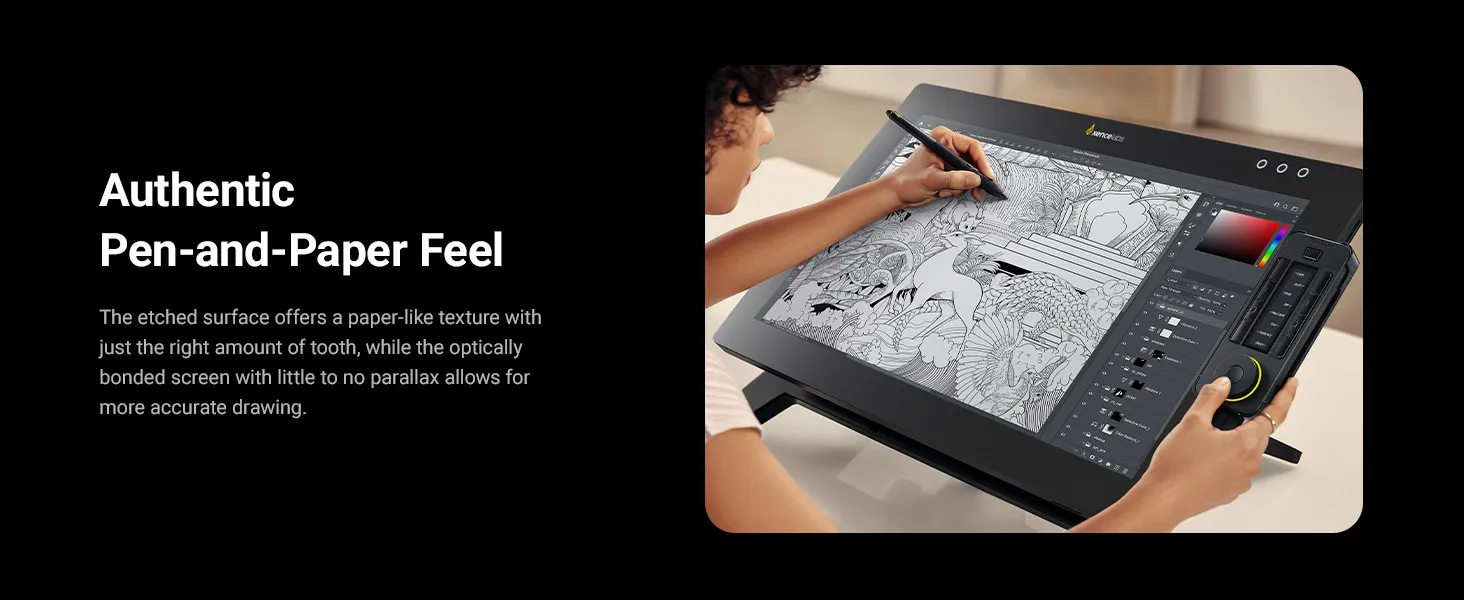
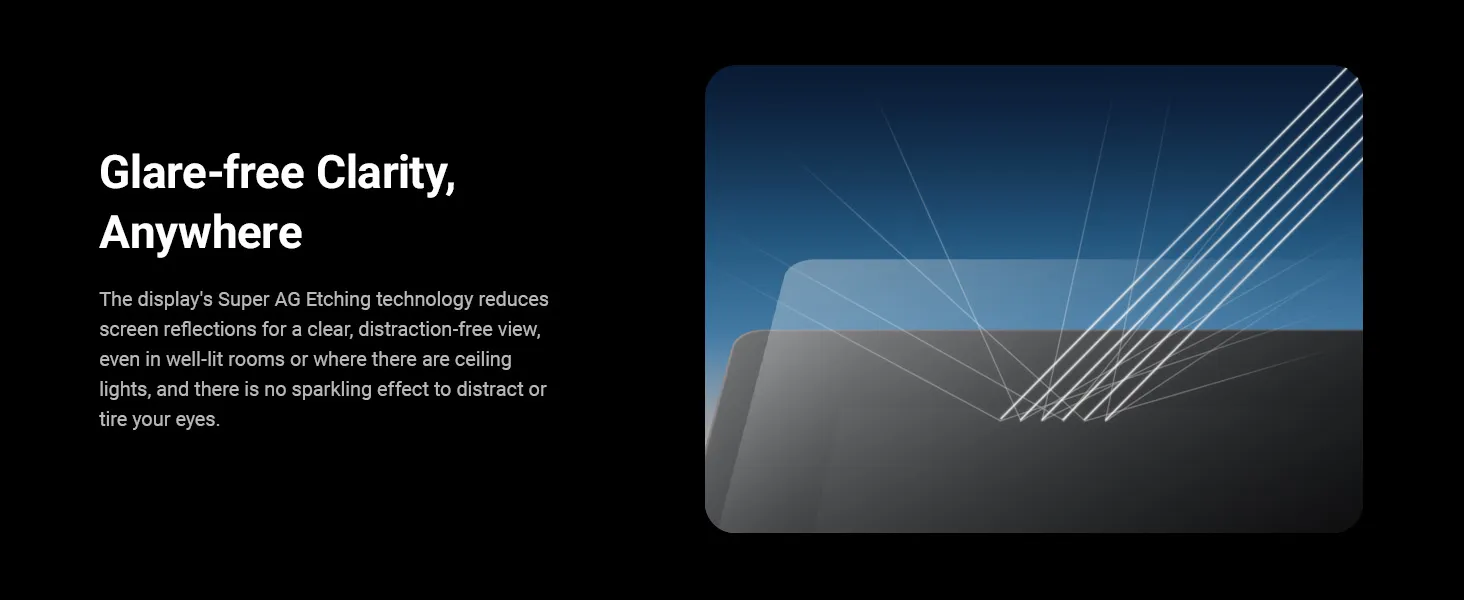
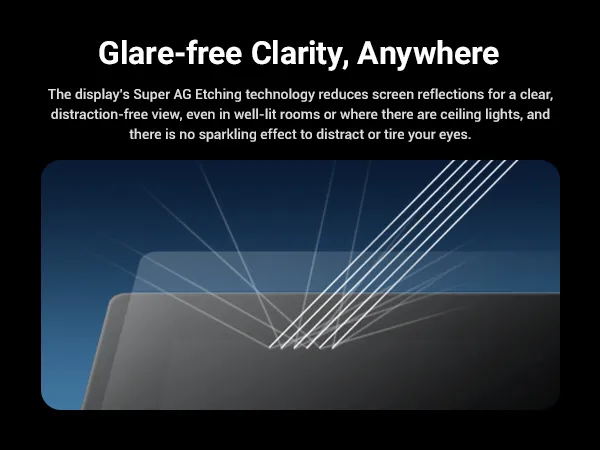
Super AG Etching™ Surface: Etched glass reduces glare and reflections while providing a natural pen-on-paper feel, even in bright environments.
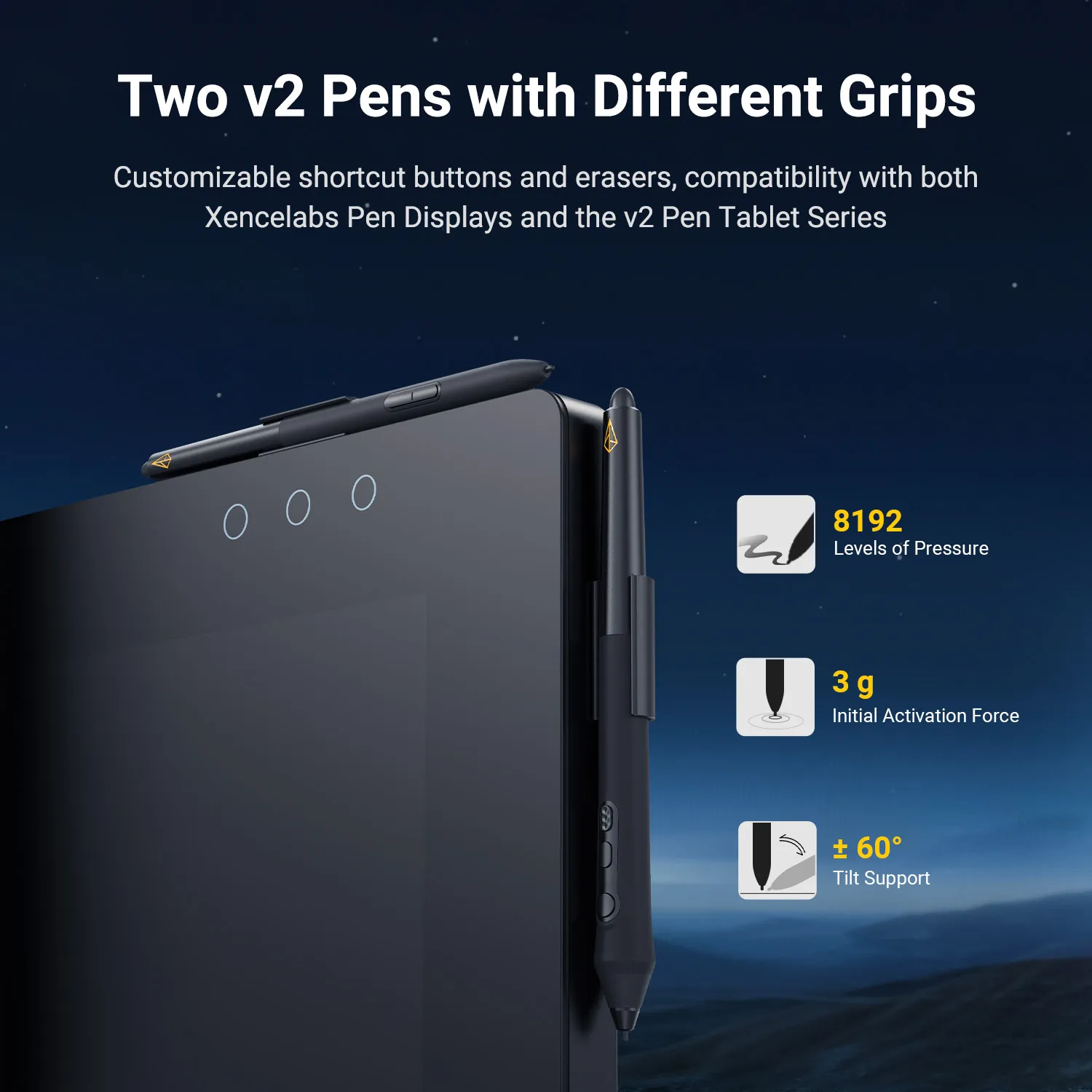
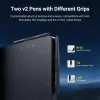
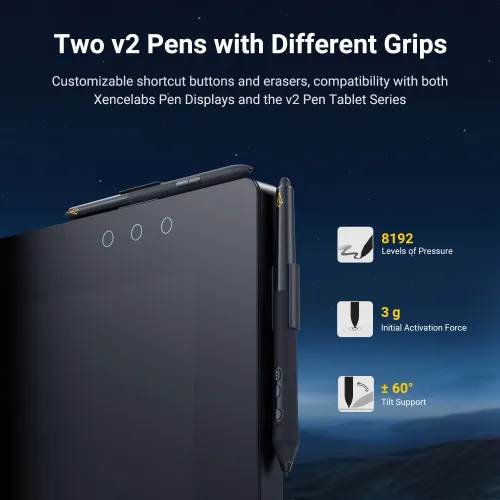
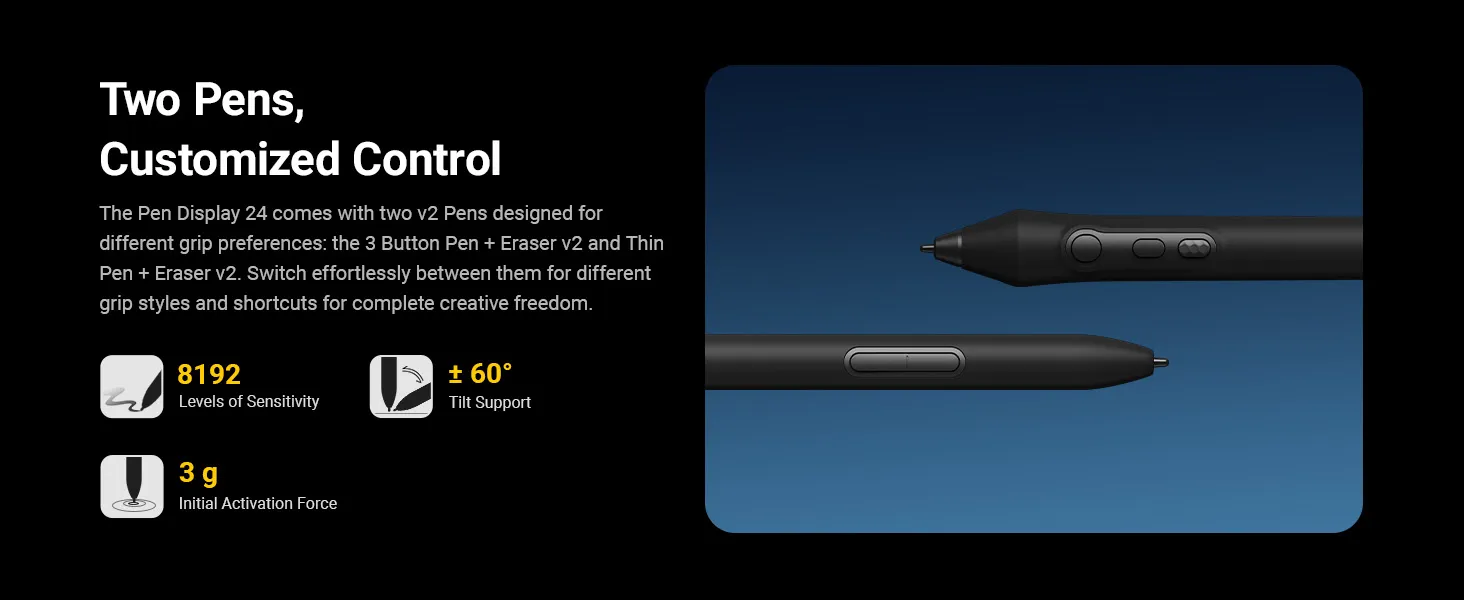
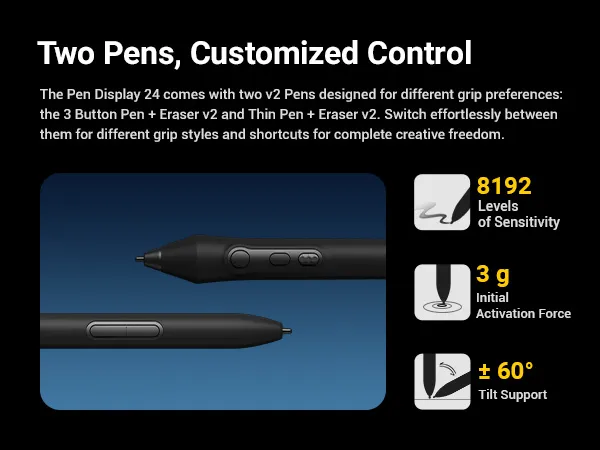
Dual Stylus Pens: Includes both the 3 Button Pen v2 and Thin Pen v2, each with an eraser and customizable settings per application. Perfect for different grip preferences and workflows.
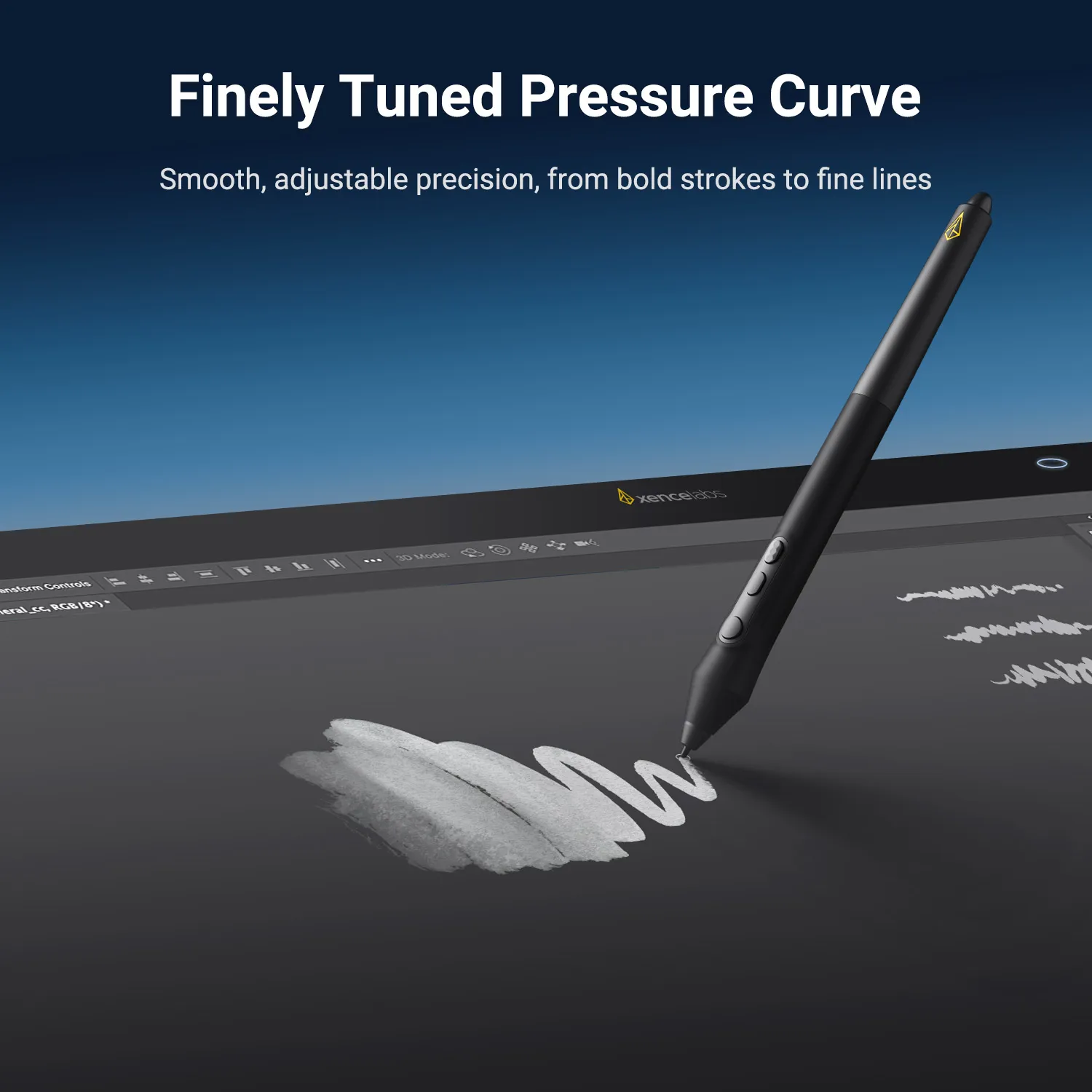
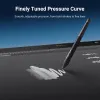
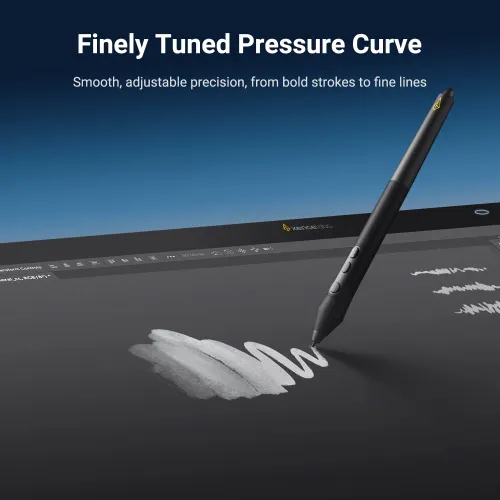
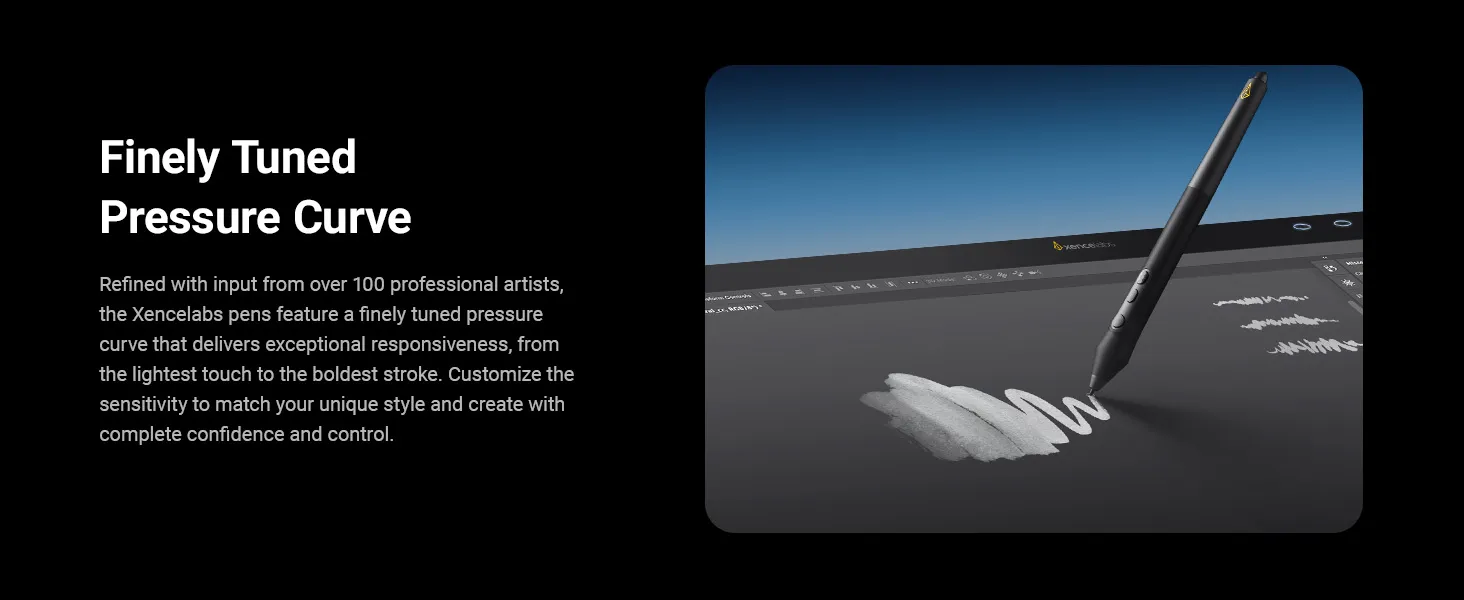
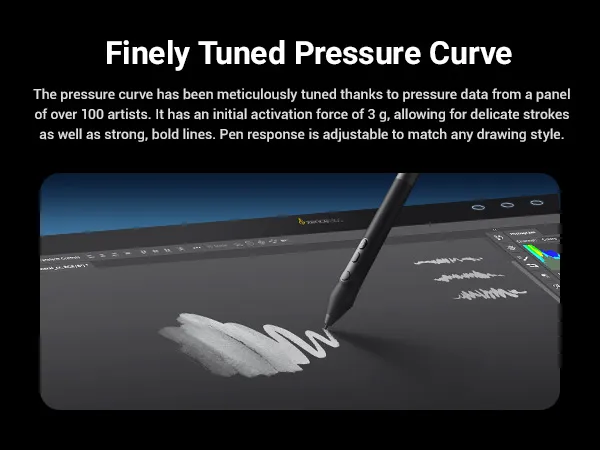
Finely Tuned Pressure Curve: 8192 levels of sensitivity, 3g initial activation force, and ±60° tilt support capture every stroke—from delicate lines to bold shading—with precision.
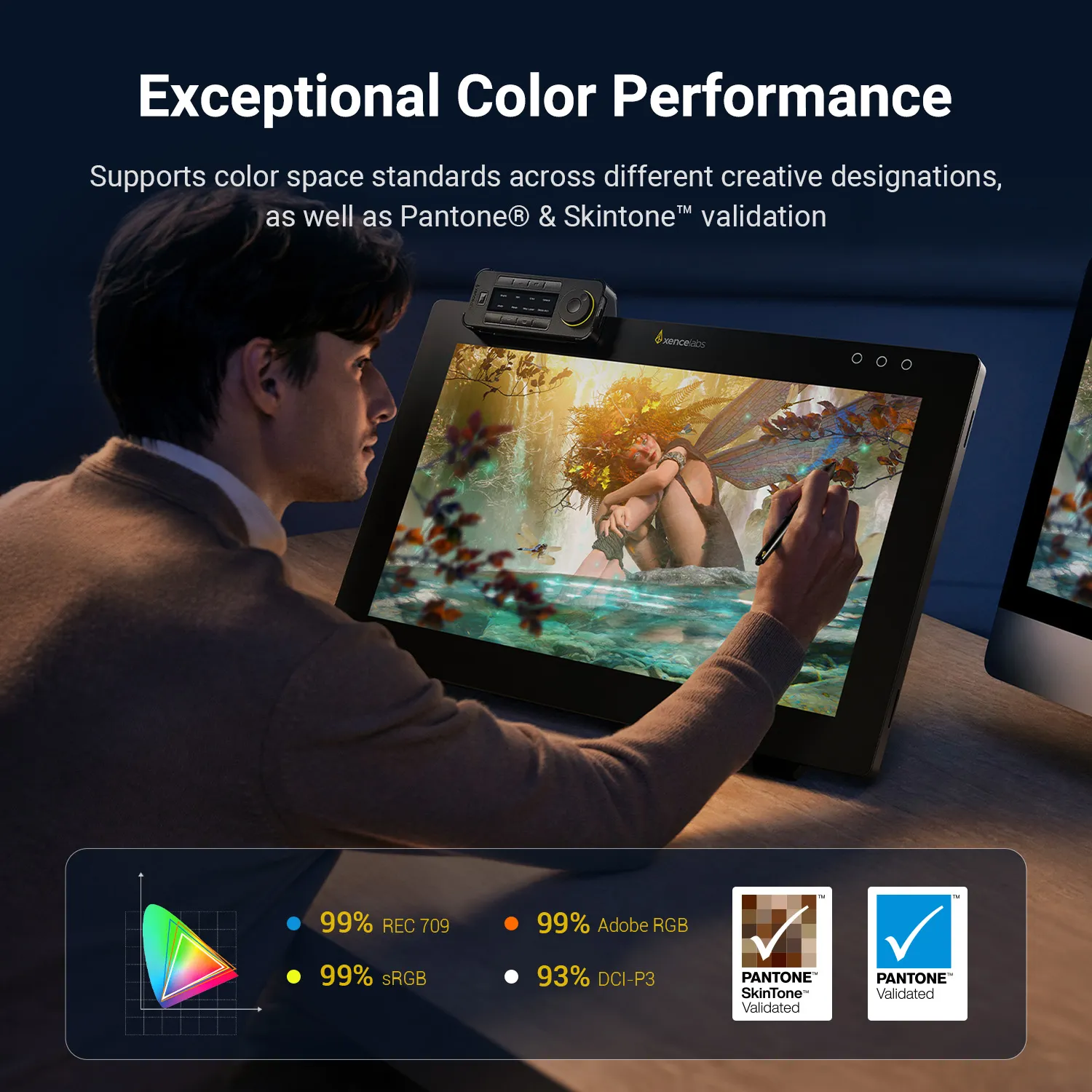
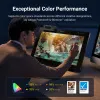
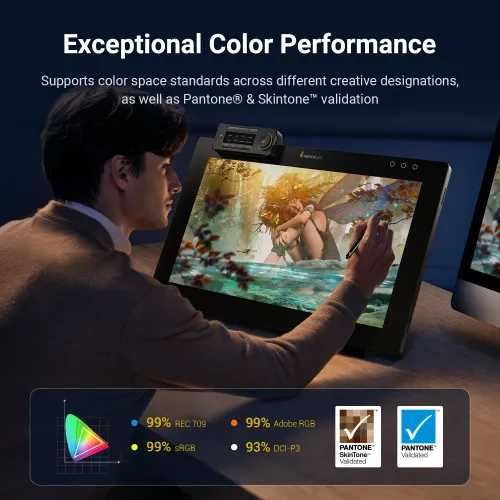
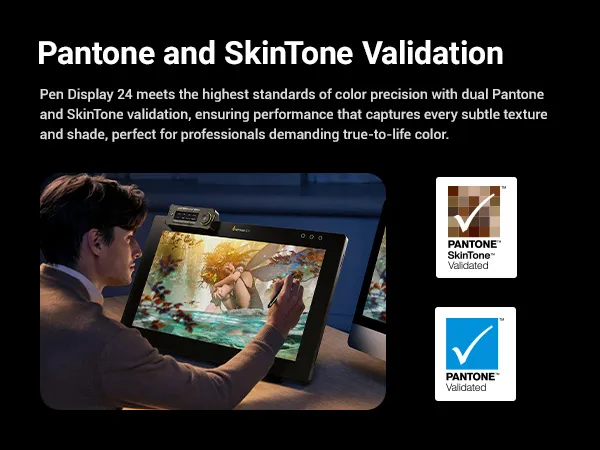
Pantone® & SkinTone™ Validation: Delivers true-to-life color accuracy, reproducing subtle textures and shades that creative professionals rely on.
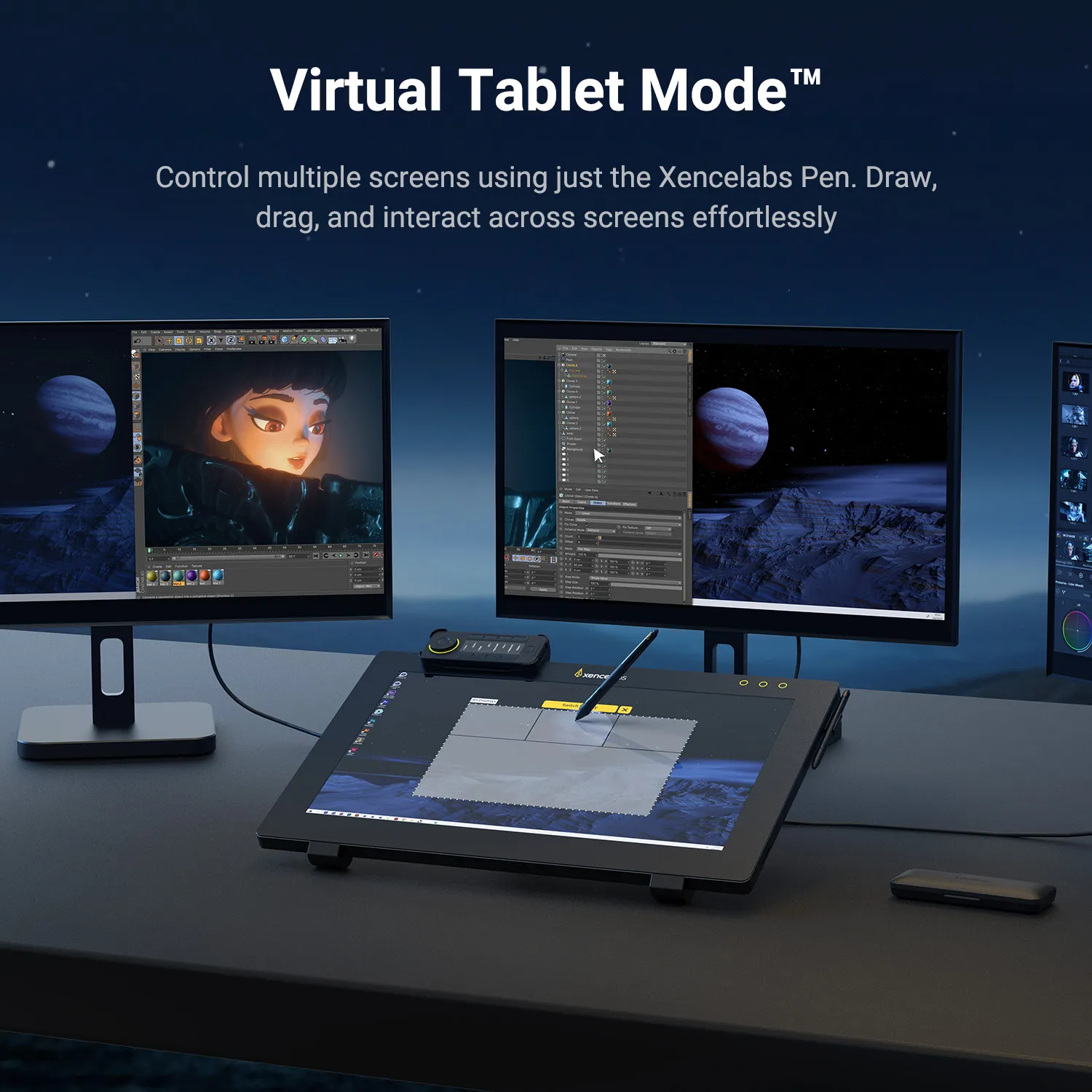
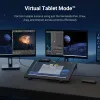
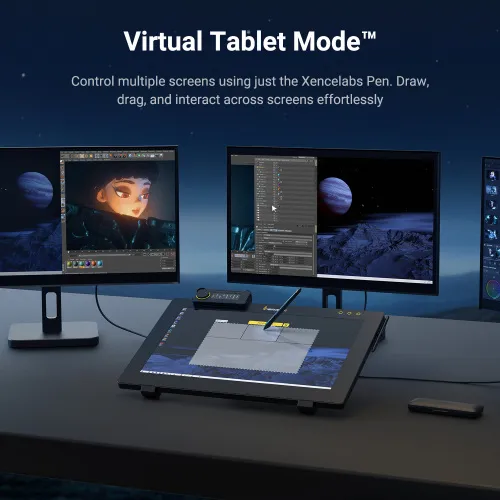
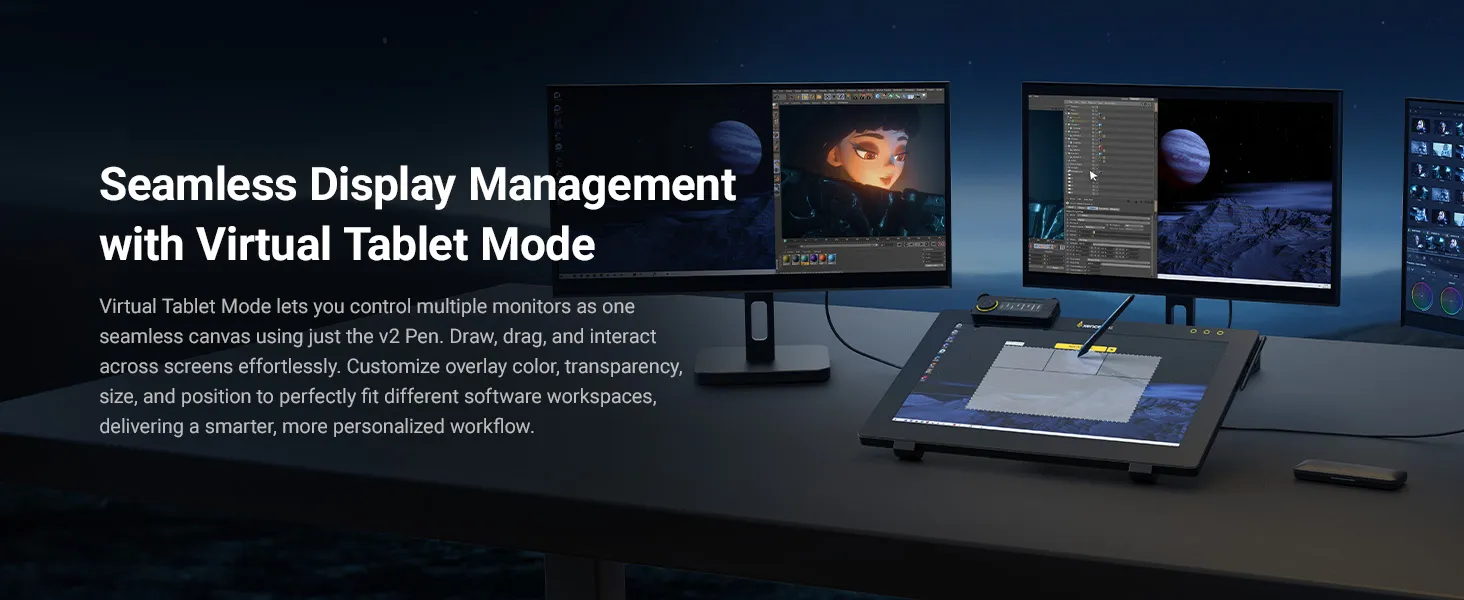
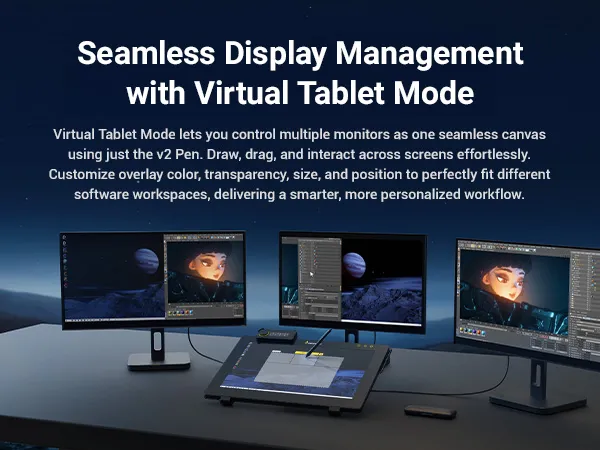
Virtual Tablet Mode™: Control multiple monitors as one seamless canvas with the Xencelabs v2 Pen. Customize overlay color, transparency, size, and position to fit your workspace.
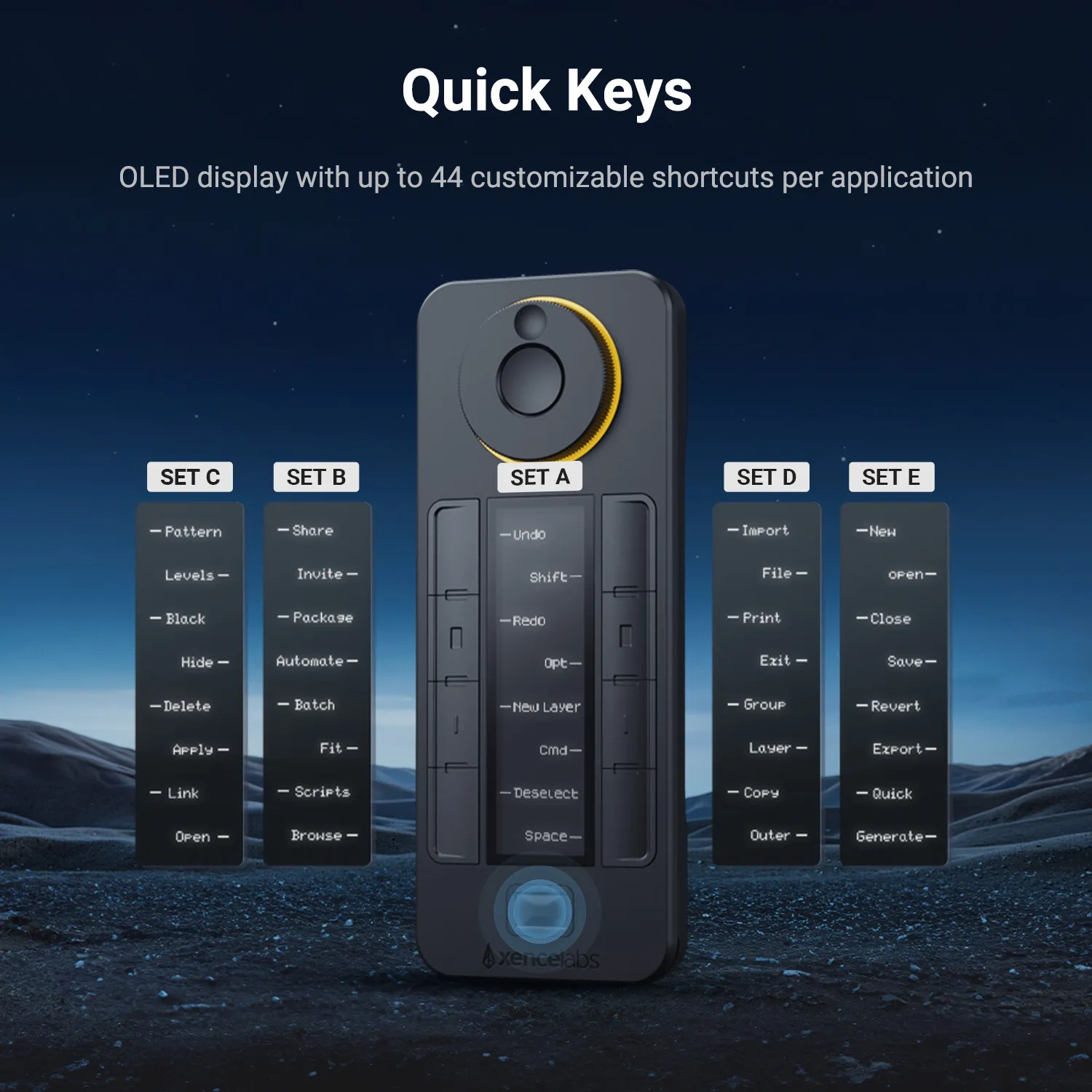
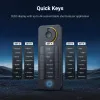
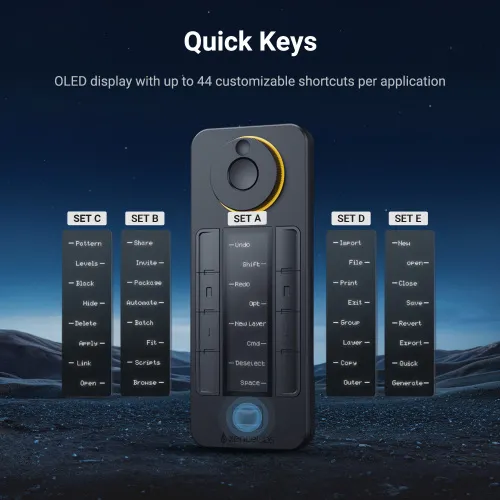
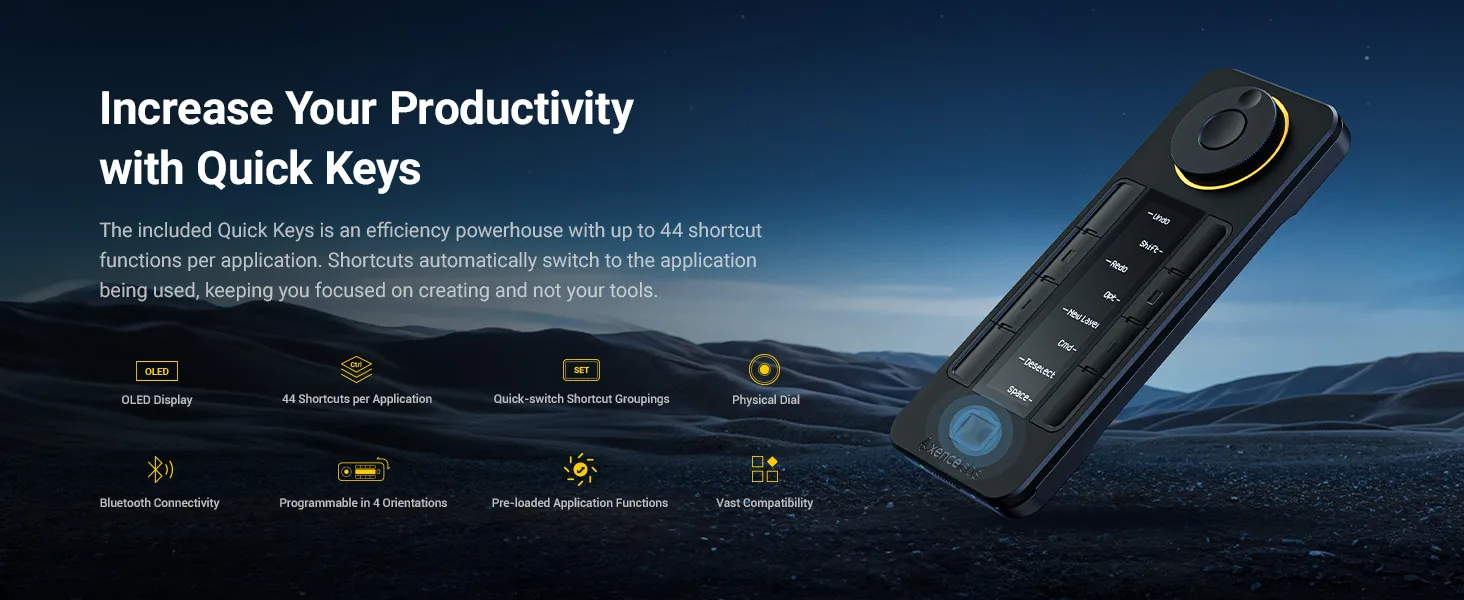
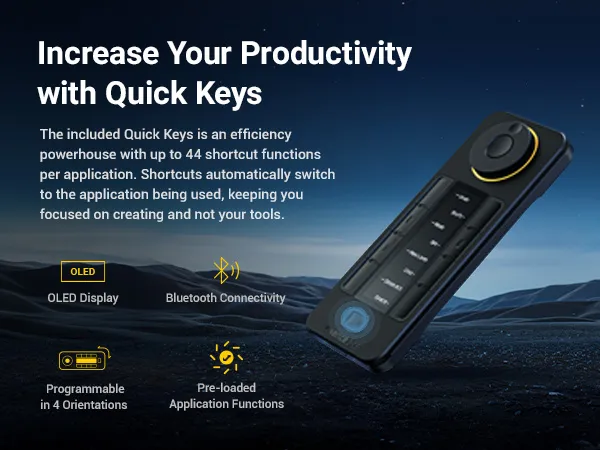
Productivity Quick Keys: Work faster with the Xencelabs Quick Keys remote featuring an OLED display and physical dial with 4 modes. Program up to 44 shortcuts per application.
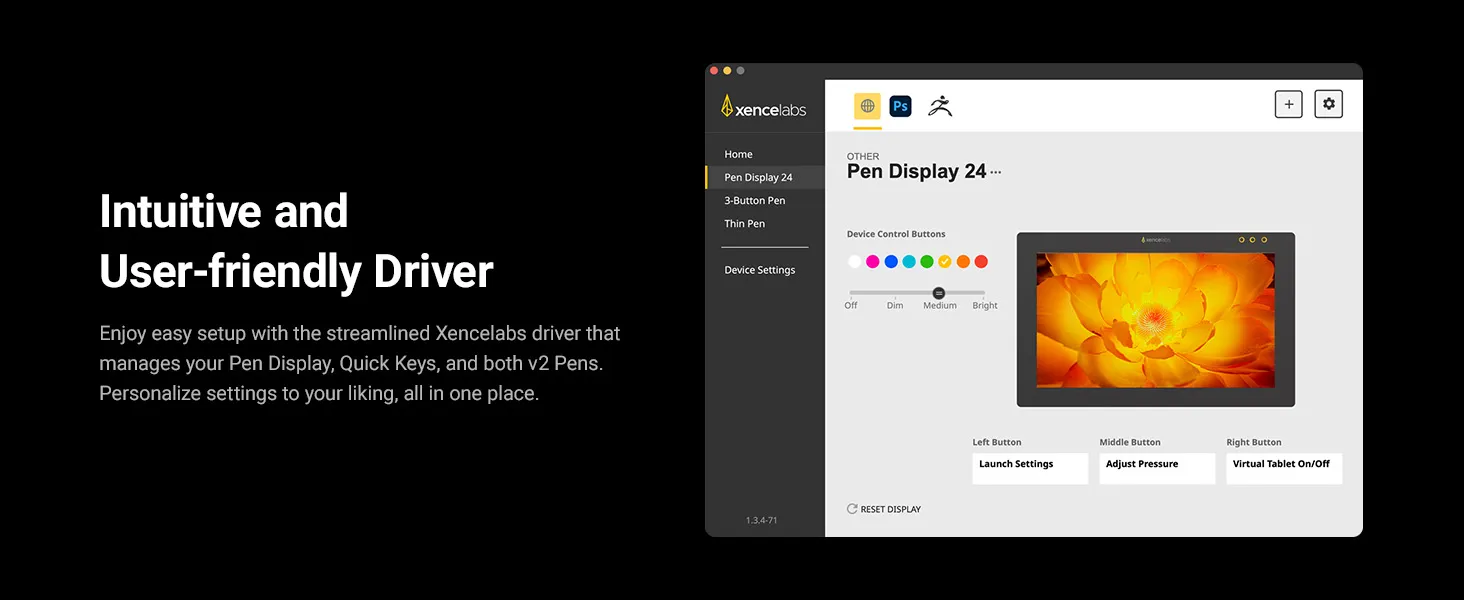
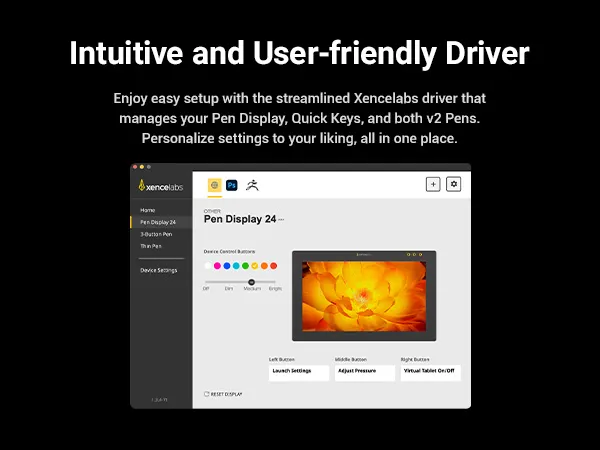
Intuitive Driver: Manage your Pen Display 24, Quick Keys, and both v2 Pens in one streamlined driver. Personalize settings for your workflow with ease.
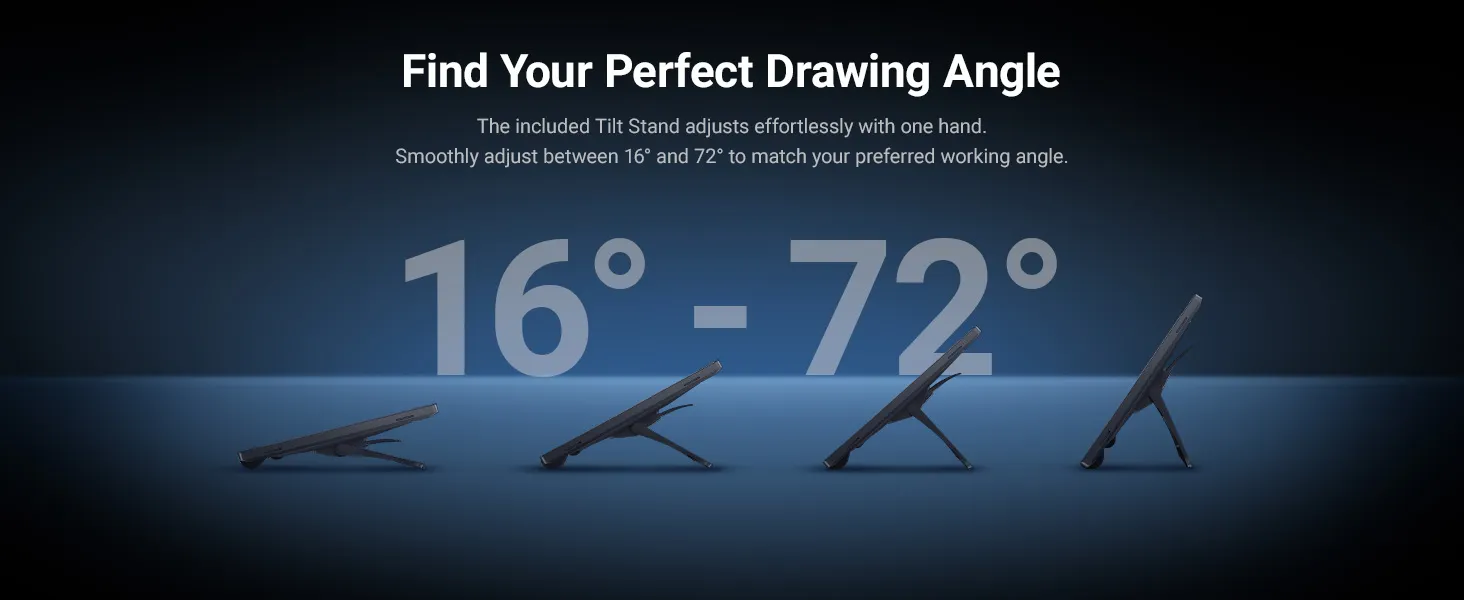
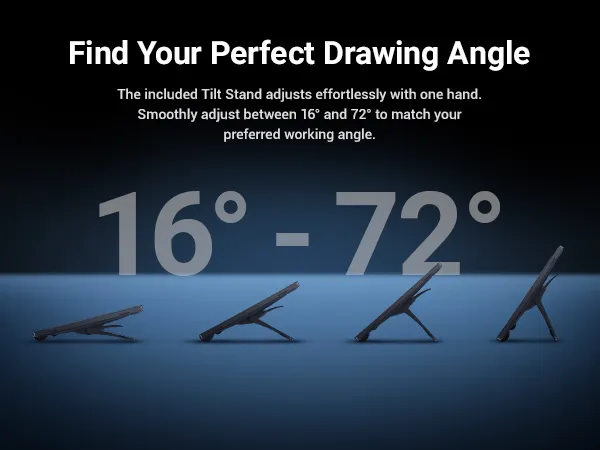
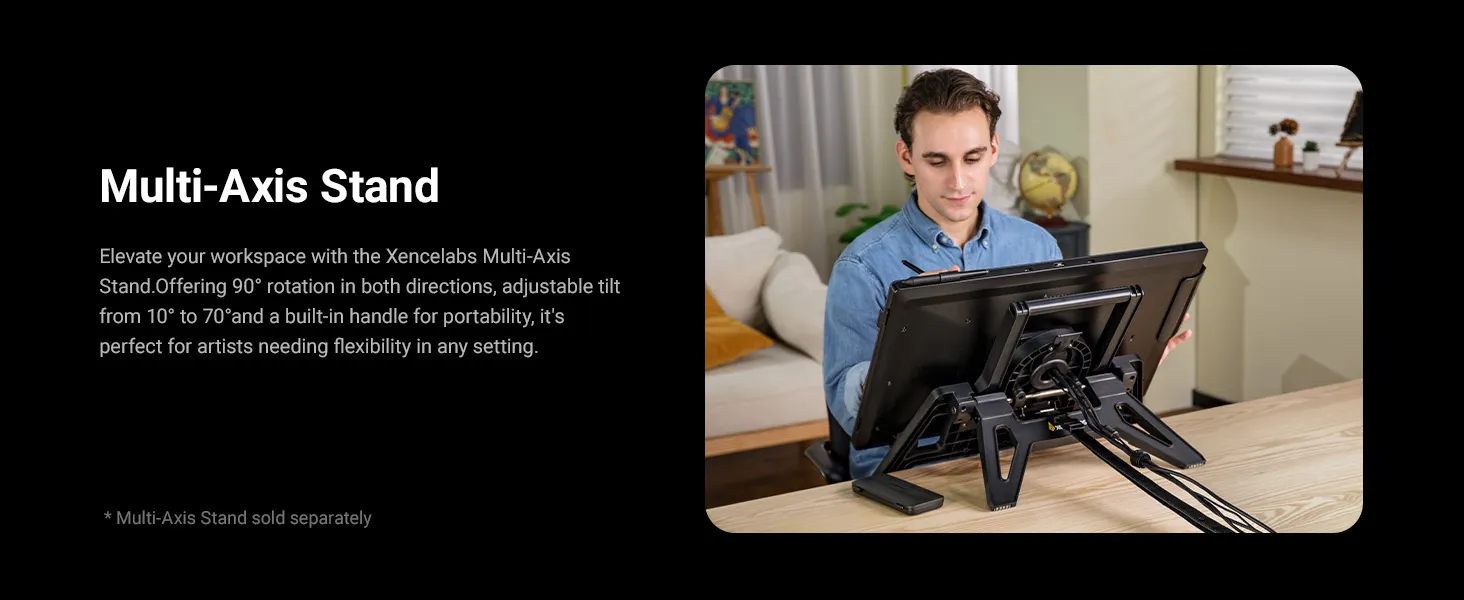
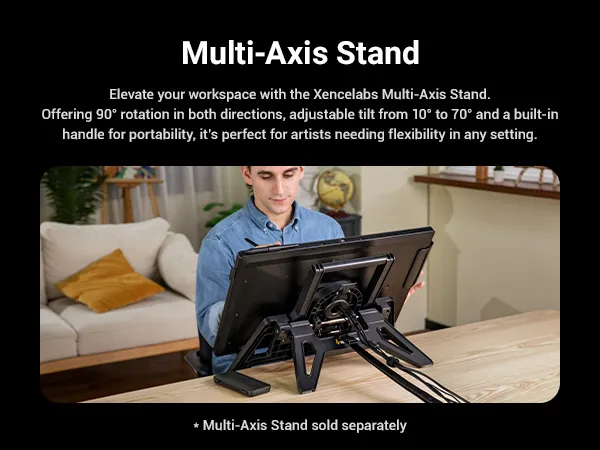
Adjustable Tilt Stand: The included Tilt Stand adjusts smoothly from 16° to 72° with one hand. For added flexibility, the optional Multi-Axis Stand supports more viewing angles.
System Requirements:
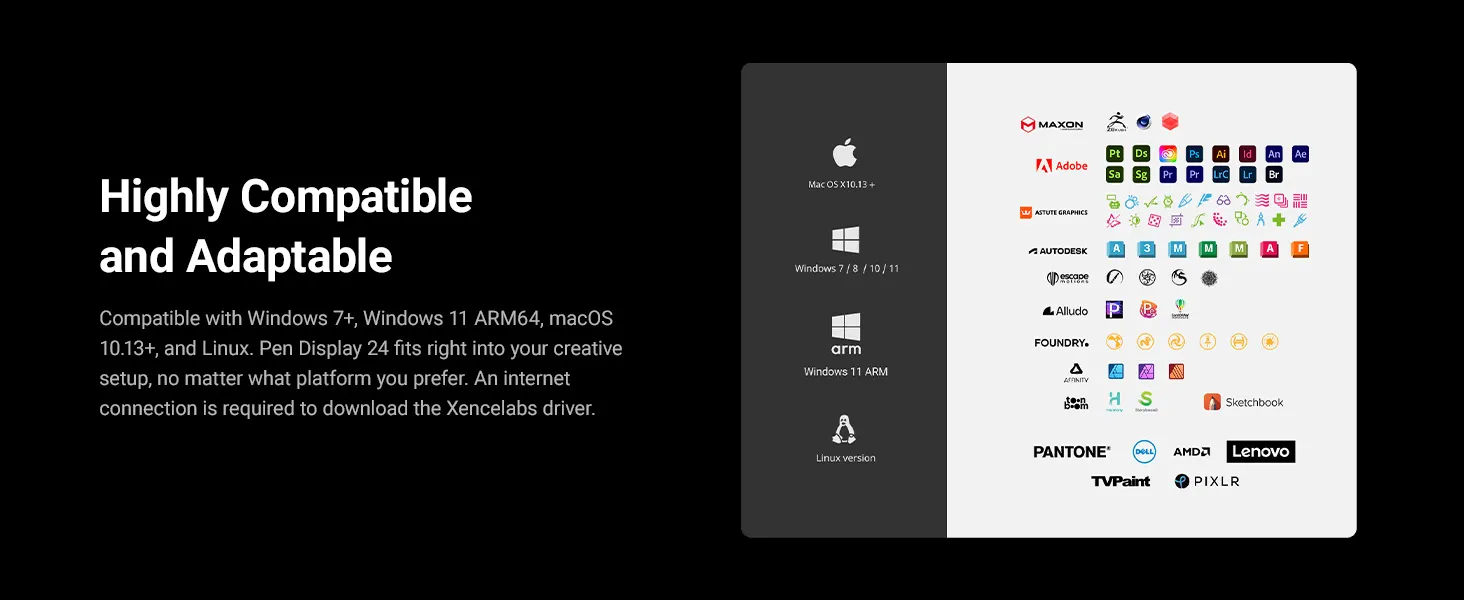
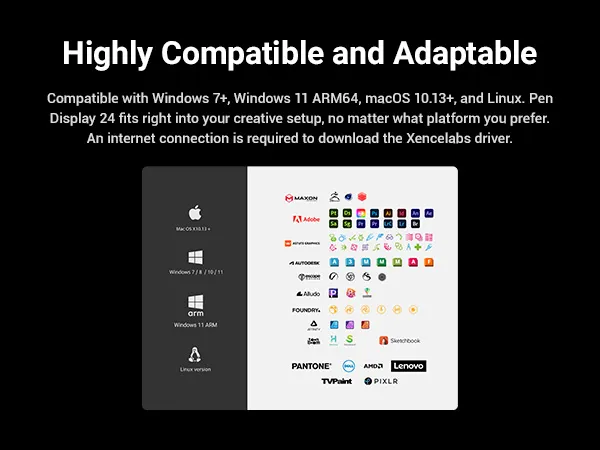
• Windows® 7 or later
• Windows® 11 ARM64
• macOS 10.13 or later
• Linux
*Wireless or cable connection requires USB Type A port (includes Type C adapter) and internet access to download driver.
| Linux OS | Version | Package Format | Supported Software |
| Arch | Arch Linux2019.12.01(64-bit) | .deb, .sh | GIMP, Krita |
| Centos | Centos7.0(64-bit) | .rpm, .sh | GIMP |
| Centos8(64-bit) | .rpm, .sh | GIMP, Krita | |
| Debian | debian-9.5.0-amd64-netinst(64-bit) | .deb, .sh | GIMP, Krita |
| elementary OS | elementary OS 5.0(64-bit) | .deb, .sh | GIMP, Krita |
| ezgo Linux | ezgo14(64-bit) | .deb, .sh | GIMP, Krita |
| Fedora | Fedora32(64-bit) | .rpm, .sh | GIMP, Krita |
| Mageia | Mageia-7.1(64-bit) | .rpm, .sh | GIMP, Krita |
| Manjaro | manjaro-xfce-20.1.2-201019(64-bit) | .deb, .sh | GIMP |
| Mint | linuxmint-18.2-cinnamon-64bit | .deb, .sh | GIMP, Krita |
| OpenSUSE | openSUSE-Tumbleweed(64-bit) | .rpm, .sh | GIMP, Krita |
| Pop!_OS | pop-os_19.10(64-bit) | .deb, .sh | GIMP, Krita |
| Red Hat | Red Hat7(64-bit) | .rpm, .sh | GIMP |
| Ubuntu | Ubuntu14.04(64-bit) | .deb, .sh | GIMP, Krita |
| Ubuntu16.04(64-bit) | .deb, .sh | GIMP, Krita | |
| Ubuntu17.04(64-bit) | .deb, .sh | GIMP, Krita | |
| Ubuntu18.04(64-bit) | .deb, .sh | GIMP, Krita | |
| Ubuntu19.04(64-bit) | .deb, .sh | GIMP, Krita | |
| Ubuntu20.04(64-bit) | .deb, .sh | GIMP, Krita |
| Function | Krita 4.3.0 | Gimp 2.10.20 | Inkscape 0.92 |
| Pen Pressure Sensitivity | |||
| Tilt | |||
| Mouse Function | |||
| Eraser Button (Stylus:PH01, P06) | |||
| Switch between Pen and Eraser Modes | |||
| *If you have any further queries, please do not hesitate to contact us at service@xp-pen.com. | |||
Linux OS
Centos8(64-bit)
.rpm, .sh
GIMP, Krita
Ubuntu16.04(64-bit)
Ubuntu17.04(64-bit)
Ubuntu18.04(64-bit)
Ubuntu19.04(64-bit)
Ubuntu20.04(64-bit)
.deb, .sh
.deb, .sh
.deb, .sh
.deb, .sh
.deb, .sh
GIMP, Krita
GIMP, Krita
GIMP, Krita
GIMP, Krita
GIMP, Krita
Function
*If you have any further queries, please do not hesitate to contact us at service@xp-pen.com.
 No review No consulting